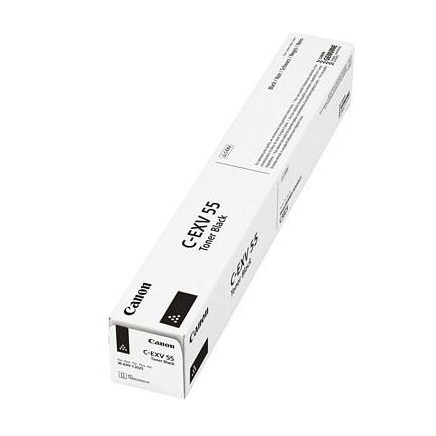
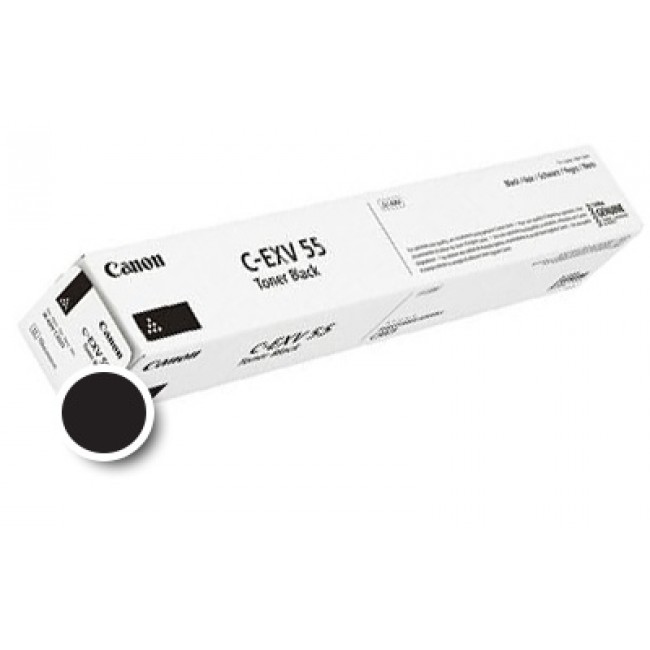
The Canon Drum Unit C-EXV 55 Black is an essential component for achieving high-quality monochrome printing. This drum unit ensures smooth and consistent toner transfer, producing sharp, clear, and professional-quality prints. It is designed to work seamlessly with Canon imageRUNNER devices, offering reliable performance for businesses and organizations with high-volume printing needs.
Key Features:
High-Quality Printing:
Ensures precise and consistent toner application for sharp black prints.
Durable Performance:
Long-lasting drum unit supports high-volume printing with reduced downtime.
Optimized Compatibility:
Engineered for Canon imageRUNNER series for hassle-free integration.
Easy Installation:
User-friendly design allows quick replacement without technical expertise.
Eco-Conscious Design:
Fully recyclable, aligning with Canon’s sustainability initiatives.
Specifications: Canon Drum Unit C-EXV 55 Black
Color: Black
Print Yield: Approximately 60,000 pages (varies by print job and coverage).
Weight: Approximately 3.5–4.0 kg (including packaging).
Compatible Devices:
Canon imageRUNNER ADVANCE DX C3720i
Canon imageRUNNER ADVANCE DX C3725i
Canon imageRUNNER ADVANCE DX C3730i
Other models in the Canon imageRUNNER series (refer to the printer manual for a full list).
Technology: Designed for laser printing systems, ensuring accurate toner transfer.
Benefits: Canon Drum Unit C-EXV 55 Black
Professional Print Results:
Maintains high standards of clarity and sharpness in black-and-white prints.
Cost-Effective Solution:
Long-lasting drum unit reduces replacement frequency and overall cost.
Consistent Output:
Ensures uniform print quality throughout its lifecycle.
Sustainability:
Recyclable unit supports environmentally friendly disposal practices.
Perfect Printer Fit:
Specifically designed for Canon printers, ensuring optimal performance and reliability.
How to Install Canon Drum Unit C-EXV 55 Black
Turn Off the Printer:
Ensure the printer is powered off and unplugged to prevent damage or injury.
Access the Drum Compartment:
Open the drum unit access panel following your printer’s user manual.
Remove the Old Drum Unit:
Carefully release and pull out the used C-EXV 55 Black drum unit.
Prepare the New Drum Unit:
Unpack the new drum unit, remove all protective materials, and handle it carefully to avoid touching the drum surface.
Insert the New Drum Unit:
Align it with the slot and push it securely into place.
Close the Compartment:
Ensure the drum unit panel is firmly closed.
Power On the Printer:
Turn on the printer and run a test print to ensure successful installation.








There are no reviews yet.