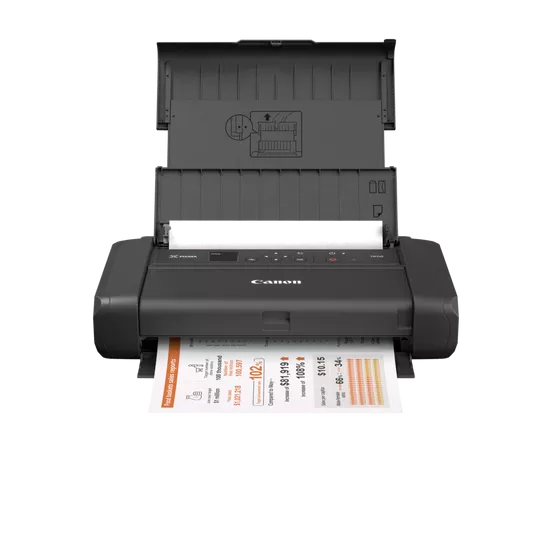
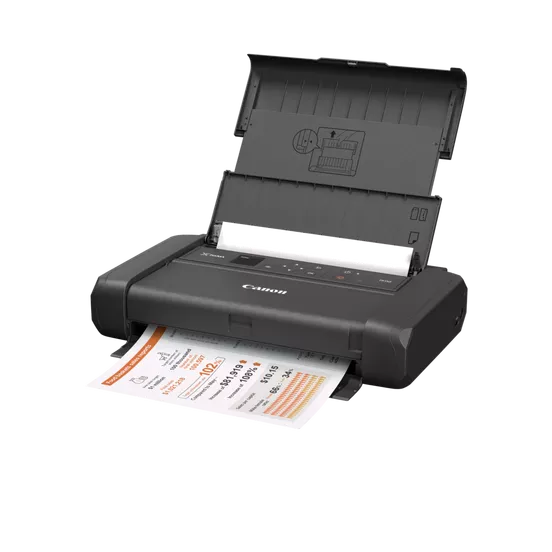
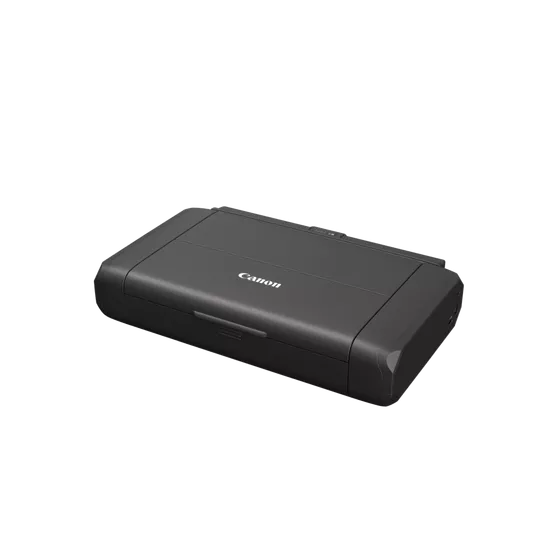
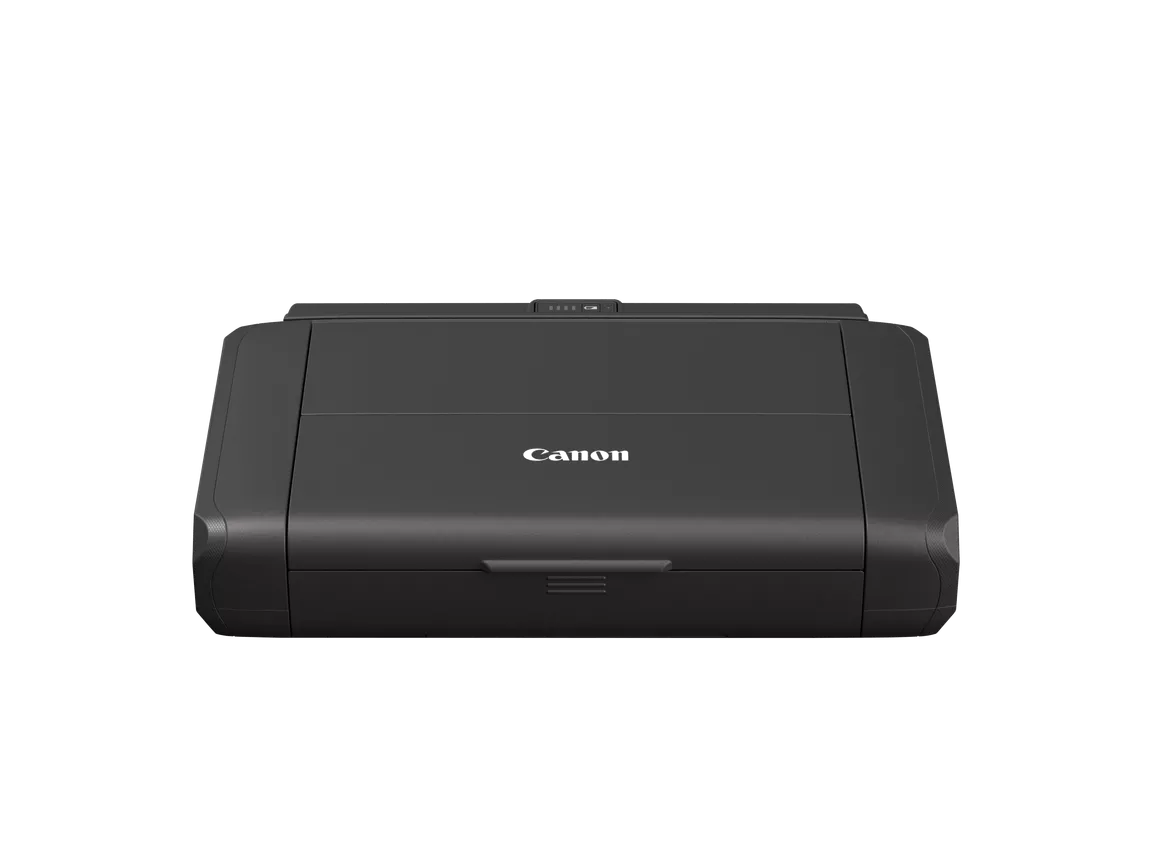
The Canon PIXMA TR150 with Battery is a compact, portable inkjet printer designed for individuals or businesses that need a reliable and efficient printing solution while on the go. This printer is part of Canon’s PIXMA TR series, which is known for offering high-quality printing in a portable form factor. The inclusion of a battery allows the TR150 to be used without the need for a constant power source, making it ideal for mobile professionals, fieldwork, or remote work situations.
Key Features of Canon PIXMA TR150 with Battery:
Portable and Compact Design:
The Canon PIXMA TR150 is designed with portability in mind. It is lightweight and compact, making it easy to carry around and transport for mobile printing tasks.
Dimensions: 12.7 x 7.3 x 2.5 inches (W x D x H) (approximately).
Weight: Approximately 4.5 lbs (2.0 kg), with the battery included.
High-Quality Prints:
Despite its small size, the TR150 delivers professional-quality prints, with a maximum print resolution of 4800 x 1200 dpi (dots per inch).
It supports both color and black-and-white printing, producing crisp, vibrant prints for documents, photos, and other media.
Battery-Powered:
The Canon PIXMA TR150 with Battery comes with an optional Canon rechargeable battery pack (NB-CP2L), allowing users to print without needing to plug the printer into a power outlet.
The battery can provide up to 330 pages of printing on a full charge, making it a great option for people who need to print while traveling or in locations without easy access to electricity.
Wireless Connectivity:
The printer supports Wi-Fi for wireless printing from various devices such as smartphones, tablets, and laptops.
It also offers compatibility with Apple AirPrint, Google Cloud Print, and Mopria, enabling convenient printing from mobile devices and cloud services.
Mobile Printing Features:
The TR150 supports Canon PRINT Inkjet/SELPHY app, allowing users to easily print, scan, and copy from their smartphones or tablets.
You can print documents directly from cloud-based services like Google Drive, Dropbox, and OneDrive.
Direct Printing:
The printer allows for direct printing via USB with devices that support it, ensuring flexibility for users who prefer a wired connection.
Versatile Media Handling:
The TR150 can print on various paper sizes, including A4, A5, B5, Letter, and Legal. It can also handle specialty media like envelopes and photo paper, which makes it suitable for a wide range of printing tasks.
The printer has a 100-sheet paper capacity, ensuring you can handle larger printing jobs without needing frequent paper reloads.
Easy to Use and Set Up:
The Canon PIXMA TR150 features a 1.44-inch OLED display, which provides clear visibility of the printer’s status and settings for easy operation.
The printer’s setup is simple, and it comes with a quick start guide to get you printing in no time.
Specifications of Canon PIXMA TR150 with Battery:
Print Technology: Thermal inkjet
Print Speed:
Black (ISO): Up to 9.0 ipm (images per minute)
Color (ISO): Up to 5.5 ipm
Maximum Print Resolution: 4800 x 1200 dpi
Connectivity:
Wi-Fi, USB 2.0, Wireless Direct
Apple AirPrint, Google Cloud Print, Mopria, Canon PRINT app
Display: 1.44-inch OLED
Battery Life: Up to 330 pages per full charge (with Canon NB-CP2L battery pack)
Paper Handling:
Front Paper Tray: Holds up to 100 sheets of plain paper
Output Tray: Holds up to 50 sheets
Supported Paper Sizes: A4, A5, B5, Letter, Legal, and photo paper sizes
Dimensions: 12.7 x 7.3 x 2.5 inches (W x D x H)
Weight: Approx. 4.5 lbs (2.0 kg) (with battery)
Benefits of Canon PIXMA TR150 with Battery:
Portability:
The Canon PIXMA TR150 is highly portable, offering the flexibility to print from virtually anywhere without the need for an electrical outlet, thanks to its battery option.
Professional Print Quality:
With a high print resolution of 4800 x 1200 dpi, it delivers sharp, vibrant, and professional-grade prints for a variety of documents, including photos and presentations.
Convenient Wireless Printing:
Wi-Fi and mobile printing support ensure that you can print from virtually any device, whether it’s a laptop, smartphone, or tablet. The Canon PRINT app makes it even easier to print from your mobile devices.
Sustainability:
The printer’s ability to print wirelessly reduces the need for excessive cables and promotes an eco-friendly printing experience.
Cost-Effective:
With the battery pack, you can print without the need to continuously connect to an outlet, reducing energy consumption. Plus, the printer’s cost is reasonable for portable, high-quality printing.
How to Install Canon PIXMA TR150 with Battery:
Unboxing:
Open the packaging and remove all components: the printer, battery pack, power adapter, and installation instructions.
Installing the Battery:
If you are using the Canon NB-CP2L battery pack, insert the battery into the designated compartment in the back of the printer.
Connecting to Power:
If you choose not to use the battery, connect the printer to a power outlet using the provided power cable.
Install Ink Cartridges:
Open the printer’s front cover and insert the provided Canon ink cartridges (PGI-35 and CLI-36) into their respective slots.
Load Paper:
Insert paper into the front paper tray, ensuring that it is aligned properly for smooth printing.
Connect to Wi-Fi:
Turn on the printer and follow the instructions on the OLED display to connect the printer to your Wi-Fi network.
Install Software & Drivers:
Install the necessary drivers and software from the Canon website or use the installation CD provided in the box. You can also install the Canon PRINT Inkjet/SELPHY app on your mobile device for easy wireless printing.
Test Print:
Run a test print to ensure that everything is set up correctly and that the printer is functioning as expected.




 Design Jet, Designjet, HP, Printers, T-series Printers
There are no reviews yet.