

Canon Laser MFP i-SENSYS MF657Cdw | RELIABLE | COMPACT | EFFICIENT
$413.50 $415.00
Canon Laser MFP i-SENSYS MF657Cdw
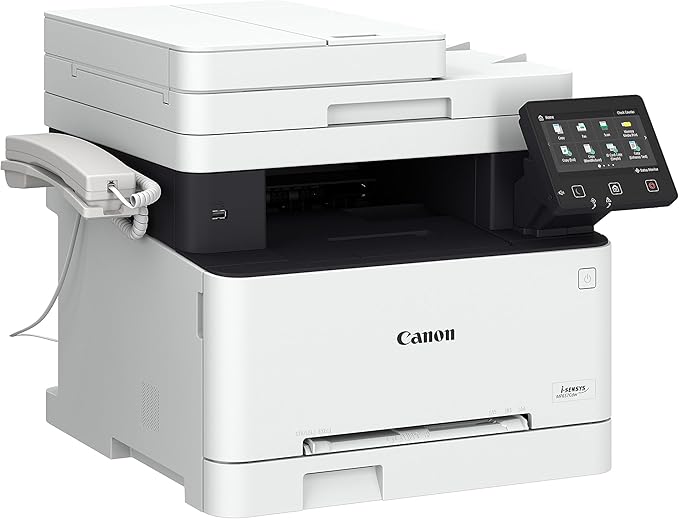
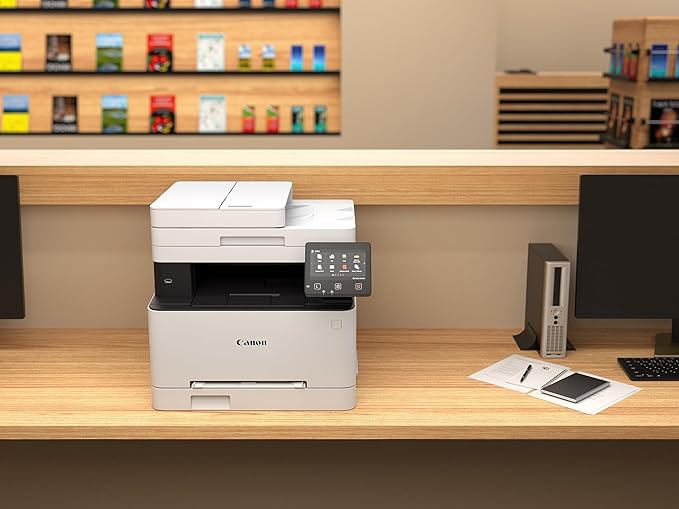
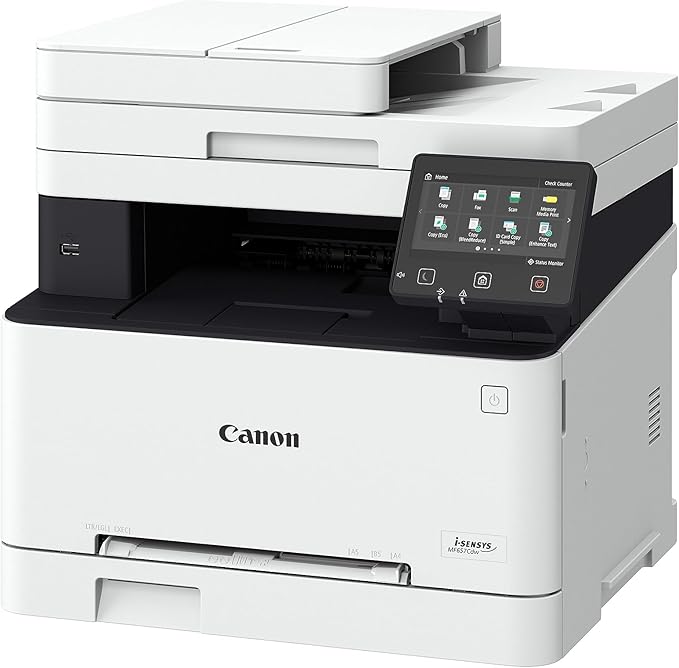
The Canon Laser MFP i-SENSYS MF657Cdw is a color multifunction printer designed for small to medium-sized offices or workgroups that require reliable, efficient, and high-quality color printing, scanning, copying, and faxing. It is part of Canon’s i-SENSYS series and offers a range of features to meet diverse office printing needs.
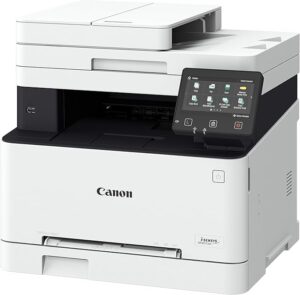
Key Features of the Canon Laser MFP i-SENSYS MF657Cdw:
- Multifunction Capability:
- The Canon i-SENSYS MF657Cdw is a multifunction printer that can handle printing, scanning, copying, and faxing. This all-in-one functionality helps save space, reduce clutter, and improve workflow in small offices or workgroups.
- Color Printing:
- This printer supports color printing with excellent print quality for both documents and photos, making it ideal for producing vibrant marketing materials, presentations, and reports.
- Fast Printing Speed:
- The MF657Cdw offers a printing speed of up to 22 pages per minute (ppm) for both black and white and color printing. This speed helps increase productivity in the office.
- Wireless and Mobile Printing:
- The printer supports Wi-Fi and mobile printing options, including Apple AirPrint, Google Cloud Print, and the Canon PRINT Business app. These features allow users to print directly from mobile devices or remote locations, improving accessibility and convenience.
- Touchscreen Interface:
- The printer is equipped with a 5-inch color touchscreen display, which makes it easy to navigate and access features. The intuitive interface allows for quick and easy operation without requiring advanced technical knowledge.
- Automatic Duplex Printing:
- The Canon MF657Cdw offers automatic duplex (two-sided) printing, which helps save paper and reduce overall printing costs while also supporting professional document presentation.
- High-Quality Print Output:
- The printer produces high-resolution prints up to 600 x 600 dpi (with Automatic Image Refinement), ensuring crisp and clear text and vivid color graphics.
- Secure Printing:
- The i-SENSYS MF657Cdw includes secure printing features, such as the ability to set a PIN for releasing print jobs. This ensures sensitive documents are printed securely.
- Large Paper Capacity:
- The printer comes with a 250-sheet paper tray, along with a 1-sheet manual feed slot, allowing for flexibility in paper handling for different types of media (including plain paper, envelopes, and labels).
- Energy Efficiency:
- The Canon MF657Cdw is ENERGY STAR certified, helping businesses reduce energy consumption while minimizing their environmental footprint.
Specifications:
- Type: Multifunction color laser printer
- Functions: Print, Scan, Copy, Fax
- Printing Speed: Up to 22 pages per minute (ppm) (black & color)
- Print Resolution: Up to 600 x 600 dpi with Automatic Image Refinement
- Duplex Printing: Automatic (two-sided printing)
- Display: 5-inch color touchscreen
- Connectivity:
- Wi-Fi, Ethernet, USB 2.0
- Apple AirPrint, Google Cloud Print, Canon PRINT Business app
- Monthly Duty Cycle: Up to 30,000 pages
- Paper Capacity:
- 250-sheet paper tray
- 1-sheet manual feed slot
- 100-sheet output tray
- Paper Sizes Supported: A4, A5, B5, Letter, Legal, Envelopes (sizes may vary depending on local region)
- Scan Resolution: Up to 600 x 600 dpi (optical)
- Fax Modem Speed: 33.6 kbps
- Weight: Approx. 21.6 kg (47.6 lbs)
Benefits of Using the Canon Laser MFP i-SENSYS MF657Cdw:
- All-in-One Functionality:
- The MF657Cdw integrates multiple devices into one compact machine, saving space and simplifying office management. The ability to print, scan, copy, and fax from a single device streamlines office operations.
- Efficient Wireless Printing:
- With its built-in Wi-Fi and support for mobile printing solutions like Apple AirPrint and Google Cloud Print, this printer makes it easy for employees to print from their smartphones, tablets, and laptops, even from remote locations.
- High-Quality Prints:
- Whether you’re printing text documents or color graphics, the MF657Cdw ensures high-quality output with its color laser printing technology. The result is vibrant and professional prints, which are especially beneficial for marketing materials and reports.
- Fast and Productive:
- The 22 ppm printing speed and the ability to handle up to 30,000 pages per month ensure that this printer can keep up with the demands of a busy office environment, reducing bottlenecks and increasing overall productivity.
- Cost-Effective Paper Usage:
- Automatic duplex printing helps reduce paper consumption and costs, which is especially important in busy offices where paper usage can quickly add up.
- Secure and Easy to Use:
- The 5-inch touchscreen simplifies operation, while the secure printing feature ensures sensitive documents are kept safe from unauthorized access.
- Energy-Efficient Operation:
- The MF657Cdw is ENERGY STAR certified, making it an environmentally friendly choice that reduces power consumption during printing.
How to Install the Canon Laser MFP i-SENSYS MF657Cdw:
- Unbox the Printer:
- Carefully remove the printer from its box and remove all protective packing materials.
- Install the Toner Cartridges:
- Open the printer’s toner compartment, remove the toner cartridges from their packaging, and install them in their designated slots, ensuring they are securely in place.
- Connect the Printer:
- Connect the printer to your network via Wi-Fi or Ethernet, or use the USB 2.0 connection for direct printing from a computer.
- Load Paper:
- Load the printer’s paper tray with the appropriate paper size and type. Ensure that the tray is securely closed.
- Power On and Configure:
- Turn on the printer and configure the necessary settings through the touchscreen display. Set up your Wi-Fi connection or connect it to your computer.
- Install Drivers and Software:
- Install the appropriate drivers and software on your computer by following the instructions provided with the printer or downloading them from the Canon website.
Once these steps are completed, your Canon Laser MFP i-SENSYS MF657Cdw will be ready for use, and you can start printing, scanning, copying, and faxing your documents with ease.
| Weight | 21.6 kg |
|---|
Based on 0 reviews
Be the first to review “Canon Laser MFP i-SENSYS MF657Cdw | RELIABLE | COMPACT | EFFICIENT”
Related products
-
canon, Laserjet Printer, Printers
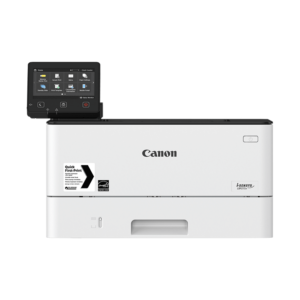
Canon imageCLASS LBP214dw Monochrome Laser Printer
Canon imageCLASS LBP214dw Monochrome Laser Printer
Brand CANON Functions Print only. Sub-brand ImageClass Laser-Jet Printing Technology Monochrome laser beam printing Duplex Print Automatic Cartridge Yield (Black) 4,000 pages Print speed (Mono) Up to 40 ppm Print Resolution 600 x 600 dpi Wireless Yes SKU: C-LBP-214DW -
HP, Laserjet Printer, Printers
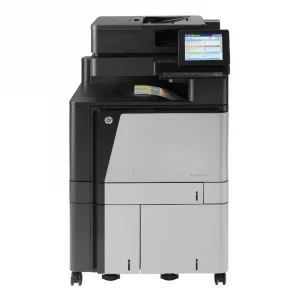
HP COLOUR LASERJET FLOW M880Z MULTIFUNCTION PRINTER (A2W75A)
HP COLOUR LASERJET FLOW M880Z
Brand HP Functions Print, copy, scan, fax Sub-brand Laserjet Enterprise Printing Technology Laser Print colors Yes Processor speed 800 MHz Connectivity 2 Hi-Speed USB 2.0 Host; 1 Hi-Speed USB 2.0 Device; 1 Gigabit Ethernet 10/100/1000T Network; 1 Foreign Interface; 1 Hardware Integration Pocket (HIP); 2 Internal USB Host; 1 Fax Memory 2.5 GB SKU: A2W76A -
HP, Laserjet Printer, Printers
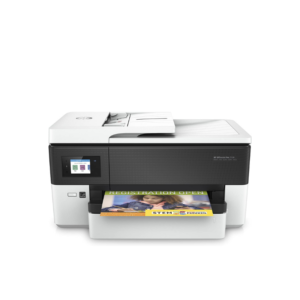
HP LaserJet MFP M442dn (8AF71A) – Efficient Monochrome Multifunction Printer for Businesses
-22% HP, Laserjet Printer, Printers
HP LaserJet MFP M442dn (8AF71A) – Efficient Monochrome Multifunction Printer for Businesses
HP LaserJet MFP M442dn 8AF71A

-
Connectivity, standard:Hi-Speed USB 2.0 Device, Ethernet 10/100 Base TX
-
Duty cycle (monthly, A4):Up to 50,000 pages per month
-
Paper handling input, standard:Tray 1: 100 sheet; Tray 2: 250 sheet
-
Print technology:Laser
SKU: n/a -

There are no reviews yet.