

-0%


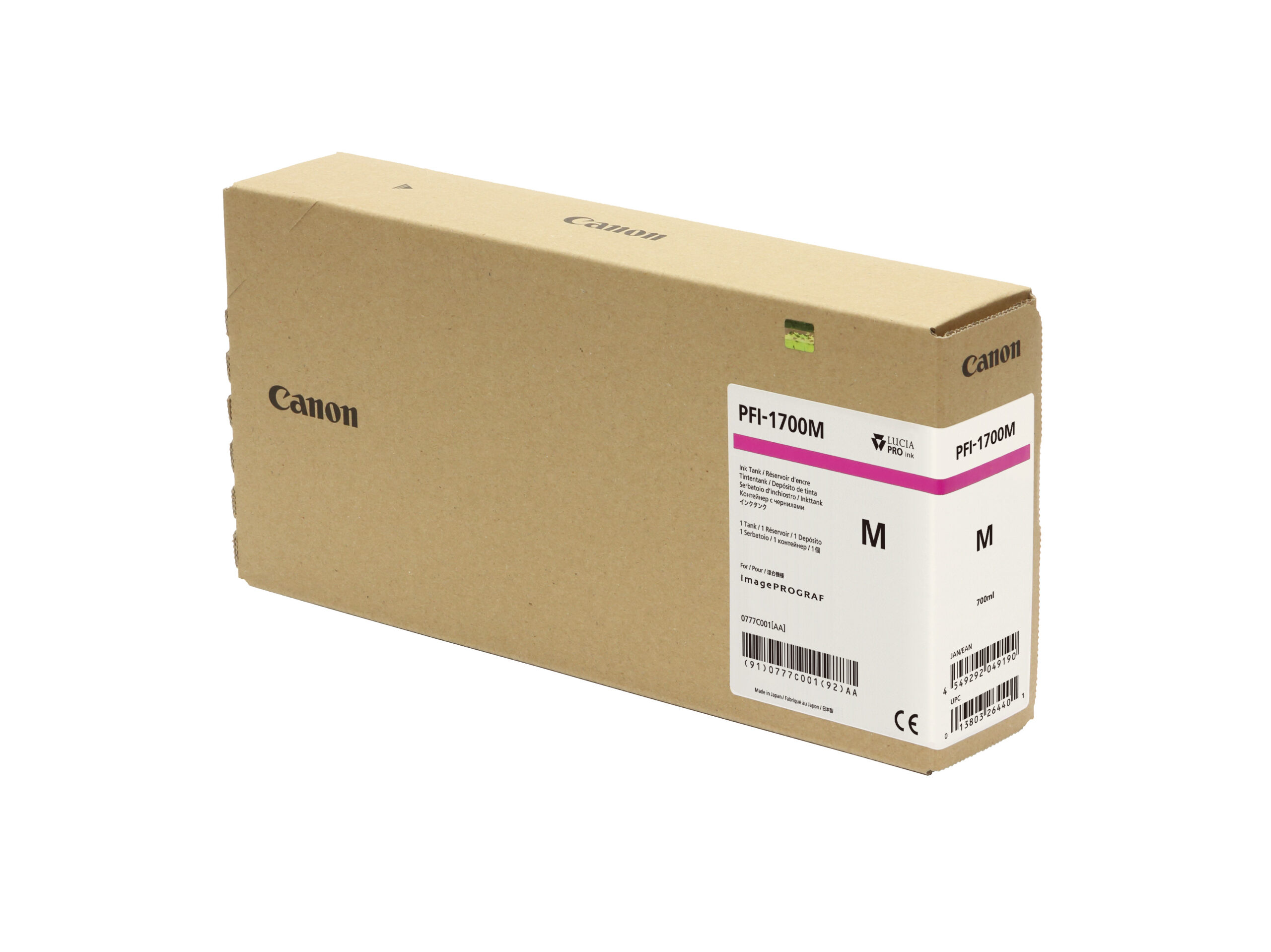
canon, Canon Accessories, Canon Catridge, Canon Ink & Toner, Canon Printers
CANON PFI-1700 RED TONER | Reliable and High-Yield Printing
USD
$299.50 $300.00
CANON PFI-1700 RED TONER
The Canon PFI-1700 Red Toner is a high-capacity, pigment-based ink cartridge designed for Canon imagePROGRAF PRO series large-format printers. It enhances color accuracy and vibrancy, producing rich red tones that elevate the quality of professional prints.

Key Features
- Rich and Vivid Reds: Produces deep and accurate red tones for lifelike and impactful prints.
- High Capacity: 700 ml cartridge supports extended printing sessions with fewer replacements.
- Fade-Resistant: Ensures long-lasting prints that resist fading, smudging, and environmental damage.
- Wide Compatibility: Compatible with Canon imagePROGRAF PRO printers (e.g., PRO-2000, PRO-4000, PRO-6000).
- Professional Precision: Ideal for applications requiring detailed and consistent color reproduction.
Specifications: CANON PFI-1700 RED TONER
- Color: Red
- Ink Type: Pigment-based ink
- Cartridge Capacity: 700 ml
- Weight: Approximately 1.3 kg (2.87 lbs)
- Compatibility: Canon imagePROGRAF PRO Series printers (e.g., PRO-2000, PRO-4000, PRO-6000).
- Yield: Varies depending on print settings, image coverage, and paper type.
Benefits: CANON PFI-1700 RED TONER
- Enhanced Color Gamut: Adds richness to the red spectrum, improving the overall vibrancy and accuracy of prints.
- Durable Output: Water, smudge, and fade-resistant prints suitable for long-term display.
- Cost-Effective: High-capacity cartridge reduces replacement frequency, optimizing costs for bulk printing.
- Environmentally Conscious: Offers recycling options for used cartridges.
- User-Friendly Design: Easy to install and seamlessly integrates with compatible printers.
How to Install CANON PFI-1700 RED TONER
- Prepare the Cartridge:
- Unpack the cartridge and gently shake it to ensure even ink distribution.
- Remove the protective tape and cap.
- Locate the Red Cartridge Slot:
- Open the printer’s cartridge panel and identify the red slot.
- Insert the Cartridge:
- Slide the PFI-1700 Red cartridge into the designated slot until it fits securely.
- Close the Cover:
- Close the panel and allow the printer to recognize the new cartridge.
- Test the Installation:
- Run a nozzle check or a test print to confirm the cartridge is working properly and delivering optimal print quality.
| Weight | 1.3 kg |
|---|


There are no reviews yet.