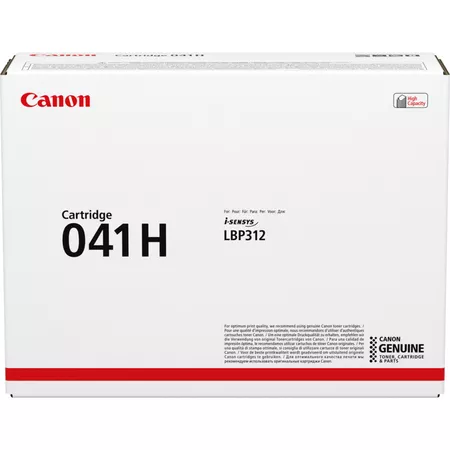
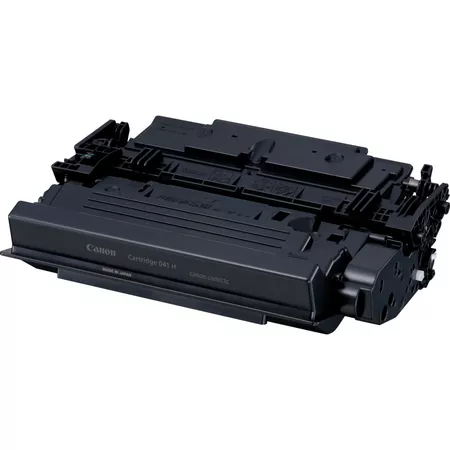
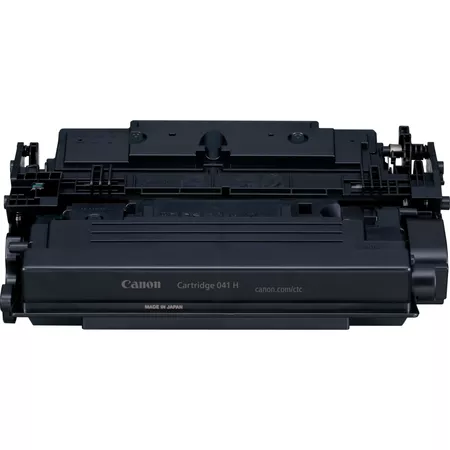
The Canon 041H toner cartridge is a high-yield toner designed for use with select Canon printers, particularly those in the Canon imageCLASS series. This toner is known for delivering high-quality prints with a larger page yield compared to standard cartridges, making it ideal for high-volume printing environments.
Page Yield: 041H offers a higher page yield than the standard 041. It is ideal for offices or businesses with high-volume printing needs. The estimated page yield is around 20,000 pages at 5% coverage.
Reliable Performance: Ensures consistent and high-quality printing with minimal maintenance.
Wide Compatibility: Compatible with various printer models, making it a versatile choice.
Cost Efficiency: Although more expensive upfront compared to standard cartridges, the 041H’s high yield makes it cost-effective in the long run for heavy-duty printing.
Eco-Friendly: Made with environmentally friendly materials and processes.
Specifications of CANON 041H TONER CARTRIDGE
Print Technology: Laser
Color: Black
Cartridge Type: Canon 041H
Page Yield: Approximately 20,000 pages (based on 5% coverage on A4 paper)



 canon, Canon Printers, Inkjet, Inkjet Printer, Printers


There are no reviews yet.