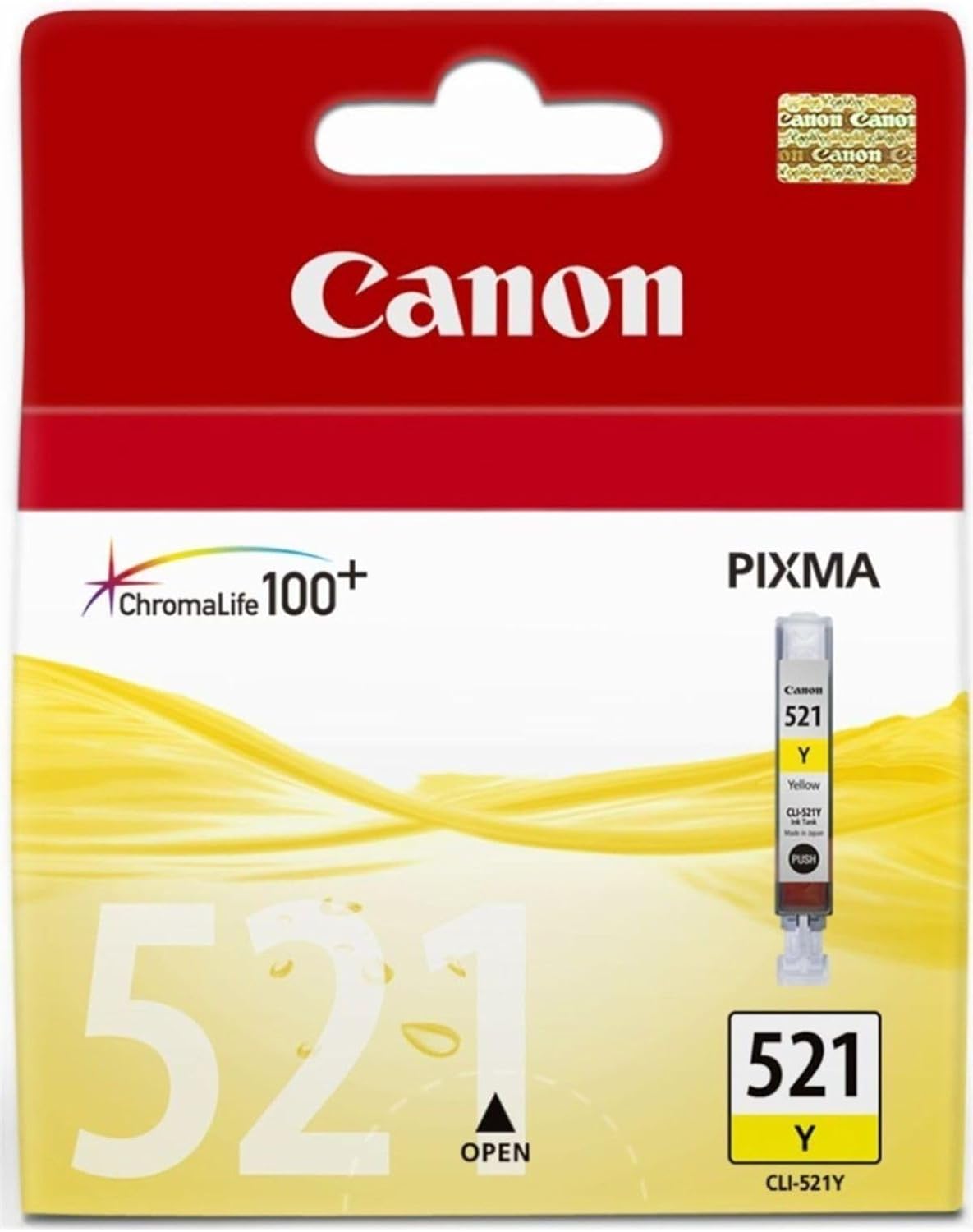
The Canon PIXMA CL-521Y is a yellow ink cartridge designed for Canon PIXMA printers. As part of the 521 series, it provides vibrant and precise yellow tones, ensuring high-quality prints for photos, graphics, and documents. This dye-based cartridge features Canon’s ChromaLife100+ technology, which enhances print longevity, making it an excellent choice for personal and professional printing needs.
Key Features
Vibrant Yellow Tones: Produces bright and vivid yellow hues for accurate color reproduction.
ChromaLife100+ Technology: Delivers fade-resistant prints that can last up to 100 years when used with Canon photo paper and printers.
Individual Cartridge Design: Replace only the empty ink tank, saving costs and reducing waste.
Optimized Performance: Ensures smooth and reliable operation with compatible Canon PIXMA printers.
Lightweight and Compact: Easy to handle, install, and store.
Specifications: Canon PIXMA CL-521Y
Model: Canon PIXMA CL-521Y
Ink Color: Yellow
Ink Type: Dye-based ink
Capacity: Standard yield (Approx. 500 pages at 5% coverage)
Weight: Approximately 50g (1.76 oz)
Compatibility: Works with Canon PIXMA printers, including:
iP3600
iP4600
MP540
MP620
MP630
MX860
Shelf Life: Up to 24 months when stored properly.
Benefits: Canon PIXMA CL-521Y
Exceptional Print Quality: Ensures bright and accurate yellow tones for high-definition results.
Cost-Effective: Individual ink tanks minimize replacement costs by allowing you to replace only the needed color.
Long-Lasting Prints: ChromaLife100+ technology protects prints from fading, ensuring archival quality.
Environmentally Friendly: Fully recyclable under Canon’s environmental program.
Hassle-Free Printing: Genuine Canon ink prevents clogging, smudging, and leakage for smooth operation.
How to Install the Canon PIXMA CL-521Y Cartridge
Turn On the Printer:
Ensure your Canon PIXMA printer is powered on.
Access the Ink Bay:
Open the printer’s front panel or cartridge compartment.
Remove the Empty Cartridge:
Locate the yellow ink tank.
Press the release lever and gently pull out the old cartridge.
Unpack the New Cartridge:
Take the CL-521Y cartridge out of its packaging.
Remove the orange protective cap and the tape covering the ink outlet.
Insert the New Cartridge:
Align the cartridge with the yellow slot.
Push it in firmly until it clicks into place.
Close the Printer Panel:
Shut the compartment and allow the printer to detect the new cartridge.
Run a Test Print:
Print a test page or perform a nozzle check to ensure proper installation and ink flow.





There are no reviews yet.