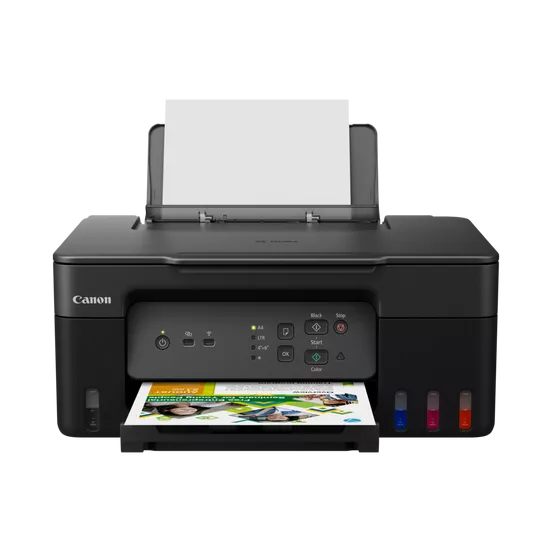
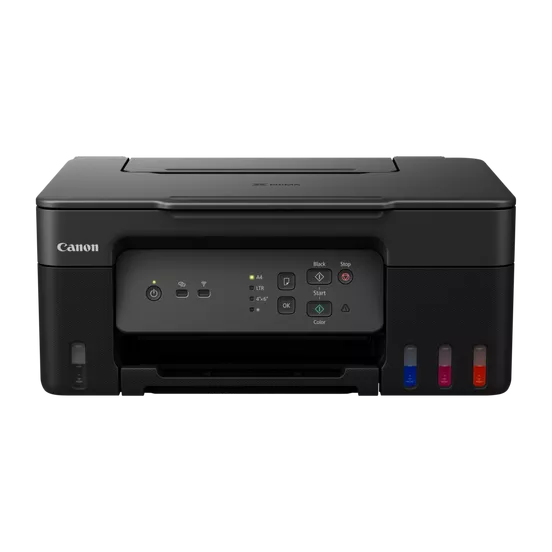
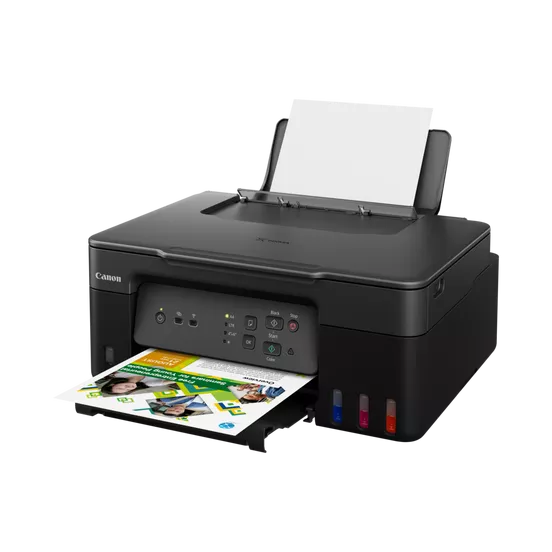
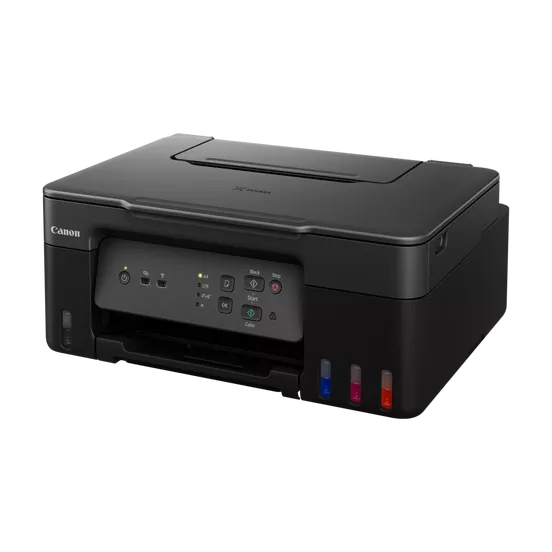
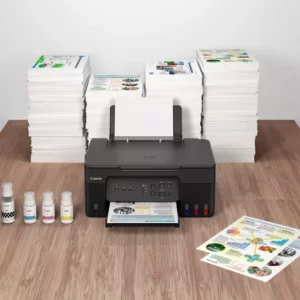
The Canon PIXMA G3430 is an inkjet multi-functional printer (MFP) designed to offer printing, scanning, and copying capabilities. It is part of Canon’s G series, which is known for its high page yield and cost-efficient ink usage, making it suitable for both home and office environments.
Print: Offers high-quality printing with the convenience of wireless and mobile printing.
Scan: Equipped with an optical scan resolution, this printer allows you to scan documents at good quality.
Copy: It can copy documents with ease, providing basic copy functionalities for personal or small office use.
Cost-Effective Ink System: The printer uses Canon’s MegaTank ink system, which has large ink tanks that can hold more ink than traditional cartridges, significantly reducing the cost per print.
Wireless Connectivity: The G3430 offers Wi-Fi connectivity, enabling you to print from multiple devices such as smartphones, tablets, and computers, without needing to connect via USB cables.
It supports features like Apple AirPrint, Google Cloud Print, and Mopria Print Service for seamless printing from various platforms.
Print Speed: The print speed is typically around 8.8 IPM (images per minute) for black and white documents and 5.0 IPM for color prints.
High Print Quality: The resolution for printing can reach up to 4800 x 1200 dpi, ensuring detailed and sharp printouts for both text and images.
Compact Design: Its compact design allows it to fit easily into small spaces, making it ideal for home offices or limited desk space.
Paper Handling: It features a 100-sheet input tray and supports a variety of paper sizes and types, including A4, A5, B5, and envelopes.
LCD Display: The printer has a small LCD display panel for easy operation, making it simple to check ink levels, printing status, and more.
Specifications
Brand: Canon
Model: PIXMA G3430
Print Technology: Inkjet
Functionality: Print, Scan, Copy
Print Resolution: Up to 4800 x 1200 dpi
Connectivity: USB, Wi-Fi, Mobile Printing
Paper Handling: 100-sheet input tray, 50-sheet output tray



 HP, hp printers, Laserjet Printer, Printers, Techtober, Workstation Deal

There are no reviews yet.