

-2%


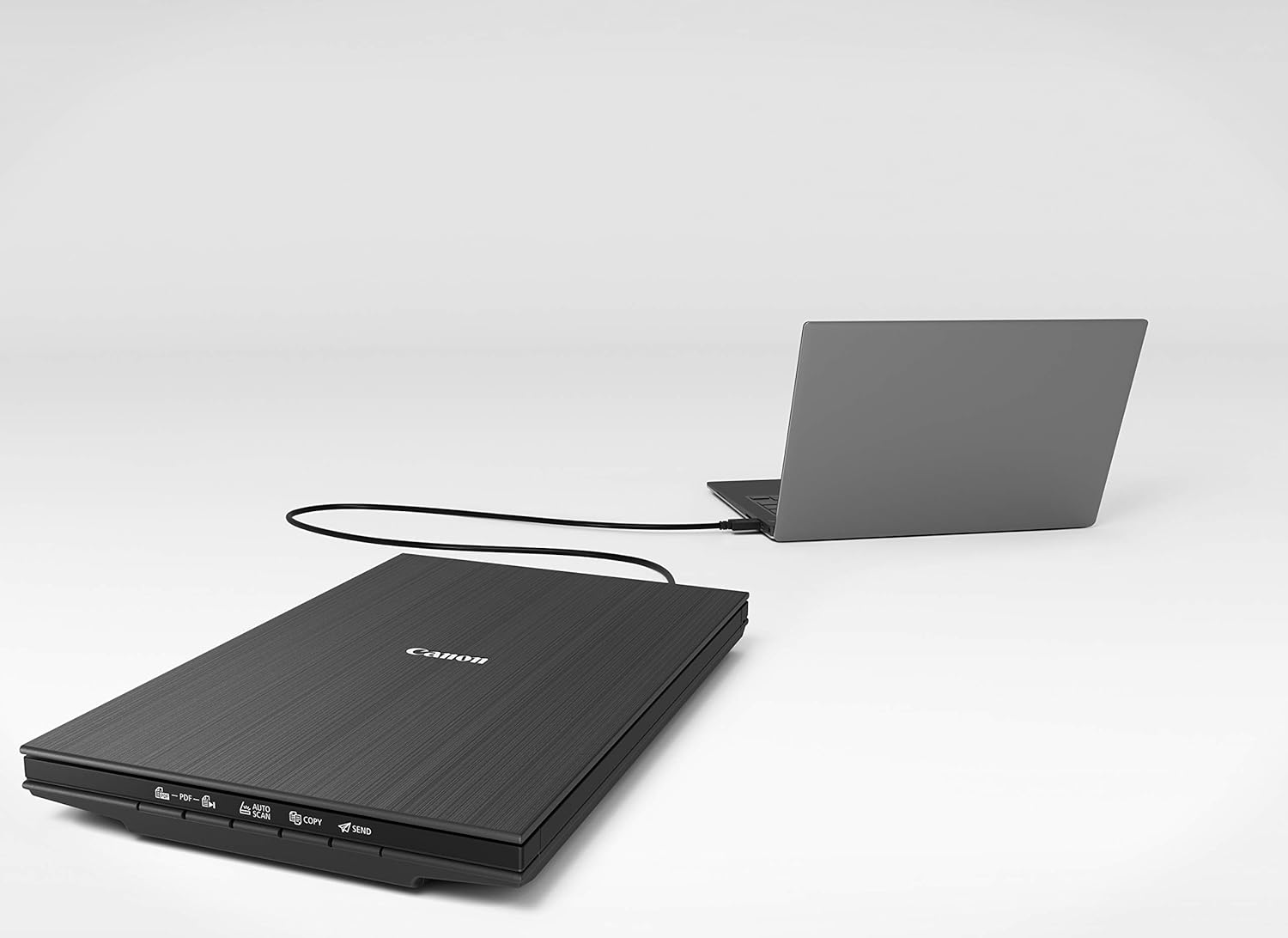
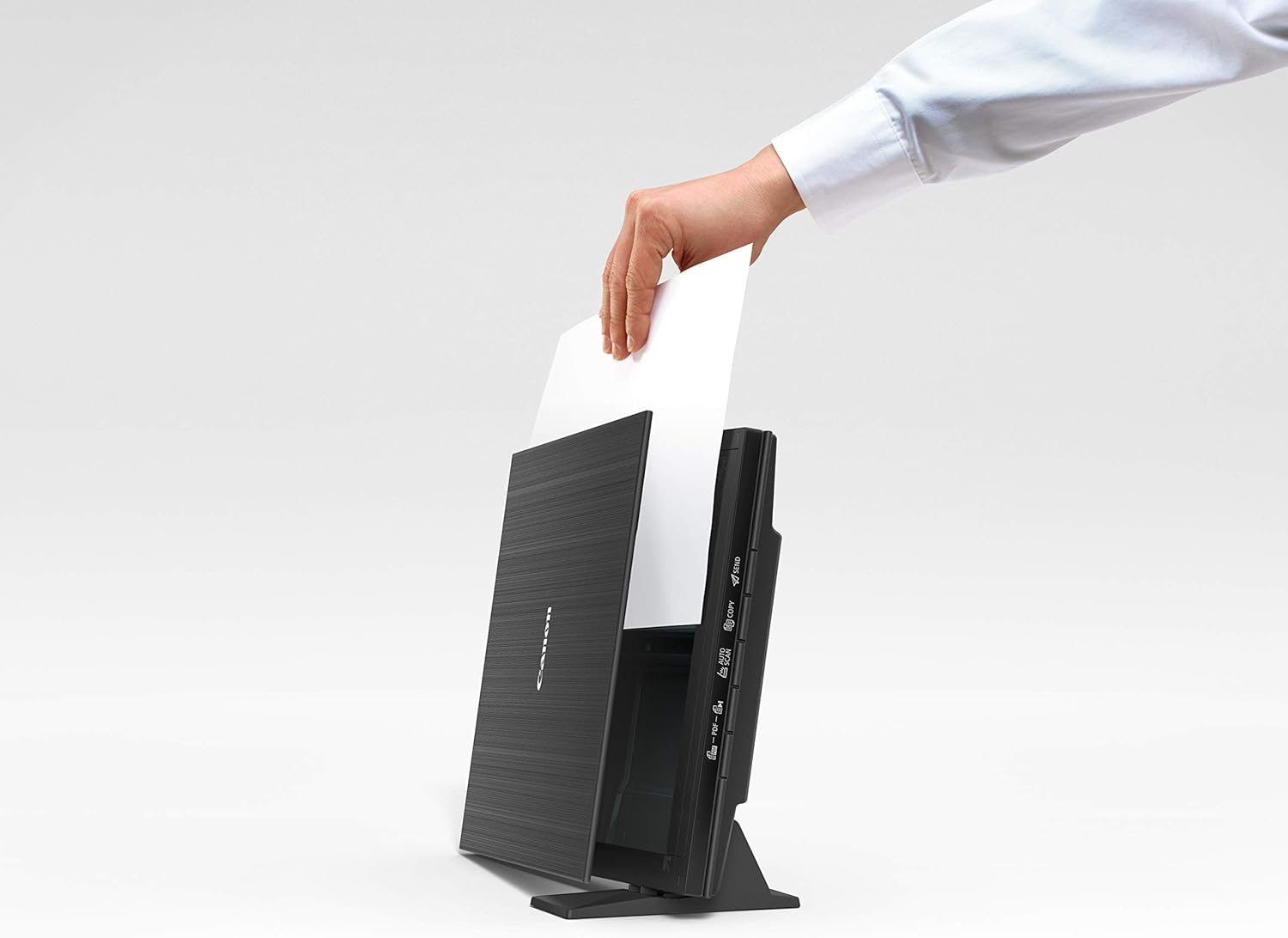
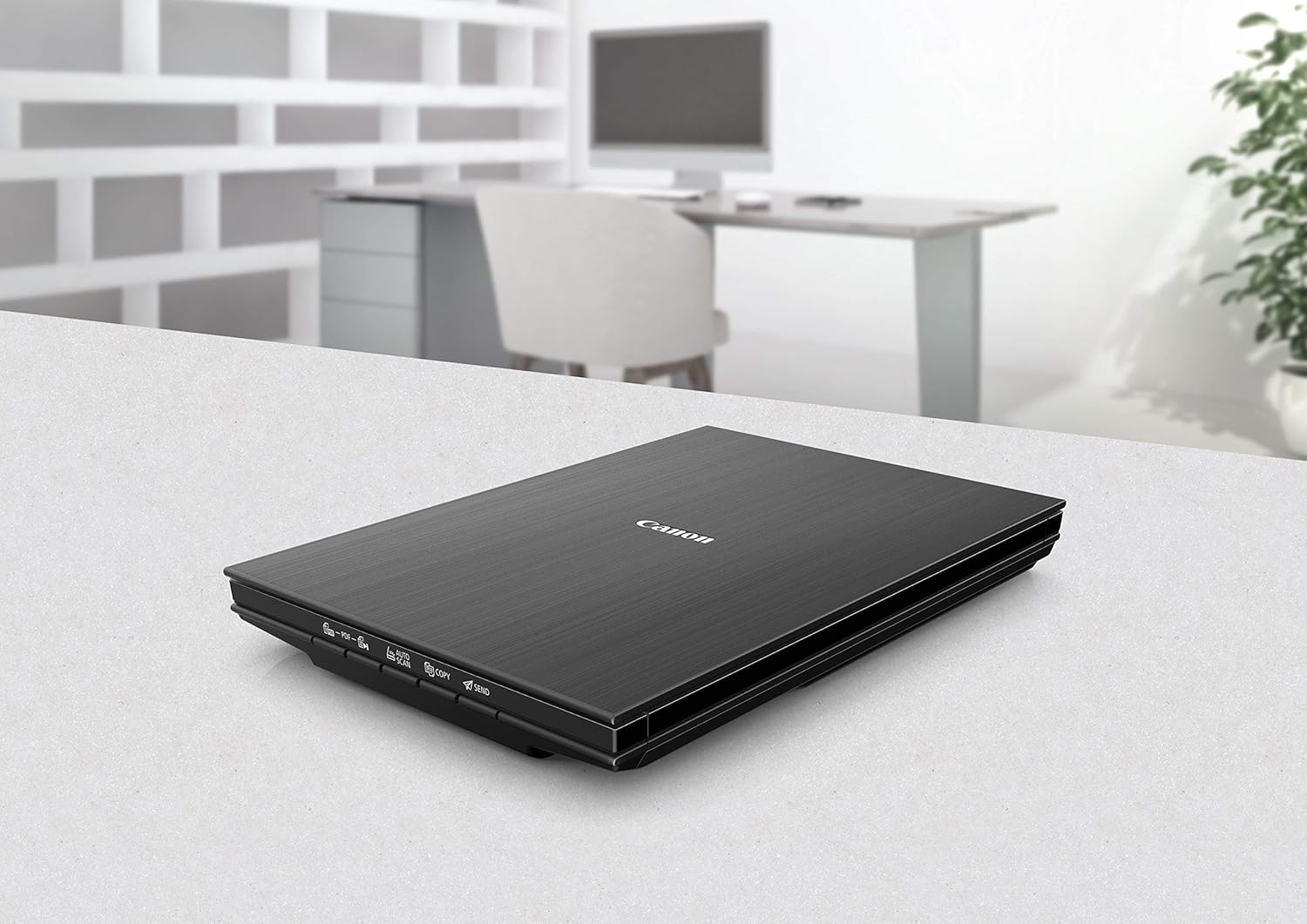


The Canon CanoScan LiDE 400 Scanner is a high-quality, compact flatbed scanner designed to deliver excellent resolution, fast scanning speeds, and ease of use. Ideal for both home and office use, this scanner offers versatile scanning options for photos, documents, and other creative materials. It features advanced technology for sharp, vibrant scans and is powered via a single USB connection, making it an energy-efficient solution for modern users.
Key Features
- High-Resolution Scanning:
- 4800 x 4800 dpi optical resolution for extremely detailed scans, ideal for both professional and personal use.
- Fast Scanning Speed:
- Scan an A4 color document in approximately 8 seconds at 300 dpi, offering quick results.
- Compact and Slim Design:
- Ultra-slim design (only 40mm in height) makes it easy to store and place in tight spaces.
- EZ Buttons for Simplicity:
- Four convenient buttons for Auto Scan, Copy, Email, and PDF creation.
- USB-Powered:
- Power and data transfer are handled by a single USB 3.0 Type-C cable, eliminating the need for an external power supply.
- Advanced Z-Lid:
- The Z-Lid design accommodates thicker items like books and magazines, ensuring precise scans without distortion.
- Improved Color Accuracy:
- Features enhanced color reproduction for vibrant, true-to-life scans.
Specifications: Canon CanoScan LiDE 400 Scanner
- Scanner Type: Flatbed scanner
- Optical Resolution: 4800 x 4800 dpi
- Scanning Speed:
- Approximately 8 seconds for A4 color document scan at 300 dpi
- Color Depth:
- Input: 48-bit (internal)
- Output: 24-bit
- Maximum Document Size: A4 or Letter (216 x 297 mm)
- Connectivity: USB 3.0 Type-C
- Software Compatibility: TWAIN driver, compatible with various applications
- Dimensions:
- Width: 250 mm
- Depth: 365 mm
- Height: 40 mm
- Weight: Approximately 1.6 kg (3.53 lbs)
- Operating System Support:
- Windows 10, 8.1, 7 SP1
- macOS 10.12 or later
Benefits: Canon CanoScan LiDE 400 Scanner
- Sharp and Detailed Scans: High resolution ensures that every scan is crisp and clear, making it suitable for both photos and text documents.
- Energy-Efficient: USB-powered operation reduces power consumption, with no need for an external power adapter.
- Easy to Use: The EZ buttons allow for one-click operations, making scanning, copying, and sending documents simple.
- Compact and Portable: Its slim profile allows for easy storage in small spaces, perfect for home offices or limited workspaces.
- High-Quality Photo Scanning: Perfect for scanning photos, providing accurate colors and preserving image detail for print or digital storage.
- Environmentally Friendly: The CanoScan LiDE 400 is part of Canon’s eco-conscious product lineup, offering a reduced environmental footprint.
How to Set Up Canon CanoScan LiDE 400 Scanner
- Unbox the Scanner:
- Remove the scanner from its packaging along with the USB cable and setup CD (or download the latest software from Canon’s website).
- Install the Software:
- Download and install the Canon IJ Scan Utility and drivers from the Canon website for your operating system.
- Connect the Scanner:
- Plug the USB Type-C cable into your computer and the scanner. The CanoScan LiDE 400 is powered via this USB connection.
- Configure the Scanner:
- Open the Canon scanning software on your computer and select your desired scan settings (resolution, format, destination).
- Perform a Test Scan:
- Place your document or photo face down on the scanner bed, close the lid, and initiate a scan from your computer or the scanner’s software.
Pro Tips
- Optimize Scan Resolution: Set the scanner to 300 dpi for most text documents, and use 600 dpi or higher for photos and detailed artwork.
- Use the Z-Lid for Bulky Items: For scanning thicker objects like books, adjust the Z-Lid for improved scanning quality.
- Keep the Scanner Glass Clean: Regularly wipe down the scanner bed to prevent smudges and streaks on your scans.
- Save Scans in PDF Format: Use the built-in button for quick PDF creation, perfect for archiving or sending documents via email.
| Weight | 1.6 kg |
|---|



There are no reviews yet.