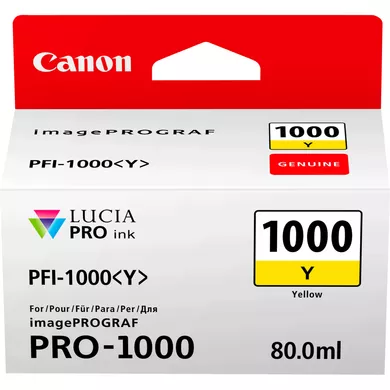
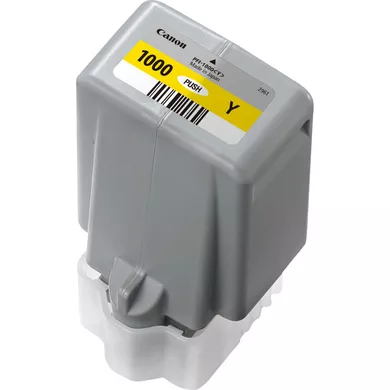
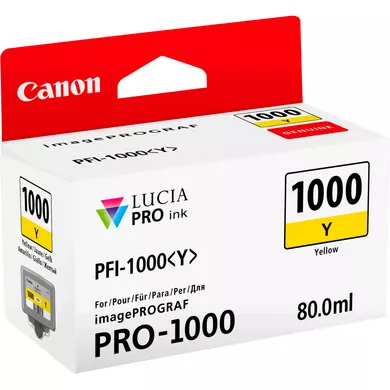
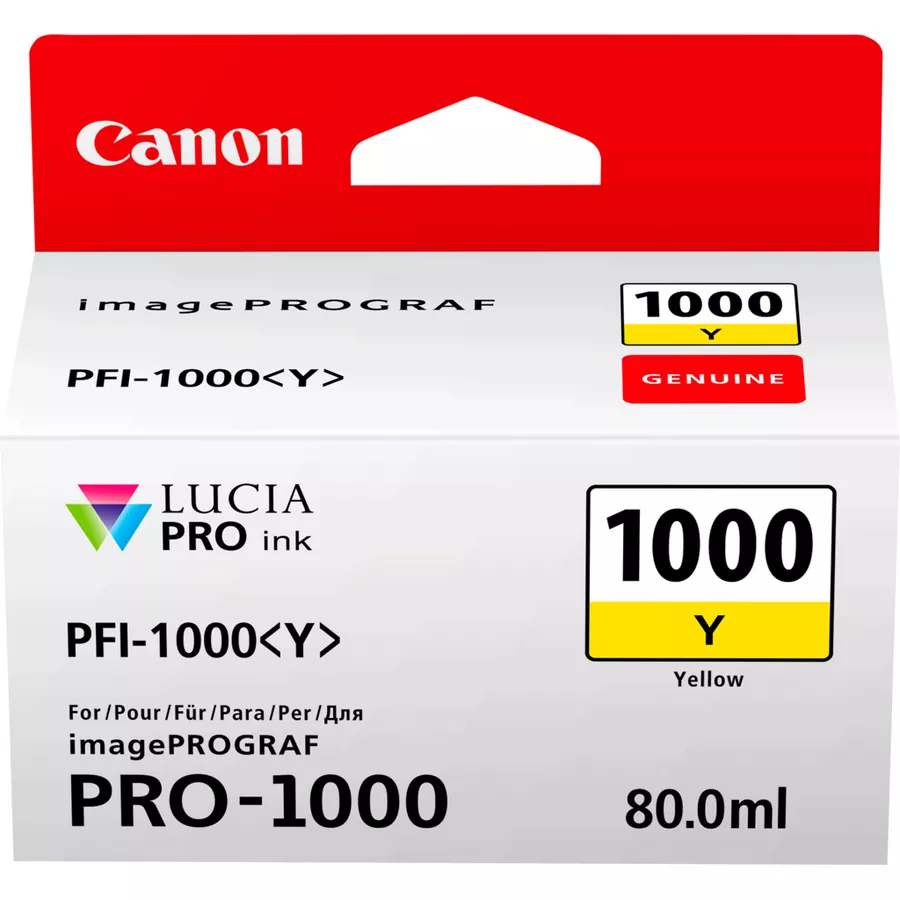
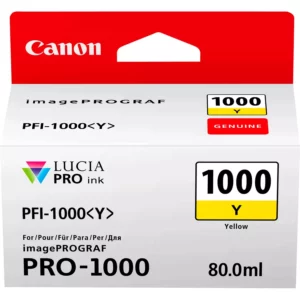
The INK CARTRIDGE CANON PFI-1000 Y designed for use with Canon imagePROGRAF PRO-1000 and other compatible Canon imagePROGRAF series printers. It is part of the Canon LUCIA PRO ink system, which is specifically engineered to produce professional-grade photo prints with vibrant, accurate color reproduction.
The PFI-1000 Y contains dye-based yellow ink, which ensures vibrant and accurate yellow tones in prints.
2. Part of Canon’s LUCIA PRO Ink System
The LUCIA PRO ink system delivers smooth tonal gradations and consistent color reproduction, particularly in fine art and photography applications.
3. 80mL Ink Capacity
The 80mL ink capacity allows for high-yield printing, meaning fewer cartridge changes and less frequent interruptions during printing, which is especially useful for large print jobs.
4. Wide Color Gamut
The yellow ink in the PFI-1000 Y cartridge helps to expand the color gamut, allowing for accurate and vibrant prints.
5. Durable, Fading-Resistant Prints
The dye-based ink used in the PFI-1000 Y cartridge is designed to provide long-lasting prints that resist fading, making them suitable for archival-quality prints.
This ensures that prints retain their vibrant colors and detail for a long time, even with regular exposure to light.
6. Seamless Integration with Canon Printers
The PFI-1000 Y is engineered to work seamlessly with Canon imagePROGRAF PRO-1000 printers and other imagePROGRAF PRO series printers.
7. Reliable and Efficient Performance
The cartridge provides reliable performance with minimal risk of ink clogging or inconsistent color output, ensuring smooth operation even for high-volume printing tasks.
8. Ideal for Professional Applications
This ink cartridge is particularly beneficial for professional photographers, print shops, and graphic designers who need vibrant color prints for exhibitions, portfolios, and client projects.
Specifications of INK CARTRIDGE CANON PFI-1000 Y
Ink Type: Dye-based ink
Ink Color: Yellow (Y)
Capacity: 80mL
Compatible Printers:
Canon imagePROGRAF PRO-1000
Other Canon imagePROGRAF PRO series printers (check specific model compatibility)
Benefits of Using INK CARTRIDGE CANON PFI-1000 Y:
Accurate Yellow Tones: Provides vibrant, accurate yellow color for professional-quality prints.
Long-Lasting Prints: Resistant to fading, ensuring your prints stay vibrant over time.
High-Yield Capacity: The 80mL capacity reduces the frequency of cartridge changes, ideal for high-volume printing.
Wide Color Gamut: Helps expand the printer’s color range for rich and vivid prints.
Seamless Printer Integration: Automatically recognized by the printer, ensuring optimal performance.
Consistent Performance: Ensures reliable printing, even with large or complex color-rich images.
How to Install
1. Prepare Your Printer and Cartridge:
Ensure the printer is powered on.
Unbox the new ink cartridge carefully and remove any protective seals from the cartridge.
2. Locate the Ink Cartridge Slot:
Open the printer’s ink cartridge compartment. This is usually on the front or side of the printer, depending on the model.
On Canon PRO-series printers (such as the Canon imagePROGRAF PRO series), there will be dedicated slots for each ink color.
3. Remove the Old Ink Cartridge (if necessary):
If you are replacing an existing ink cartridge, gently push the old cartridge to release it from its slot.
Take out the old cartridge carefully and set it aside for disposal or recycling.
4. Insert the New Ink Cartridge:
Take the new Canon PFI-1000 Yellow ink cartridge and line it up with the corresponding slot for yellow (often marked with a yellow color code or label).
Slide the cartridge into the slot, ensuring it is properly aligned with the connectors.
Press gently until it clicks into place.
5. Close the Ink Compartment:
Once the cartridge is securely installed, close the ink cartridge compartment.
6. Initialize the Printer:
On the printer’s control panel, navigate to the maintenance or ink menu and select the option to check or initiate the cartridge installation.
The printer may prompt you to confirm the installation and perform a system check.
If prompted, the printer will usually conduct an automatic ink priming process to ensure proper ink flow.
7. Test the Printer:
Print a test page or an image to make sure the printer is properly recognizing the new ink cartridge and that the ink is dispensing correctly.






There are no reviews yet.