

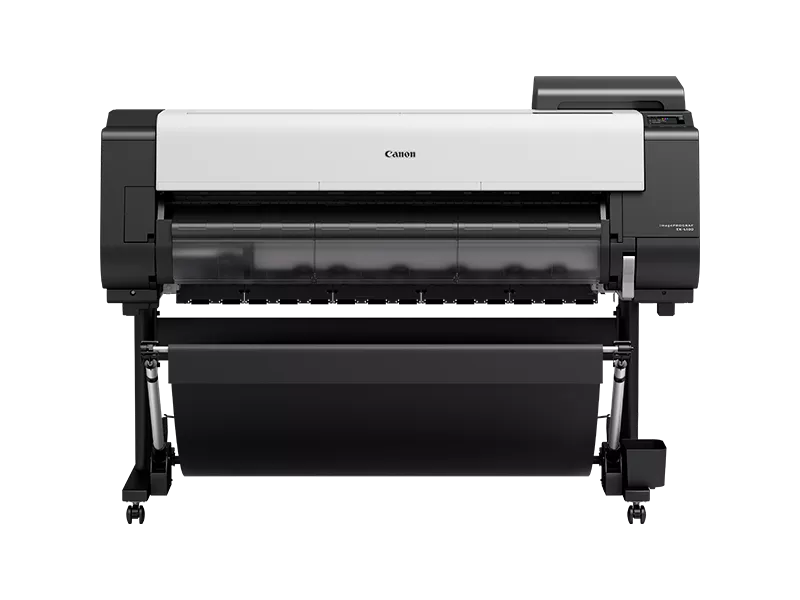
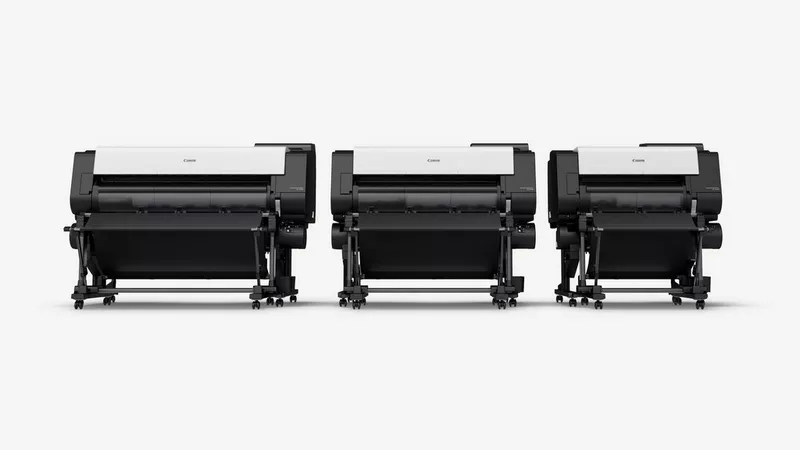
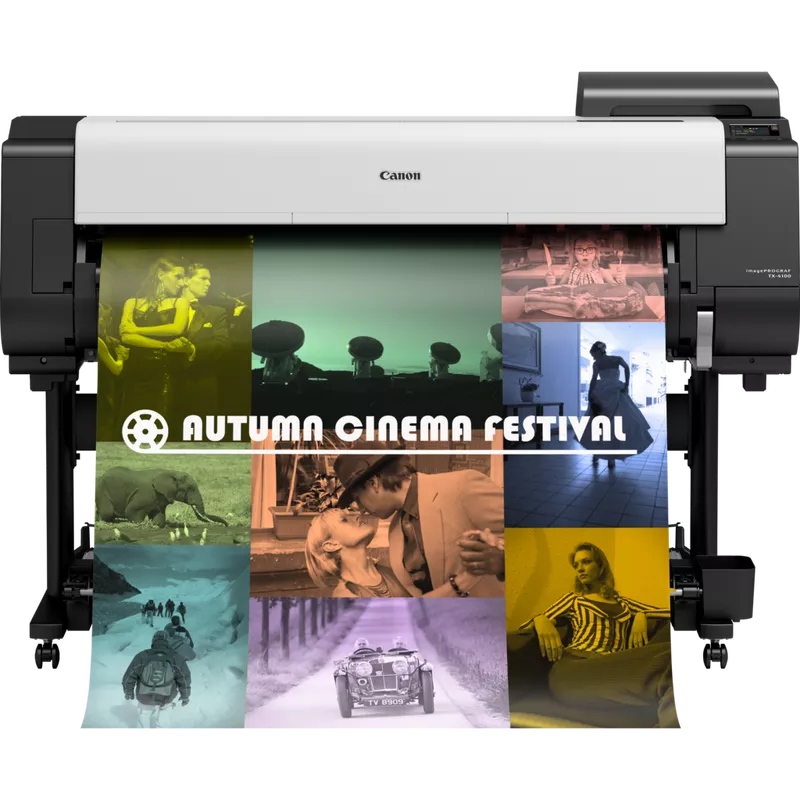
Canon imagePROGRAF TX-4100 | HIGH QUALITY PRINTS | RELIABLE | COMPACT
Canon imagePROGRAF TX-4100
The Canon imagePROGRAF TX-4100 is a large-format printer designed to meet the needs of various professional environments, such as architectural, engineering, and construction sectors. It’s specifically designed to deliver high-quality prints with precision and speed.
Canon imagePROGRAF TX-4100 is part of Canon’s TX series of large-format printers, built for efficient printing of wide-format documents like posters, architectural plans, and technical drawings. It is an ideal choice for businesses that require quick and accurate large-scale printing with advanced features.
Key Features:
- High-Quality Output:
- The TX-4100 uses the 5-color LUCIA TD pigment ink system, which provides vivid, sharp, and durable prints with rich color.
- The printer offers resolution up to 2400 x 1200 dpi, ensuring precise and detailed images.
- Print Speed:
- Capable of printing A1-sized documents (24-inch width) at speeds of up to 2.6 minutes per page.
- It supports high-speed printing without sacrificing quality.
- Advanced Media Handling:
- It can print on a variety of media types, including plain paper, glossy paper, and high-quality fine art paper.
- The printer has a front-loading media roll, which makes media handling simple and efficient.
- Automatic Media Type Detection:
- The printer can automatically detect the type of media loaded and adjust settings accordingly.
- Integrated Software:
- Comes with Canon’s imagePROGRAF Printer Driver and Direct Print & Share software for seamless operation and file management.
- Features Accounting Manager software for tracking print costs and usage.
- User-Friendly Interface:
- Includes an intuitive 3.0-inch LCD display that provides real-time feedback and status updates.
- Connectivity:
- The TX-4100 supports a wide range of connectivity options, including Wi-Fi, Ethernet, and USB, enabling flexible operation.
- Energy-Efficient:
- Designed with energy efficiency in mind, it meets Energy Star standards.
- Compact Design:
- Despite its large-format printing capabilities, the TX-4100 is relatively compact, making it suitable for small office spaces.
Specifications: Canon imagePROGRAF TX-4100
- Print Technology: Inkjet
- Print Resolution: Up to 2400 x 1200 dpi
- Print Speed:
- A1 (24”): 2.6 minutes
- A0 (36”): Approx. 4 minutes
- Print Width: 24 inches (610 mm)
- Ink Type: 5-color LUCIA TD Pigment Ink
- Media Handling: Roll paper, cut-sheet paper
- Media Width:
- Minimum: 8 inches (203 mm)
- Maximum: 24 inches (610 mm)
- Media Thickness:
- Minimum: 0.07 mm
- Maximum: 0.8 mm
- Connectivity:
- USB 2.0, Ethernet, Wi-Fi
- Power Consumption: Approx. 60 watts during operation, 0.8 watts during sleep mode
- Dimensions (W x D x H): 44.9 x 26.8 x 47.2 inches (1,140 x 680 x 1,200 mm)
- Weight: Approx. 73.9 kg (163.6 lbs)
Benefits: Canon imagePROGRAF TX-4100
- High-Quality Prints: The LUCIA TD ink system ensures that prints are vibrant, durable, and resistant to smudging, making it perfect for professional documents.
- Fast Printing: The TX-4100 can handle high-volume jobs without delays, boosting productivity.
- Cost Efficiency: With integrated software for managing costs and resources, the TX-4100 is an ideal choice for businesses that need to manage their expenses efficiently.
- Versatile Media Options: The printer supports a wide variety of media types, allowing businesses to print everything from technical drawings to presentations and promotional materials.
- Ease of Use: The user-friendly interface, combined with automatic media handling and built-in software, makes the printer easy to use and manage.
- Compact Design: Its compact form factor allows it to fit into most office environments without taking up too much space.
How to Install the Canon imagePROGRAF TX-4100:
- Unboxing and Setup:
- Carefully remove the printer from its packaging, ensuring you remove any protective material (e.g., foam, tape).
- Place the printer on a stable, flat surface in an area with good airflow.
- Connect the Printer:
- Connect the printer to a power source.
- Plug the printer into a network using the provided Ethernet cable or configure the Wi-Fi connection, depending on your setup.
- Install Ink Cartridges:
- Open the printer’s ink cartridge compartment.
- Install the five LUCIA TD pigment ink cartridges into their respective slots. Ensure the cartridges click into place.
- Load Paper Roll:
- Load the paper roll into the printer by placing it in the media tray.
- The printer has a front-loading mechanism to simplify this step.
- Install Drivers and Software:
- Insert the provided CD into your computer or download the necessary drivers and software from Canon’s website.
- Follow the installation instructions to install the imagePROGRAF Printer Driver, Direct Print & Share, and other included utilities.
- Printer Calibration:
- Perform a printhead alignment to ensure the best print quality.
- The printer will automatically guide you through this process via its display panel.
- Test Print:
- After the printer setup is complete, print a test document to ensure everything is working correctly.
| Weight | 73.9 kg |
|---|
Based on 0 reviews
Be the first to review “Canon imagePROGRAF TX-4100 | HIGH QUALITY PRINTS | RELIABLE | COMPACT”
Related products
-
HP, Laserjet Printer, Printers
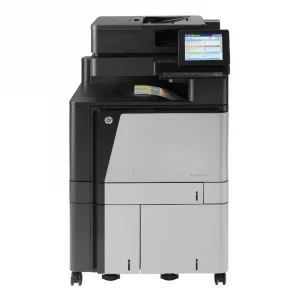
HP COLOUR LASERJET FLOW M880Z MULTIFUNCTION PRINTER (A2W75A)
HP COLOUR LASERJET FLOW M880Z
Brand HP Functions Print, copy, scan, fax Sub-brand Laserjet Enterprise Printing Technology Laser Print colors Yes Processor speed 800 MHz Connectivity 2 Hi-Speed USB 2.0 Host; 1 Hi-Speed USB 2.0 Device; 1 Gigabit Ethernet 10/100/1000T Network; 1 Foreign Interface; 1 Hardware Integration Pocket (HIP); 2 Internal USB Host; 1 Fax Memory 2.5 GB SKU: A2W76A -
HP, Laserjet Printer, Printers
HP LaserJet MFP M442dn (8AF71A) – Efficient Monochrome Multifunction Printer for Businesses
-22% HP, Laserjet Printer, Printers
HP LaserJet MFP M442dn (8AF71A) – Efficient Monochrome Multifunction Printer for Businesses
HP LaserJet MFP M442dn 8AF71A

-
Connectivity, standard:Hi-Speed USB 2.0 Device, Ethernet 10/100 Base TX
-
Duty cycle (monthly, A4):Up to 50,000 pages per month
-
Paper handling input, standard:Tray 1: 100 sheet; Tray 2: 250 sheet
-
Print technology:Laser
SKU: n/a -
-
-
HP, Laserjet Printer, Printers, Workstation Deal
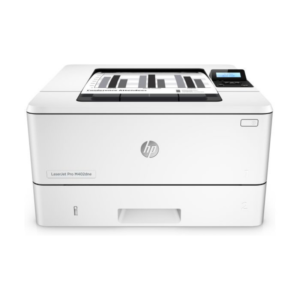
HP LASERJET PRO M404DW PRINTER (W1A56A)
HP LASERJET PRO M404DW PRINTER

Printer Output Type Monochrome Color Black, White Printing Technology Laser Brand HP Printing Media Type Envelopes, Paper (plain), Transparencies, Card stock, Labels, Glossy photo paper, High-resolution paper SKU: W1A56A
There are no reviews yet.