

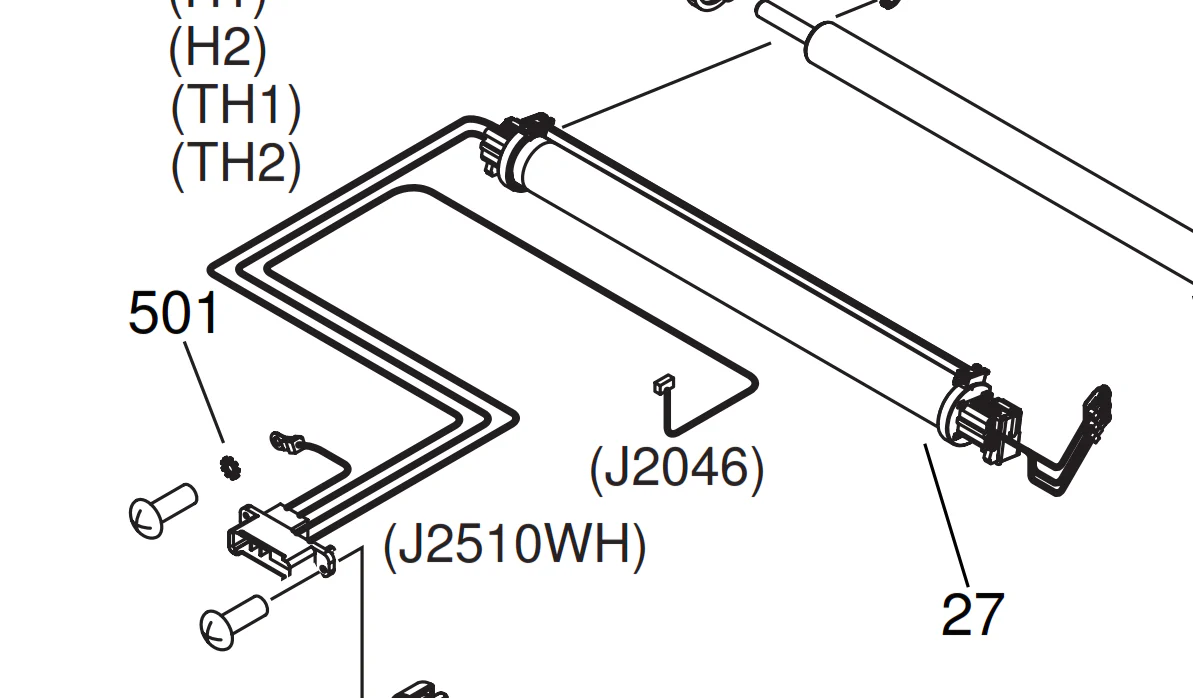
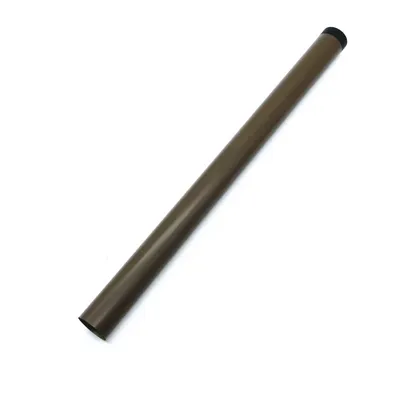
Canon Fixing Film Assembly (FM3-9382) | EFFFCIENT | IMPROVED PRINT QUALITY
$136.50 $150.00
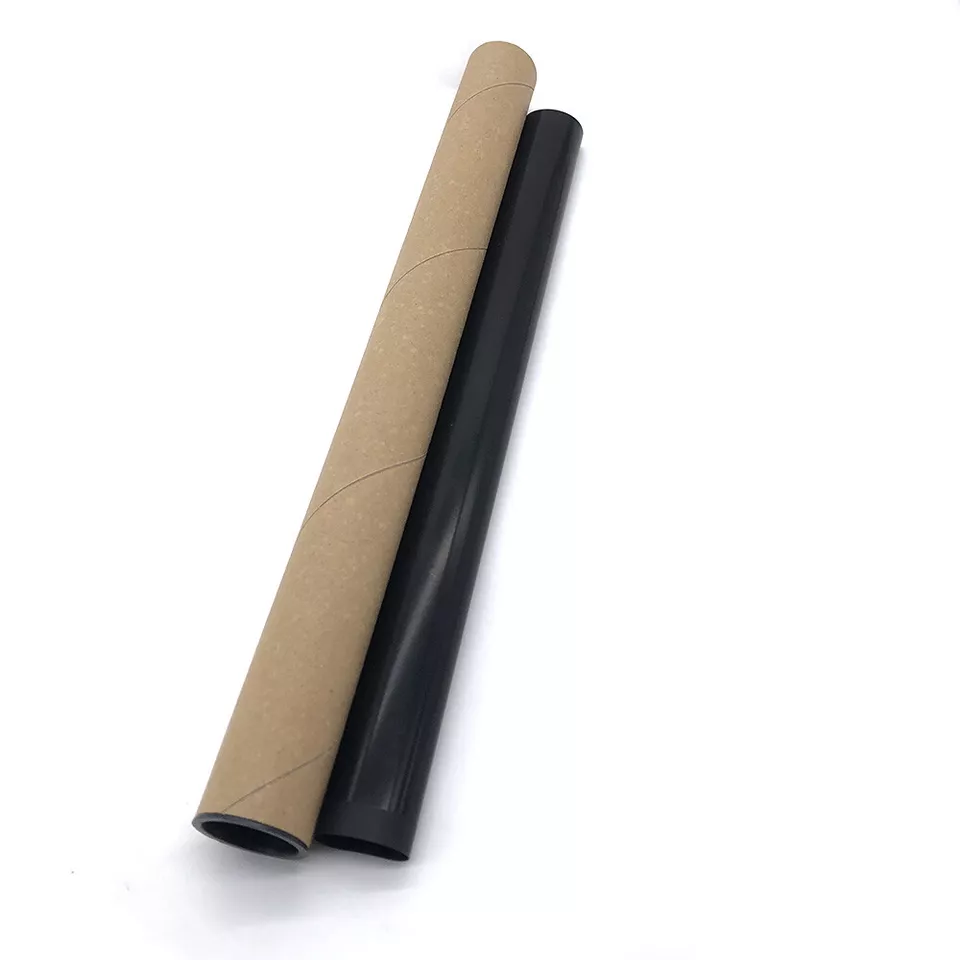
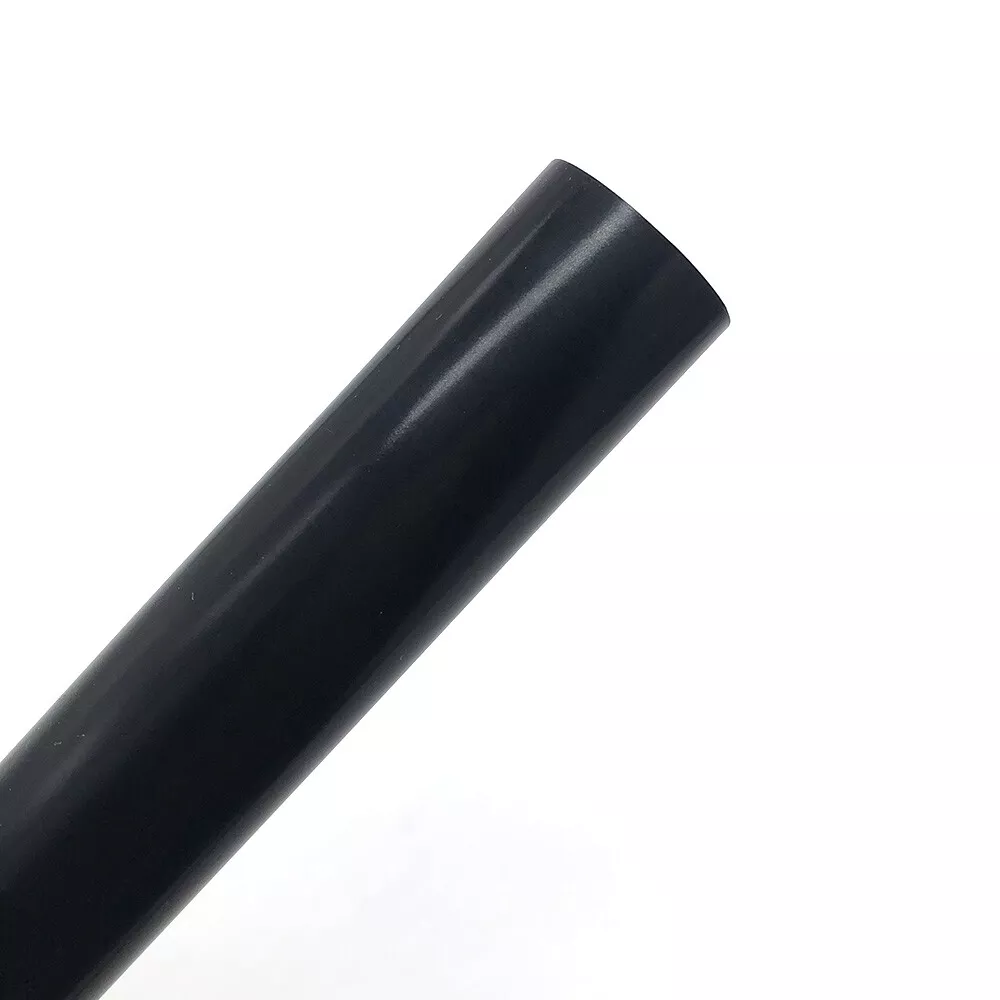
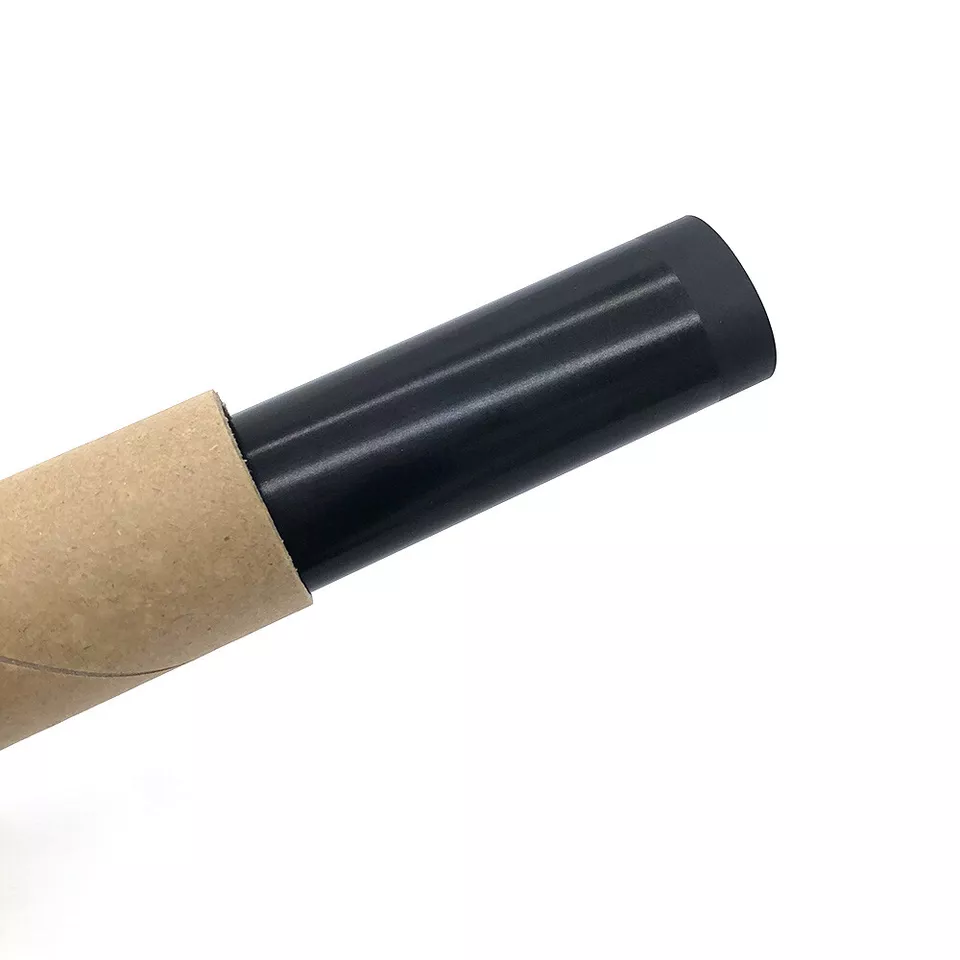
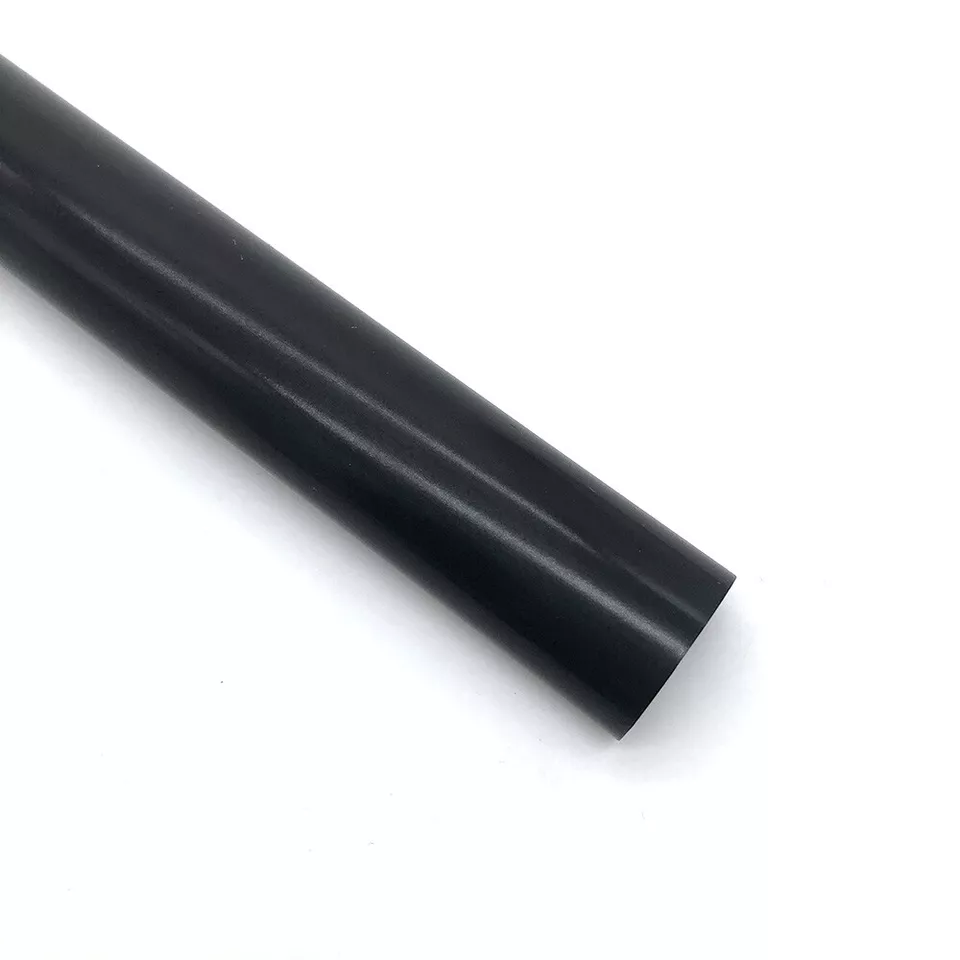
Canon Fixing Film Assembly (FM3-9382)
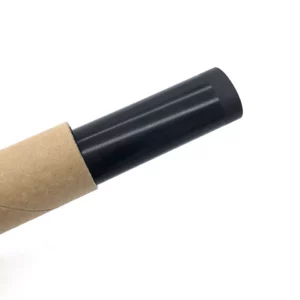
The Canon Fixing Film Assembly (FM3-9382) is a crucial component in Canon laser printers and multifunction devices, particularly for models that utilize a fusing system for toner application. The fixing film assembly works in conjunction with the printer’s fuser unit to ensure the toner is properly adhered to the paper during the printing process.
Key Features
- Tonner Fixing Process:
The fixing film assembly plays a central role in the fusing process. It works with the fuser rollers to apply heat and pressure, ensuring that the toner is permanently bonded to the paper, preventing it from smudging or rubbing off. - Heat Distribution:
The film is a flexible, heat-resistant material designed to evenly distribute the heat required to fuse the toner. It provides consistent and uniform heat to ensure high-quality, smudge-resistant prints. - Durability:
The fixing film is designed to withstand high temperatures and regular contact with the printer’s toner. It is constructed from durable materials that resist wear and tear over thousands of prints. - Prevents Paper Jams:
By efficiently transferring toner to paper, the fixing film helps to reduce the chances of paper jams or other printing defects that can occur when the toner isn’t properly adhered to the page. - Maintenance and Replacement:
The fixing film assembly is a replaceable part that is designed for easy installation. Regular maintenance, including replacing the fixing film, ensures optimal print quality and prevents issues related to toner adhesion.
Components of the Canon Fixing Film Assembly (FM3-9382)
- Fixing Film:
The main part of the assembly, the film is a thin, heat-resistant component that comes into direct contact with the printed page to fuse the toner onto the paper. - Film Roller:
The fixing film assembly includes a roller that helps distribute the film evenly over the page during the fusing process. The roller helps maintain the film’s alignment and ensures that toner is evenly melted and fixed onto the paper. - Sensors and Brackets:
Some models may include sensors to monitor the functioning of the fixing film assembly and ensure that it operates correctly. The assembly will also have mounting brackets or clips that secure it within the printer. - Heat Source:
The fixing film assembly typically operates with an internal heat source, such as a heated roller, to ensure the toner is permanently affixed to the paper.
Specifications
- Material:
The fixing film is made of heat-resistant plastic material (often a type of fluoropolymer), designed to withstand the high temperatures required for fusing the toner. - Dimensions:
The dimensions of the Canon fixing film assembly (FM3-9382) can vary depending on the printer model. However, it generally has a length of around 20 cm to 40 cm and a diameter or width of approximately 5 cm to 8 cm. - Weight:
The weight of the Canon Fixing Film Assembly (FM3-9382) is approximately 0.3 kg to 0.5 kg, depending on the specific design and components included in the assembly. - Compatibility:
The FM3-9382 fixing film assembly is designed for specific Canon printer models. Always verify compatibility with your specific printer model before purchasing or replacing this part. - Service Life:
The service life of the fixing film assembly depends on the number of pages printed and the type of printing being done. On average, the fixing film can last 30,000 to 50,000 pages before needing replacement. However, this can vary depending on print volume and usage.
Benefits
- Consistent Print Quality:
The fixing film assembly ensures that the toner is evenly and permanently fixed to the paper, resulting in consistent print quality without smudging or fading. - Enhanced Durability:
Designed to withstand high heat and frequent use, the fixing film assembly maintains its durability over time, even with high-volume printing. - Prevents Toner Smearing:
The assembly helps prevent toner from smearing or rubbing off, ensuring that your printed documents are clean and clear. This is particularly important for high-quality documents and images. - Improved Printer Efficiency:
A functioning fixing film assembly helps prevent paper jams, misfeeds, and other mechanical issues, ensuring that your printer operates smoothly and efficiently. - Cost Savings:
Regularly replacing the fixing film assembly, as needed, can prevent more costly repairs related to toner application issues, improving the overall cost-effectiveness of your printer.
How to Replace the Canon Fixing Film Assembly (FM3-9382)
- Turn Off and Unplug the Printer:
Always power off and unplug the printer before performing any maintenance to ensure safety. - Open the Printer’s Access Panel:
Locate and open the printer’s top or rear panel to access the fuser unit and fixing film assembly. - Locate the Fixing Film Assembly:
The fixing film assembly is typically positioned near the fuser unit. It can often be identified by the rollers and the film itself. Refer to your printer’s manual for guidance. - Remove the Old Fixing Film:
Depending on your printer model, the fixing film assembly may be secured with screws, clips, or other fasteners. Carefully release these and remove the old fixing film assembly. - Install the New Fixing Film Assembly:
Align the new fixing film assembly with the mounting points and secure it into place. Make sure the film is properly aligned and the rollers are in the correct position. - Close the Printer:
Once the new assembly is installed, close the access panel and ensure everything is properly secured. - Test the Printer:
Plug the printer back in, power it on, and run a test print to ensure that the new fixing film assembly is working correctly and that the toner is properly fused to the paper.
Conclusion
The Canon Fixing Film Assembly (FM3-9382) plays a vital role in ensuring high-quality, smudge-free prints by effectively fusing toner to the paper. It’s built to withstand the high heat and frequent use of a laser printer’s fusing process. Regular maintenance and timely replacement of this part are crucial for maintaining optimal print quality and ensuring the printer continues to operate smoothly. By following the recommended maintenance schedule, users can avoid print defects and reduce the risk of mechanical issues in their Canon printers.
| Weight | 0.5 kg |
|---|
Based on 0 reviews
Be the first to review “Canon Fixing Film Assembly (FM3-9382) | EFFFCIENT | IMPROVED PRINT QUALITY”
Related products
-
canon, Canon Cameras
Canon PowerShot V10 Vlog Camera (Black)
Key Features- For Vlogging and Live Streaming
- 20.9MP 1″ CMOS Sensor
- UHD 4K up to 29.97 fps
- Full HD up to 59.94 fps
- 19mm Equivalent Wide-Angle Lens
- Web Camera Compatible with UVC Support
- 460,000-Dot 2″ Touchscreen LCD
- Wi-Fi & Bluetooth Connectivity
- Vertical Capture Capable
- Built-In 30° Stand
SKU: n/a



There are no reviews yet.