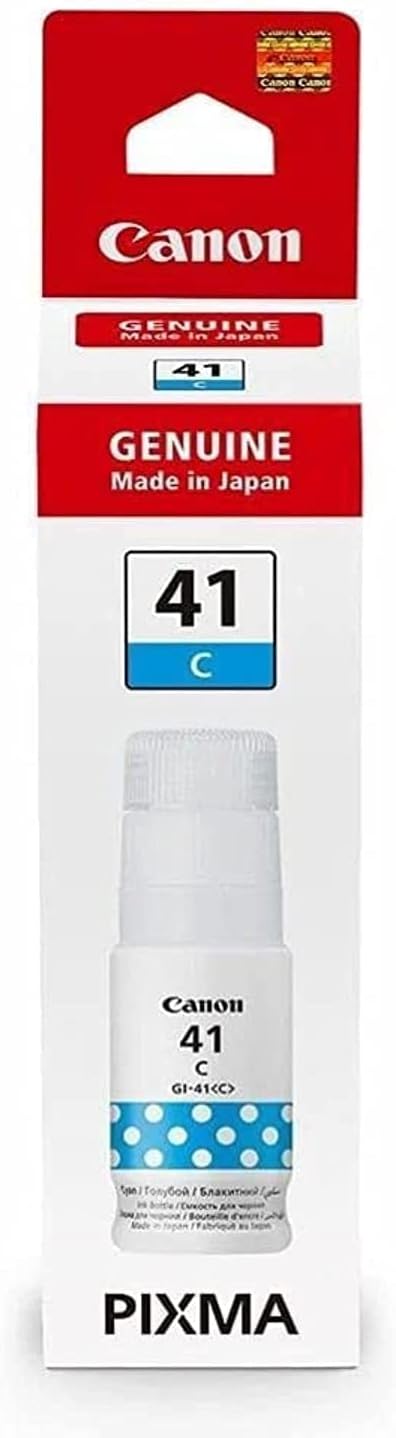
The Canon GI-41 C is a color ink cartridge designed for use in Canon’s ink tank printers, particularly those in the PIXMA G-series lineup. The “GI” series refers to Canon’s refillable ink tanks, providing users with cost-effective printing solutions, particularly for high-volume printing needs. The GI-41 C ink cartridge specifically contains cyan ink.
Key Features of Canon GI-41 C:
High Page Yield:
This ink cartridge offers high page yields, reducing the frequency of replacements, which is ideal for users with heavy printing needs.
It typically provides up to 7,700 pages of cyan prints, depending on print settings and usage.
Revolutionary Ink Tank System:
The Canon GI-41 C uses Canon’s ink tank technology, which is designed to maximize efficiency by reducing ink waste and lowering overall printing costs.
Vibrant Cyan Prints:
This ink is specifically formulated to deliver high-quality prints with accurate color reproduction, especially in images and documents requiring blue tones.
Easy to Refill:
The ink tank system is designed for easy refilling and maintenance, making it a user-friendly option for individuals and businesses.
Compatibility:
Compatible with Canon PIXMA G-series printers such as the PIXMA G1010, PIXMA G2010, PIXMA G3010, and others in the same family.
Specifications:
Ink Type: Dye-based ink (cyan)
Page Yield: Approx. 7,700 pages (Cyan) based on ISO/IEC 24711 standard
Ink Volume: 70 mL
Compatibility: PIXMA G series printers (G1010, G2010, G3010, G4010, etc.)
Weight:
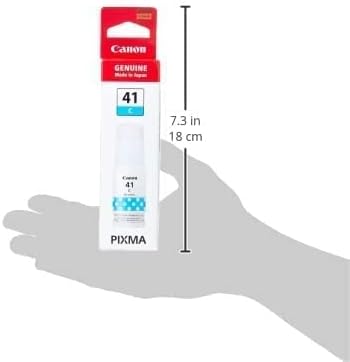
The Canon GI-41 C cartridge typically weighs around 110 grams when full.
Benefits of Using Canon GI-41 C:
Cost-Effective Printing:
With its high yield and refillable nature, this cartridge allows for reduced ink costs per page, making it ideal for those who print frequently.
Consistent, High-Quality Output:
It ensures vibrant and crisp color prints, especially useful for photo printing, marketing materials, and high-resolution documents.
Easy to Replace:
The refillable ink tank system is user-friendly and easy to manage, offering fewer replacements than traditional cartridges.
Environmental Benefits:
The large ink volume and refillable tanks reduce the frequency of waste, offering an eco-friendly alternative compared to standard cartridges.
How to Install the Canon GI-41 C Ink Cartridge:
Prepare Your Printer:
Ensure that the printer is powered on. Open the printer’s top cover to access the ink tank compartment.
Remove the Old Cartridge (If Replacing):
If you’re replacing an old cartridge, gently remove the empty or old cyan ink tank by pressing the lock lever or simply pulling it out.
Unbox the New GI-41 C Ink Tank:
Open the packaging of the Canon GI-41 C ink tank. Remove the protective seal from the new ink bottle to avoid spillage.
Install the New Ink Tank:
Place the Canon GI-41 C ink tank into the designated slot for cyan. Make sure the tank is properly aligned with the slot and fits securely into place.
Close the Printer Cover:
Once the cartridge is installed correctly, close the printer’s top cover. The printer may take a moment to recognize the new ink tank.
Check Ink Levels:
After installation, you can print a test page or check the printer’s software interface to ensure the new ink tank is recognized and functioning correctly.
By following these steps, you’ll have the Canon GI-41 C ink tank installed and ready for use in your compatible Canon printer.





There are no reviews yet.