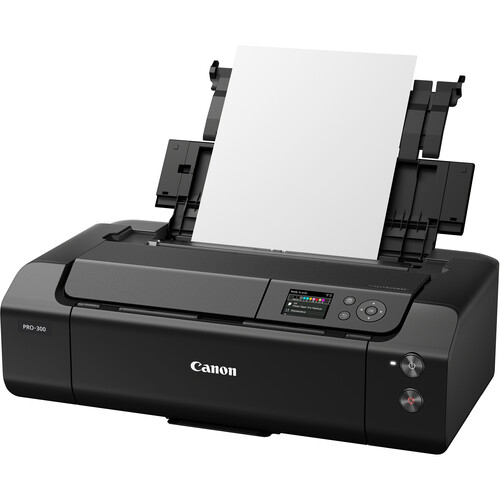
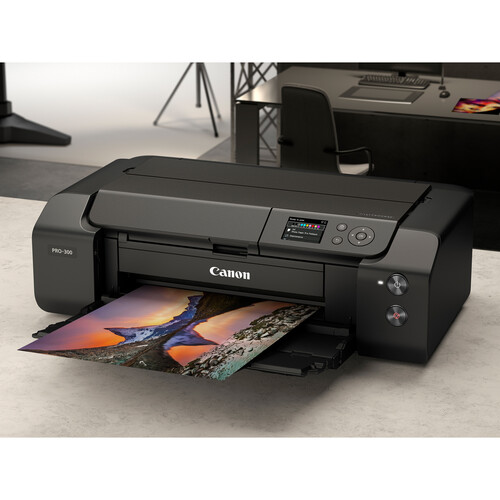
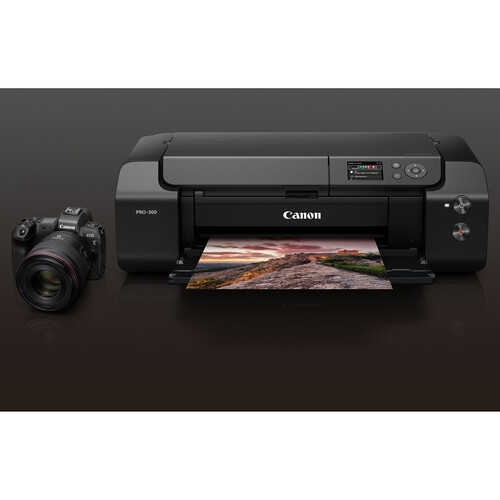
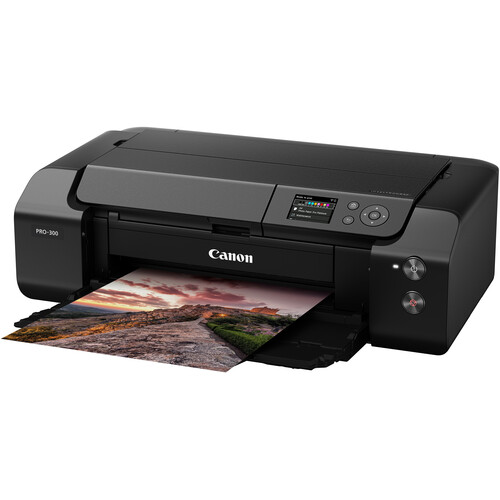
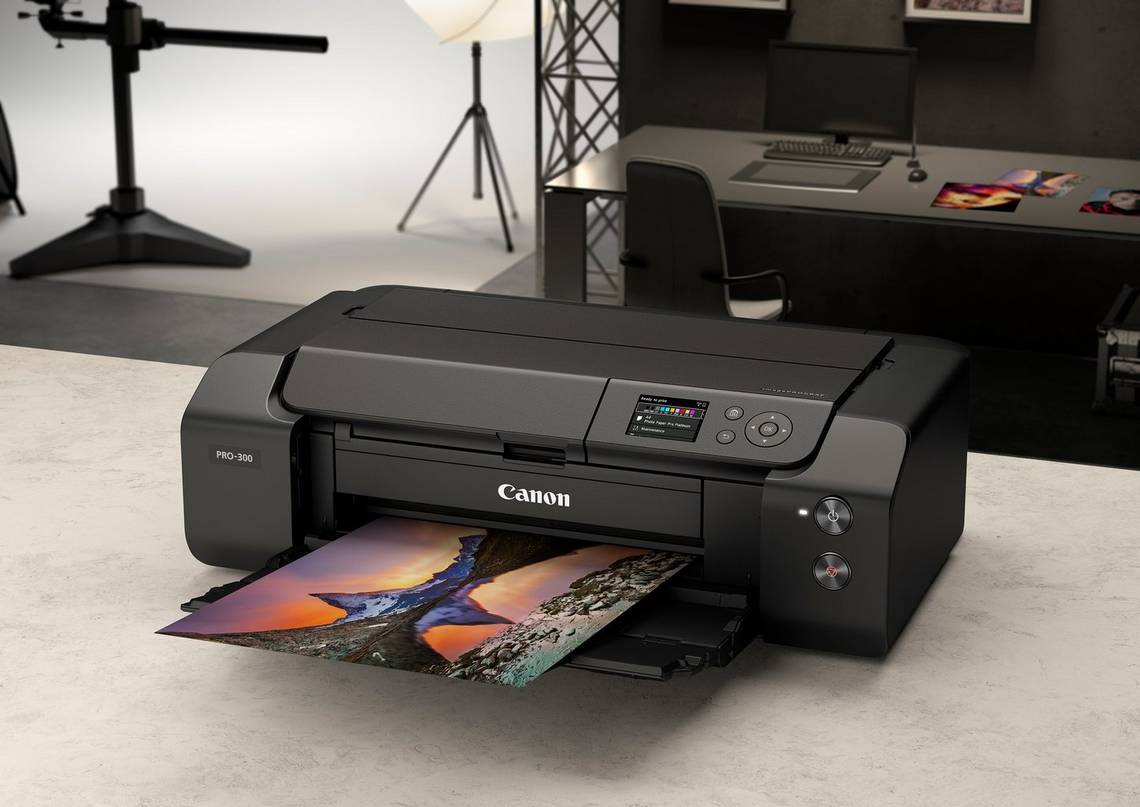
The Canon imagePROGRAF PRO-300 is a professional-grade A3+ inkjet printer designed for photographers, artists, and creative professionals who demand high-quality prints with exceptional color accuracy and detail. It is part of the imagePROGRAF PRO series, known for its advanced ink technology and superior print quality, making it a popular choice for those working in fine art, photography, and graphic design.
Key Features of Canon imagePROGRAF PRO-300 Printer:
LUCIA PRO Ink System:
The CanonPRO-300 uses the LUCIA PRO 10-color pigment ink system, which includes Chromatic Red, Gray, and Photo Blue inks, offering a wide color gamut, deeper blacks, and enhanced image sharpness. This ink system helps produce vivid, accurate colors and smooth tonal gradations, particularly in black-and-white and fine art prints.
Wi-Fi and Wired Connectivity:
The printer supports both Wi-Fi and Ethernet connectivity, offering flexible options for home and office use. It also supports USB 2.0 for direct connection to a computer, making it easy to print from multiple devices.
High-Resolution Printing:
The PRO-300 delivers prints with a maximum resolution of 4800 x 2400 dpi, ensuring excellent detail and sharpness for high-quality photographic and artistic prints.
Wide Color Gamut:
With the 10-color LUCIA PRO ink system, the printer can produce a broad range of colors, making it ideal for printing photos, artwork, and graphics that require precise color accuracy.
Advanced Paper Handling:
The imagePROGRAF PRO-300 features advanced paper handling capabilities, including support for a variety of media types such as glossy, matte, fine art, and canvas papers. It also supports borderless printing up to A3+ size for producing professional-looking prints.
User-Friendly Interface:
The PRO-300 features a color LCD display that provides an easy-to-use interface for printer management, settings adjustments, and monitoring ink levels.
Custom Print Layouts with Professional Software:
The printer is compatible with Canon Professional Print & Layout (PPL) software, which allows users to manage print layouts and optimize color accuracy for various paper types. This is particularly useful for photographers and graphic designers who need precise control over their print jobs.
Specifications of Canon imagePROGRAF PRO-300 Printer:
Print Technology: Inkjet
Ink System: LUCIA PRO 10-color pigment ink
Print Resolution: Maximum of 4800 x 2400 dpi
Print Size: A3+ (13” x 19”) and smaller sizes (up to A4)
Color Gamut: Wide color gamut with Chromatic Red, Gray, Photo Blue, and more
Connectivity:
Wi-Fi (wireless)
Ethernet
USB 2.0
Paper Handling:
Rear paper feed
Support for various paper types, including fine art, glossy, matte, and canvas
Borderless printing for sizes up to A3+
Display: 3.0-inch color LCD for easy operation
Dimensions (W x D x H): 24.3 x 15.2 x 9.5 inches (619 x 386 x 242 mm)
Weight: Approximately 17.2 kg (37.9 lbs)
Benefits of Canon imagePROGRAF PRO-300:
Exceptional Print Quality:
The LUCIA PRO ink system produces professional-grade prints with rich colors, deep blacks, and enhanced details. This makes the PRO-300 ideal for photographers and artists who require high-quality reproduction of their work.
Wide Color Gamut for Accurate Color Reproduction:
With its 10-color ink system, the PRO-300 is capable of reproducing a broad range of colors, allowing for highly accurate prints. It is particularly beneficial for printing fine art, portraits, and landscape photography, where color accuracy is critical.
Professional Software Integration:
Canon’s Professional Print & Layout (PPL) software provides users with tools for managing print layouts, optimizing color profiles, and ensuring that prints match the display on screen. This software is a great addition for photographers and creative professionals who need precise control over their prints.
Flexible Paper Options:
The PRO-300 supports a wide variety of paper types, including fine art papers, glossy photo papers, and canvas, making it versatile for different print applications. The rear paper feed accommodates thicker media, ensuring smooth printing on specialized paper.
Compact and Easy to Use:
Despite its high-quality output, the PRO-300 is compact, making it suitable for home offices or small studios. The 3.0-inch color LCD screen simplifies printer management, and wireless printing options add convenience.
Borderless Printing:
The printer allows for borderless printing up to A3+ size, giving your prints a professional and polished look without the need for trimming.
How to Install the Canon imagePROGRAF PRO-300 Printer:
Unbox and Set Up the Printer:
Carefully remove the printer from its box, ensuring that you do not damage any parts during the unboxing process.
Set up the printer on a stable surface, ensuring that it is near a power source and connected to the internet (if using Wi-Fi).
Install the Ink Cartridges:
Open the printer’s ink compartment and insert the ink cartridges according to the printer’s instructions. Make sure each cartridge is securely placed in its designated slot.
Load Paper:
Load your preferred paper type into the printer’s rear feed tray. Be sure to choose paper that is compatible with the printer for the best results.
Connect the Printer:
Connect the printer to your computer or network using either a USB cable, Wi-Fi, or Ethernet connection.
Ensure that the printer is powered on and detected by your computer.
Install Printer Drivers and Software:
Install the necessary printer drivers and Professional Print & Layout (PPL) software from Canon’s official website or from the installation disc included with the printer.
Follow the on-screen instructions to complete the software installation.
Print a Test Page:
After installing the printer, print a test page to check that everything is working correctly. You can adjust the print settings through the software to match your desired print quality.





There are no reviews yet.