

canon, Canon Printers, Printers
Canon imagePROGRAF PRO-6100 | Exceptional Print Quality | RELAIBLE
USD
Canon imagePROGRAF PRO-6100
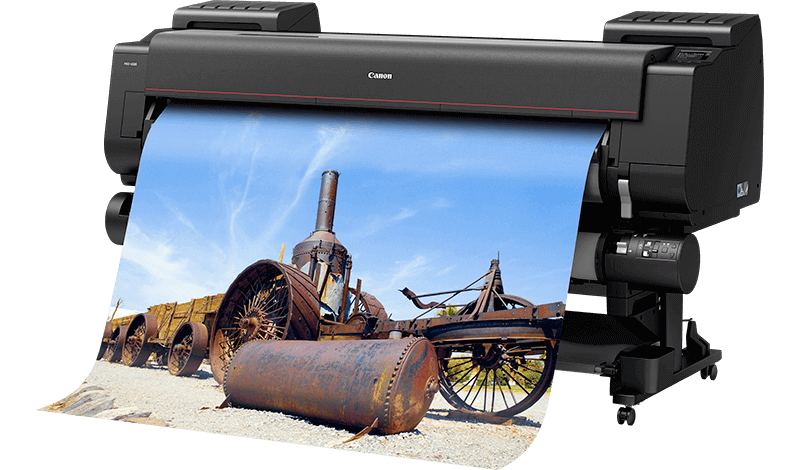
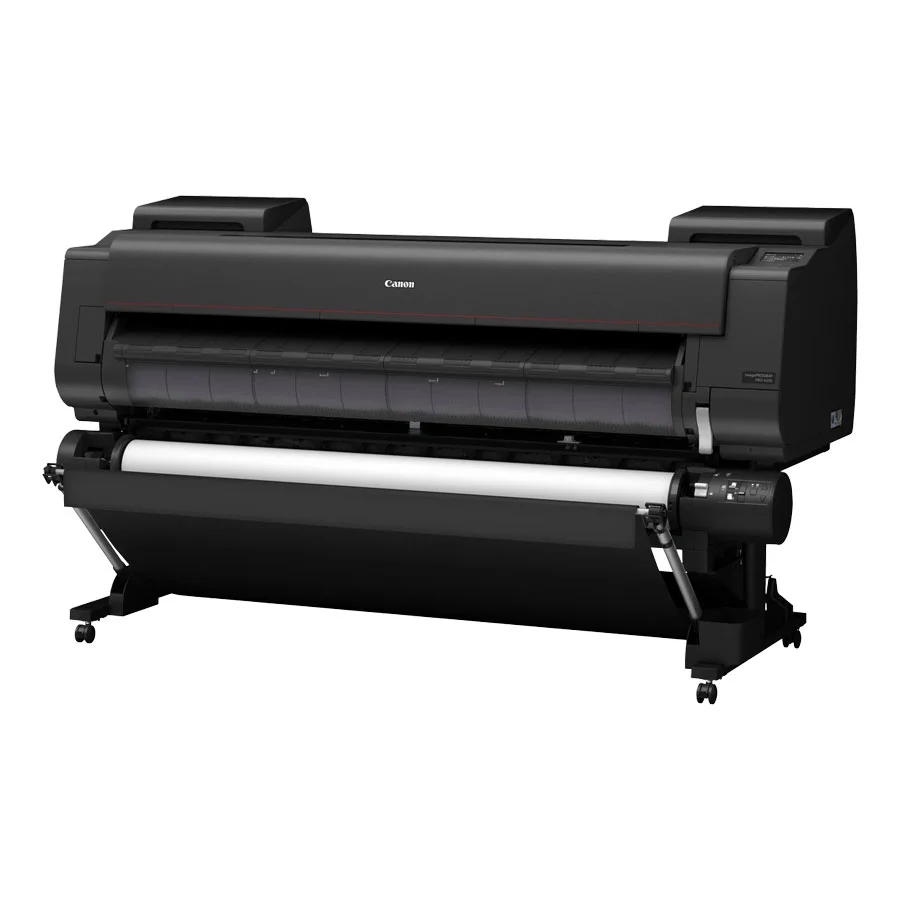
The Canon imagePROGRAF PRO-6100 is a high-performance large format printer designed for professional photographers, graphic designers, and print service providers. It offers exceptional quality in large-format printing, with precise color accuracy and the ability to handle wide media types and sizes. This printer is well-suited for high-end applications such as fine art prints, photographic prints, banners, posters, and signage.
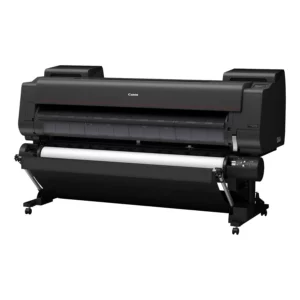
Key Features of Canon imagePROGRAF PRO-6100 LFP:
- Exceptional Print Quality:
- The PRO-6100 is equipped with Canon’s LUCIA PRO ink system, which includes 12 colors, including Chroma Optimizer, for delivering highly accurate and vibrant colors.
- Print Resolution: Up to 2400 x 1200 dpi, ensuring fine details and smooth gradations for professional-level quality.
- High-Speed Printing:
- Offers speedy printing with the ability to produce a A1-sized print in approximately 3 minutes depending on media type and print settings.
- Wide Media Support:
- Can handle a variety of media types, including coated, fine art, and specialty media, up to 44 inches (1118 mm) in width.
- Supports roll and cut-sheet media, and users can select from an extensive range of compatible papers, from glossy to matte to canvas.
- Advanced Color Management:
- The Color Calibration System ensures color consistency over time, which is especially important for businesses that need to maintain high color accuracy between prints.
- Air Feeding System:
- Features an advanced air-feeding system, which prevents media wrinkling and improves media handling, ensuring smooth, high-quality prints.
- High-Quality Ink:
- The LUCIA PRO ink system uses pigment-based inks that provide superior color expression and durability. These inks are highly resistant to fading, ensuring long-lasting prints with excellent resistance to scratches, water, and smudging.
- Advanced Connectivity:
- Wi-Fi and Ethernet connectivity options allow for seamless integration into networks and cloud environments.
- Supports printing via mobile apps like Canon PRINT Inkjet/SELPHY, Apple AirPrint, and Google Cloud Print.
- Large Capacity Ink Tanks:
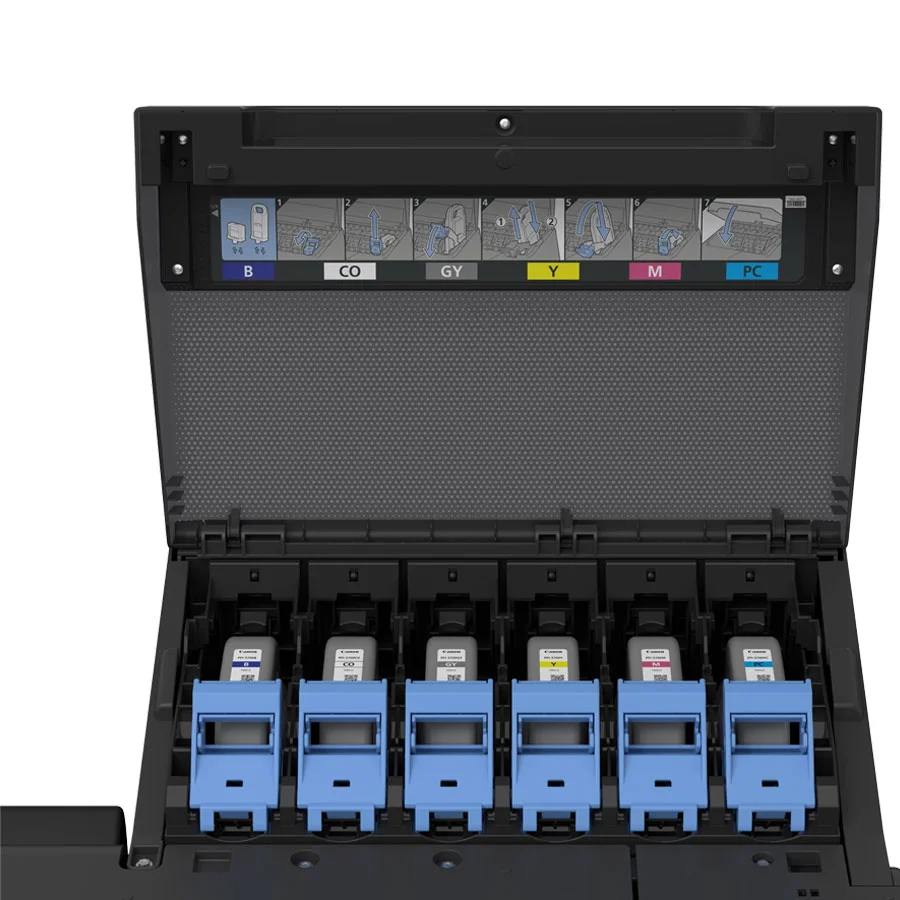
- The printer is equipped with large-capacity ink tanks (330 ml and 700 ml) to reduce the need for frequent replacement, improving productivity in high-volume print environments.
- User-Friendly Interface:
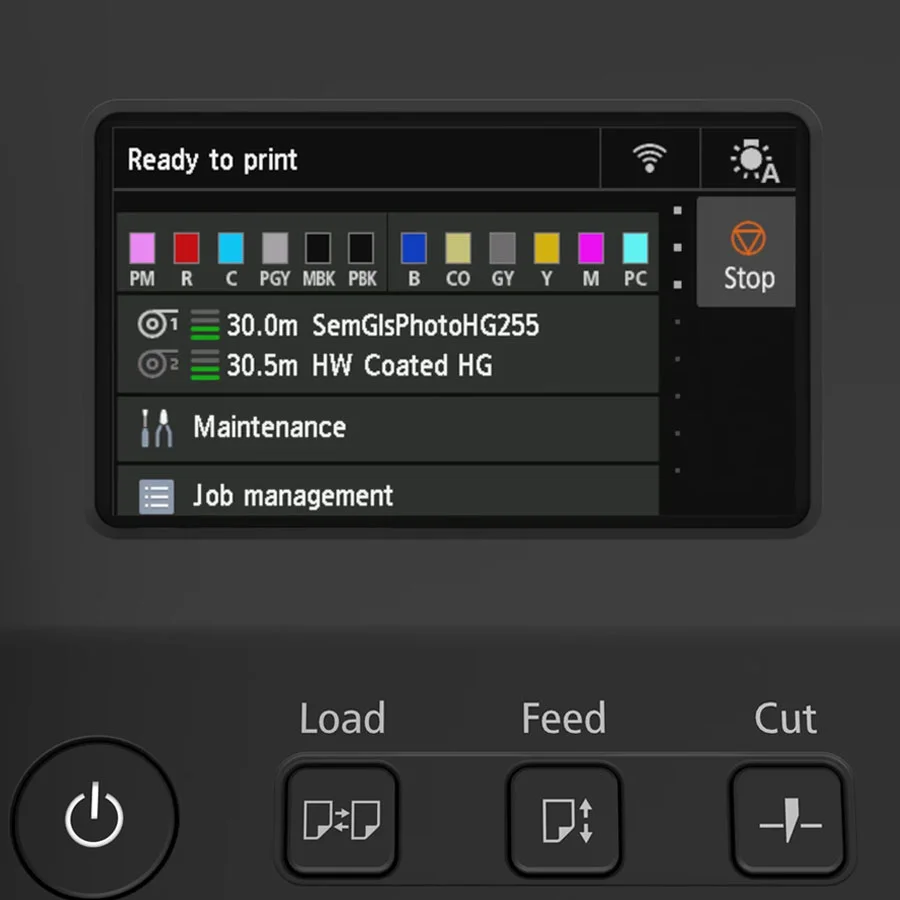
- Features an intuitive 4.3-inch color touchscreen panel for easy setup and control of print jobs. The Printer Driver and imagePROGRAF Print Utility software also provide advanced print settings and media management.
Specifications: Canon imagePROGRAF PRO-6100
- Print Technology: Inkjet
- Ink System: LUCIA PRO pigment-based inks (12 colors including Chroma Optimizer)
- Print Resolution: Up to 2400 x 1200 dpi
- Print Speed:
- A1-sized print in approximately 3 minutes
- A0 print in about 5 minutes
- Media Sizes: Up to 44 inches (1118 mm) wide (roll and cut-sheet media)
- Media Types:
- Coated Paper
- Fine Art Paper
- Canvas
- Photo Paper
- Vinyl and other specialty media
- Paper Capacity:
- Roll Media: 1 roll (up to 150 meters)
- Cut-sheet Media: Max paper size 24 x 36 inches (610 x 914 mm)
- Connectivity:
- Ethernet and Wi-Fi
- USB 2.0
- Cloud printing via apps like Apple AirPrint, Google Cloud Print
- Operating System Support:
- Windows (7/8/10/11)
- macOS (10.12 or later)
- iOS and Android (for mobile printing)
- Control Panel: 4.3-inch color touchscreen display
- Dimensions:
- Width: 1,707 mm (67.2 inches)
- Depth: 1,116 mm (44 inches)
- Height: 1,230 mm (48.4 inches)
- Weight: Approximately 105 kg (231.5 lbs)
Benefits: Canon imagePROGRAF PRO-6100
- Outstanding Print Quality:
- With 2400 x 1200 dpi resolution and LUCIA PRO pigment-based inks, the PRO-6100 delivers exceptional color accuracy, smooth gradients, and fine detail, making it ideal for high-quality photo prints, fine art reproductions, and professional posters.
- Speed and Efficiency:
- With fast print speeds, businesses can meet tight deadlines and reduce turnaround time for large-format print jobs. Producing an A1-sized print in as little as 3 minutes ensures high productivity.
- Wide Media Compatibility:
- The ability to print on a wide variety of media types, including glossy, matte, and specialty fine art papers, allows businesses to expand their service offerings and cater to diverse customer needs.
- Enhanced Durability:
- The LUCIA PRO inks offer superior fading resistance, which makes them ideal for prints that need to last over time, such as fine art pieces and long-term promotional materials.
- User-Friendly Operation:
- The 4.3-inch touchscreen interface and intuitive software allow for easy operation and minimal training, ensuring smooth workflow integration.
- Cost-Efficient:
- With large-capacity ink tanks (330 ml and 700 ml), businesses can reduce the frequency of ink replacements and lower the overall cost of ownership in high-volume printing environments.
- Sustainable Printing:
- The printer is designed with energy-saving features, reducing its overall environmental impact, and Canon’s pigment inks ensure durability with minimal environmental degradation over time.
How to Install the Canon imagePROGRAF PRO-6100:
- Unbox the Printer:
- Carefully remove the printer from its packaging and position it in a suitable location. Ensure that there is enough space for both the printer and any paper or media rolls you intend to use.
- Set Up the Printer:
- Connect the printer to a power source and turn it on. Install the ink tanks as per the instructions in the user manual.
- Load Media:
- Load the roll media or cut-sheet paper into the respective trays. Adjust the printer settings for the type of media you will be using.
- Network/Connectivity Setup:
- For networked operation, connect the printer to your Wi-Fi or Ethernet network. Ensure that all devices you intend to print from are connected to the same network.
- For mobile printing, install the necessary apps like Canon PRINT or use Apple AirPrint or Google Cloud Print for wireless printing.
- Install Printer Drivers:
- Download and install the appropriate drivers for Windows or macOS from Canon’s official website. The printer will also come with a CD for driver installation.
- Perform a Test Print:
- Once the setup is complete, perform a test print to ensure everything is working as expected. You can print a sample document or image to check the print quality.
| Weight | 105 kg |
|---|
Based on 0 reviews
Be the first to review “Canon imagePROGRAF PRO-6100 | Exceptional Print Quality | RELAIBLE”
Related products
-
canon, Canon Printers, Officejet Printers, Printers
Canon Selphy CP1000 Photo Printer (0011C010) – White
-33%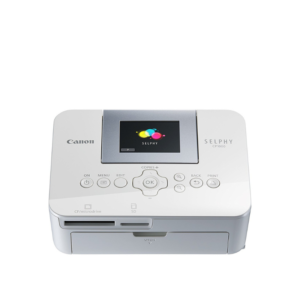 canon, Canon Printers, Officejet Printers, Printers
Canon Selphy CP1000 Photo Printer (0011C010) – White
Brand CANON Functions Photo Printing Sub-brand Canon SELPHY Printing Technology Dye sublimation Duplex Print Nil Print speed (Mono) Up to 0.8 min/page – 3.95 in x 5.83 in Print Resolution 300 x 300 dpi Wireless No SKU: 0011C010 -
HP, Laserjet Printer, Printers
HP LaserJet MFP M442dn (8AF71A) – Efficient Monochrome Multifunction Printer for Businesses
-22% HP, Laserjet Printer, Printers
HP LaserJet MFP M442dn (8AF71A) – Efficient Monochrome Multifunction Printer for Businesses
HP LaserJet MFP M442dn 8AF71A

-
Connectivity, standard:Hi-Speed USB 2.0 Device, Ethernet 10/100 Base TX
-
Duty cycle (monthly, A4):Up to 50,000 pages per month
-
Paper handling input, standard:Tray 1: 100 sheet; Tray 2: 250 sheet
-
Print technology:Laser
SKU: n/a -
-
HP, Inkjet, Printers, Smart Tank
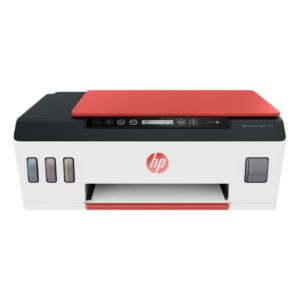
HP Smart Tank 519 All-in-One Wireless Printer 3YW73A
Brand HP Functions Print, scan, copy, wireless Sub-brand Smart Tank Printing Technology HP Thermal Inkjet Print colors Yes Processor speed 800 MHz Monthly Duty Cycle (A4) Up to 1000 pages Print speed Up to 11 ppm Connectivity Wireless, built-in Wi-Fi 802.11b/g/n Paper Size A4 Paper SKU: 3YW73A

There are no reviews yet.