

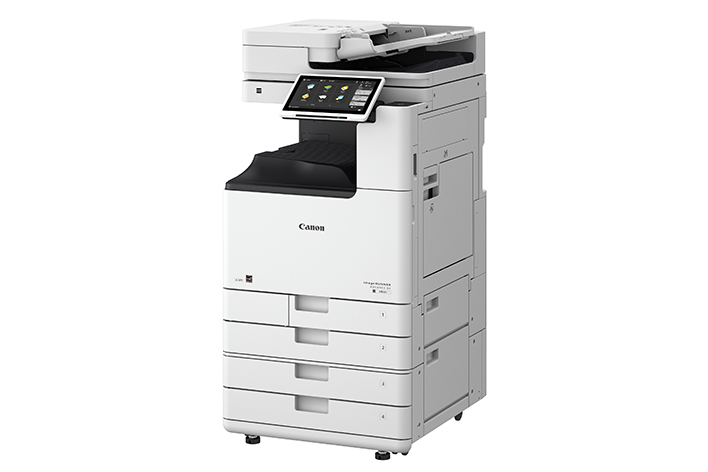
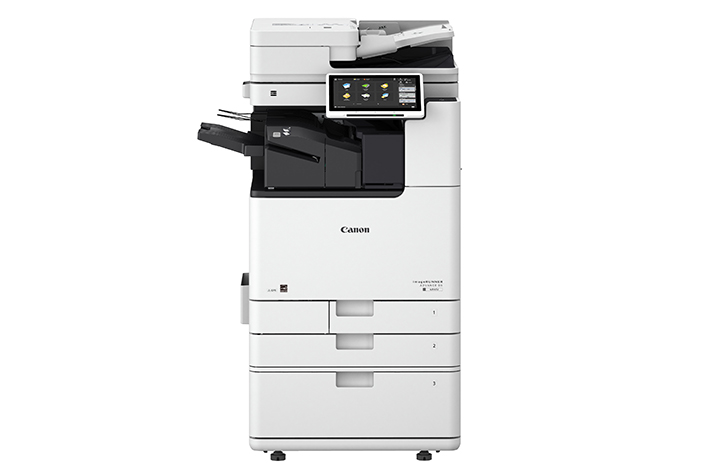
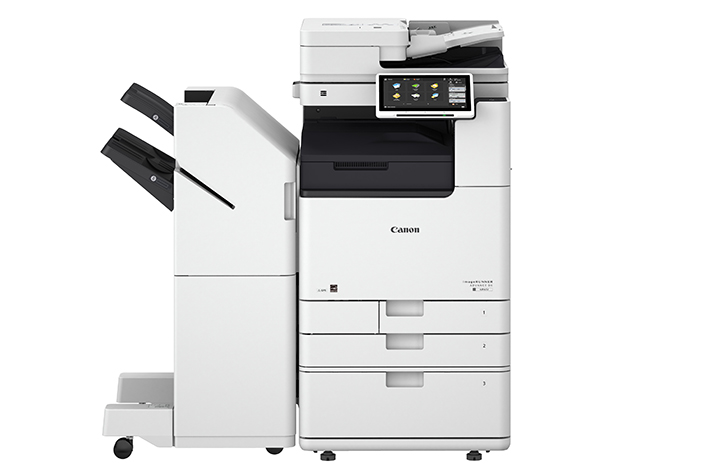
Canon imageRUNNER ADVANCE DX 4845i | HIGH QUALITY | COMPACT | RELIABLE
Canon imageRUNNER ADVANCE DX 4845i
The Canon imageRUNNER ADVANCE DX 4845i is a high-performance multifunction printer (MFP) designed for medium to large-sized businesses, offering fast and efficient printing, scanning, and copying. Part of Canon’s imageRUNNER ADVANCE DX series, this model delivers exceptional quality, advanced security features, and strong integration with cloud-based workflows, making it suitable for offices that require robust document management and high-volume output.
Key Features of the Canon imageRUNNER ADVANCE DX 4845i:
- Multifunctional Capabilities:
- The DX 4845i offers printing, scanning, copying, and optional faxing. This all-in-one functionality streamlines document management by handling all your business needs in one device.
- High-Speed Printing and Copying:
- It delivers a fast print and copy speed of up to 45 pages per minute (ppm) in black-and-white, helping businesses keep up with high-volume tasks without long waiting times.
- High-Quality Output:
- The printer provides a print resolution of up to 1200 x 1200 dpi (enhanced) for sharp and detailed text and graphics. This high-quality output is ideal for professional documents, marketing materials, and presentations.
- Enhanced Security Features:
- The DX 4845i offers advanced security features to protect sensitive data, such as secure print, encrypted communications, user authentication, and access control. These features ensure that confidential information remains protected, and users can control access based on roles.
- Large Paper Capacity:
- It comes with a standard 1,200-sheet paper capacity, with options to expand further by adding additional trays. This high capacity ensures less frequent paper replenishing, helping improve efficiency in high-volume environments.
- Automatic Duplex Printing:
- The DX 4845i supports automatic duplex printing (two-sided printing), helping reduce paper consumption and operating costs.
- Intuitive Touchscreen Interface:
- The printer features a 10.1-inch color touchscreen that provides an intuitive interface for managing printing, scanning, and copying tasks. The screen allows users to quickly select functions, view job status, and access custom workflows.
- Cloud and Mobile Integration:
- With cloud integration and support for mobile printing (such as Google Cloud Print, Apple AirPrint, and Mopria Print Service), the DX 4845i allows users to print directly from smartphones, tablets, or cloud services for enhanced mobility and flexibility.
- Advanced Scanning Capabilities:
- The DX 4845i features a Dual Scan Document Feeder (DSDF) that allows for scanning speeds of up to 270 images per minute (ipm) in both color and black-and-white. It also supports various formats such as PDF, TIFF, JPEG, and XPS for efficient document storage and sharing.
- Sustainability Features:
- This model is ENERGY STAR certified, ensuring that it meets high standards for energy efficiency. It also offers a low-energy standby mode, reducing power consumption when not in use.
Specifications of the Canon imageRUNNER ADVANCE DX 4845i:
- Type: Multifunction color laser printer (Print, Copy, Scan, Optional Fax)
- Print Speed: Up to 45 pages per minute (ppm) (Black & White)
- Print Resolution: Up to 1200 x 1200 dpi (enhanced)
- Duplex Printing: Automatic (two-sided printing)
- Display: 10.1-inch color touchscreen
- Connectivity:
- Wi-Fi, Ethernet, USB 3.0
- Cloud printing via Google Cloud Print, Apple AirPrint, Mopria Print Service
- Monthly Duty Cycle: Up to 150,000 pages
- Paper Capacity:
- 1,200-sheet standard (Expandable)
- Two 550-sheet input trays and a 100-sheet output tray
- Dual Scan Document Feeder (DSDF) with 100-sheet capacity
- Supported Paper Sizes: A4, A5, A6, Letter, Legal, Custom sizes
- Energy Efficiency: ENERGY STAR certified
- Dimensions (W x D x H): 595 x 650 x 833 mm
- Weight: Approx. 35 kg (77 lbs)
- Toner: Canon GPR-67 toner (Black)
Benefits of Using the Canon imageRUNNER ADVANCE DX 4845i:
- High-Speed Performance:
- With a print speed of up to 45 ppm, the DX 4845i is designed to handle high-volume printing and copying in fast-paced office environments, reducing bottlenecks and improving workflow.
- Enhanced Security:
- The advanced security features, including secure print, user authentication, and encrypted data transfer, ensure that sensitive documents are protected from unauthorized access and breaches.
- Advanced Scanning:
- With the Dual Scan Document Feeder (DSDF), the DX 4845i offers up to 270 ipm scanning speeds, ensuring that large scanning jobs are completed quickly and efficiently, perfect for offices that need to digitize large volumes of documents.
- Cost Efficiency and Sustainability:
- The automatic duplex printing reduces paper usage, while energy-saving modes help reduce overall energy consumption, contributing to lower operational costs and environmental sustainability.
- Flexible Connectivity Options:
- With Wi-Fi, Ethernet, and mobile printing options like Apple AirPrint, Google Cloud Print, and Mopria Print Service, users can print and scan documents from a variety of devices, increasing office flexibility and mobility.
- Large Paper Handling:
- The printer’s 1,200-sheet standard capacity and flexible paper-handling options mean less frequent paper reloading, improving efficiency and reducing downtime during printing tasks.
- Intuitive User Interface:
- The 10.1-inch color touchscreen interface is designed for easy navigation, allowing users to access functions, check status updates, and customize workflows with a simple touch.
- Customizable Workflow:
- The DX 4845i allows businesses to automate workflows with customizable scan-to-email, scan-to-folder, or scan-to-cloud functionalities, helping streamline processes and reduce manual intervention.
How to Install the Canon imageRUNNER ADVANCE DX 4845i:
- Unbox the Printer:
- Remove the printer from its packaging and ensure all protective films and packing materials are removed.
- Install the Toner Cartridges:
- Open the front panel of the printer and insert the Canon GPR-67 toner cartridges (Black). Ensure they are properly seated in the toner compartment.
- Load Paper:
- Load the paper into the input trays, adjusting the guides to fit the paper size (A4, A5, Letter, etc.).
- Connect the Printer:
- Connect the printer to your network via Ethernet or Wi-Fi. You can also connect it to a computer via USB 3.0 if necessary.
- Power On the Printer:
- Press the power button to turn on the printer and allow it to initialize.
- Install Drivers and Software:
- Download and install the necessary drivers and software from Canon’s official website. Alternatively, use the installation CD included with the printer if available.
- Configure Settings:
- Configure the printer settings, including network connections, user authentication, and other preferences, using the touchscreen interface.
- Test the Printer:
- Print a test page and scan a document to verify that everything is set up correctly and the printer is functioning as expected.
The Canon imageRUNNER ADVANCE DX 4845i is an excellent choice for businesses seeking a reliable, fast, and secure multifunction printer with advanced scanning capabilities, robust connectivity options, and high-quality output. It is built to handle high-volume printing and scanning tasks efficiently while integrating seamlessly with modern digital workflows.
Based on 0 reviews
Be the first to review “Canon imageRUNNER ADVANCE DX 4845i | HIGH QUALITY | COMPACT | RELIABLE”
Related products
-
HP, Inkjet, Printers, Smart Tank
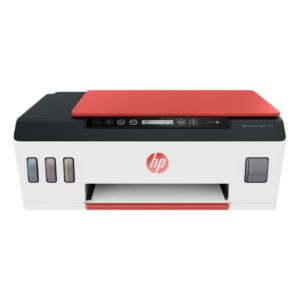
HP Smart Tank 519 All-in-One Wireless Printer 3YW73A
Brand HP Functions Print, scan, copy, wireless Sub-brand Smart Tank Printing Technology HP Thermal Inkjet Print colors Yes Processor speed 800 MHz Monthly Duty Cycle (A4) Up to 1000 pages Print speed Up to 11 ppm Connectivity Wireless, built-in Wi-Fi 802.11b/g/n Paper Size A4 Paper SKU: 3YW73A -
HP, Laserjet Printer, Printers
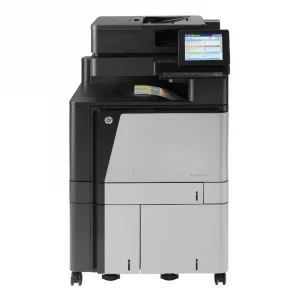
HP COLOUR LASERJET FLOW M880Z MULTIFUNCTION PRINTER (A2W75A)
HP COLOUR LASERJET FLOW M880Z
Brand HP Functions Print, copy, scan, fax Sub-brand Laserjet Enterprise Printing Technology Laser Print colors Yes Processor speed 800 MHz Connectivity 2 Hi-Speed USB 2.0 Host; 1 Hi-Speed USB 2.0 Device; 1 Gigabit Ethernet 10/100/1000T Network; 1 Foreign Interface; 1 Hardware Integration Pocket (HIP); 2 Internal USB Host; 1 Fax Memory 2.5 GB SKU: A2W76A -
Deskjet Printers, HP, Printers, Workstation Deal
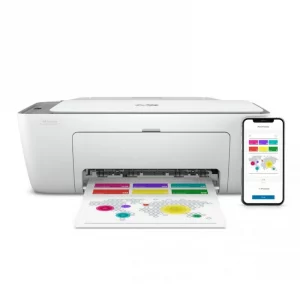
HP DESKJET 2720 WIRELESS (3XV18B)
HP DESKJET 2720 WIRELESS (3XV18B)
Brand HP Functions Print, copy, scan Sub-brand DeskJet Printing Technology Ink Print colors Yes Processor speed 180 MHz Connectivity Wireless, AirPrint, USB Paper Size A4 Paper SKU: 3XV18B -
HP, Laserjet Printer, Printers
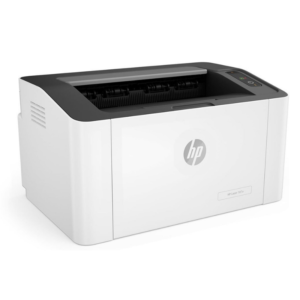
HP LaserJet Pro M107A Monochrome Printer – Compact and Efficient Laser Printing
-5% HP, Laserjet Printer, Printers
HP LaserJet Pro M107A Monochrome Printer – Compact and Efficient Laser Printing
HP LaserJet Pro M107A Monochrome

Brand HP Functions Print only Sub-brand LaserJet Printing Technology Laser Print colors Yes Processor speed 400MHz Connectivity Hi-Speed USB 2.0 port Paper Size A4, A5 SKU: 4ZB77A

There are no reviews yet.