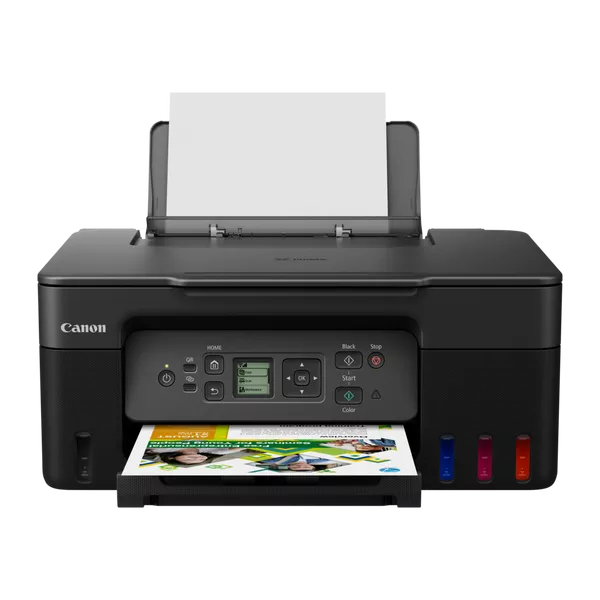
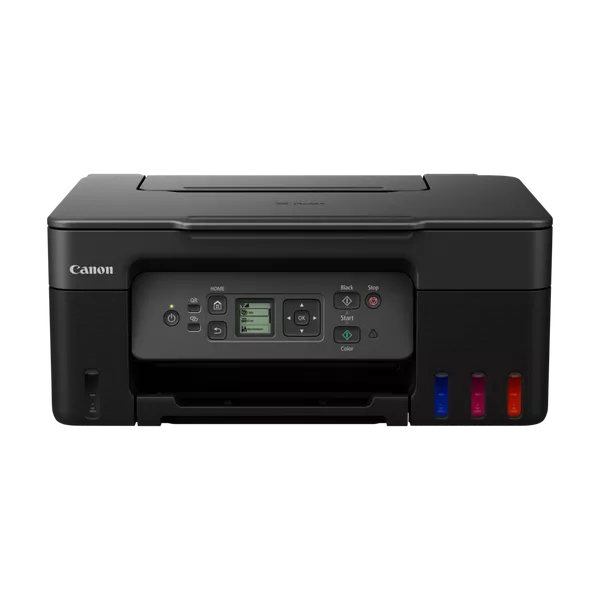
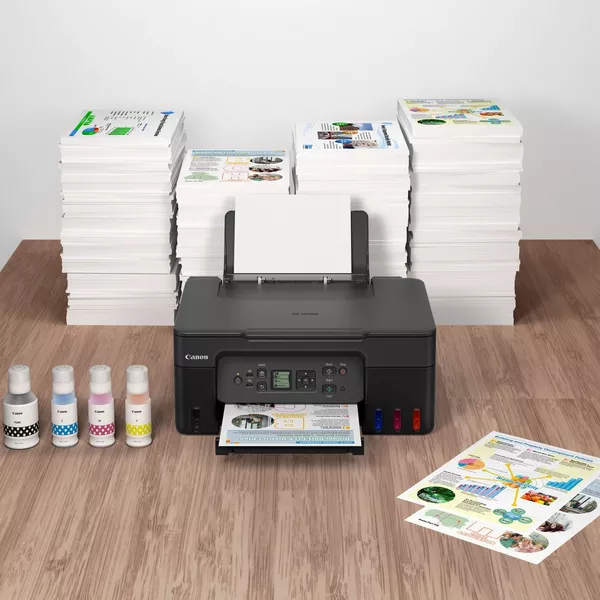
The CANON INKJET PRINTER MFP PIXMX G3470 is another model in Canon’s MegaTank series, offering a multi-functional inkjet printer with capabilities for printing, scanning, and copying. It is designed to be cost-effective, especially for users who need to print high volumes with minimal ink costs.
Here’s an overview of the key features and specifications for the Canon PIXMA G3470:
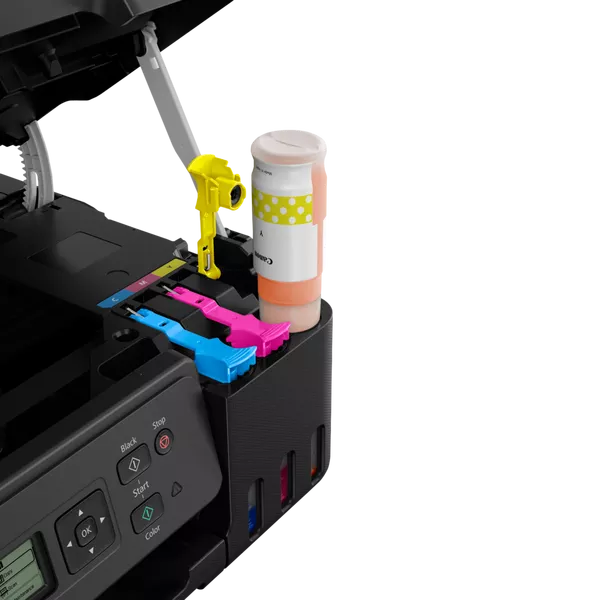
Cost-Effective Printing: The MegaTank ink system allows for high-volume printing with a lower cost per page, making it perfect for users who print a lot.
Wireless Connectivity: You can print from a variety of devices, including smartphones, tablets, and computers, thanks to Wi-Fi, AirPrint, Google Cloud Print, and other mobile printing options.
High Print Resolution: The printer delivers sharp and vibrant prints with a resolution of up to 4800 x 1200 dpi, which is suitable for both documents and photos.
User-Friendly Interface: The simple 1.2-inch LCD display allows easy access to key features for printing, scanning, and copying.
Compact Design: The G3470 is compact, fitting well in small office spaces or homes.
High Page Yield: The printer comes with high-yield ink bottles, capable of printing thousands of pages, which reduces the frequency of ink refills.
Specifications
Brand: Canon
Model: PIXMA G3470
Print Technology: Inkjet
Functionality: Print, Scan, Copy
Print Resolution: Up to 4800 x 1200 dpi
Connectivity: USB, Wi-Fi, Mobile Printing
Paper Handling: 100-sheet input tray, 50-sheet output tray


 HP, Laserjet Printer, Printers

There are no reviews yet.