

-2%
canon, Canon Accessories, Canon Printers, Inkjet Printer, Printers
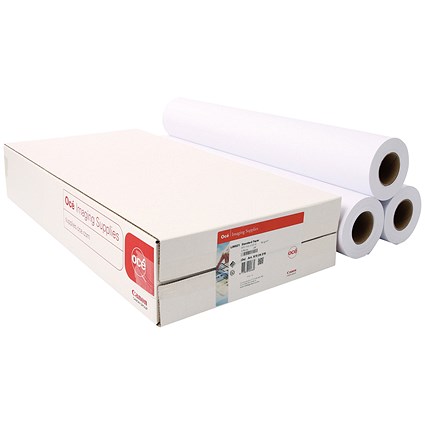
Canon Paper 90g 914x50m | RELIABLE and EFFICIENT
USD
$57.75 $59.00
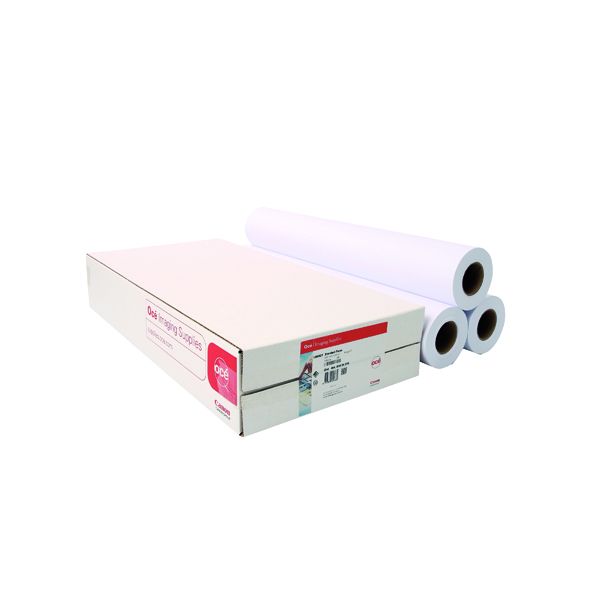
Canon Paper 90g 914x50m
The Canon Paper 90g 914x50m is a premium-quality, wide-format paper roll designed for use in inkjet printers. With a weight of 90 gsm and a width of 914 mm, this paper is ideal for a wide range of professional and technical printing applications, including CAD drawings, GIS maps, and posters.

Key Features
- Standard Weight:
- 90 gsm paper offers excellent balance between durability and flexibility.
- Wide Format:
- 914 mm (36 inches) width is suitable for large-scale projects and technical prints.
- Long Roll:
- 50-meter length supports high-volume printing, reducing the need for frequent replacements.
- Matte Finish:
- Ensures a glare-free surface for clear and detailed prints.
- Versatile Applications:
- Ideal for both black-and-white and color printing tasks.
- Compatibility:
- Designed for use with Canon and other wide-format inkjet printers.
Specifications Canon Paper 90g 914x50m
- Paper Weight: 90 gsm
- Width: 914 mm (36 inches)
- Length: 50 meters (164 feet)
- Core Size: 2 inches (standard for wide-format rolls)
- Finish: Matte
- Brightness: High brightness for crisp, vibrant output
- Compatibility: Optimized for dye and pigment ink printers
Benefits Canon Paper 90g 914x50m
- High Print Quality:
- Delivers sharp text and vibrant colors for professional-grade results.
- Cost-Effective:
- Long roll length reduces overall material costs for high-volume printing.
- Versatile Use:
- Suitable for a range of applications, including architectural plans, engineering designs, and presentations.
- Environmentally Friendly:
- Recyclable material aligns with sustainable printing practices.
- Time-Saving:
- Large roll size minimizes downtime caused by frequent paper changes.
How to Install Canon Paper 90g 914x50m
- Prepare the Printer:
- Ensure the printer is powered off and check the paper feed area for cleanliness.
- Load the Roll:
- Place the roll onto the spindle, aligning it with the printer’s specifications.
- Insert the spindle into the printer’s roll holder.
- Feed the Paper:
- Guide the leading edge of the paper into the printer until it is detected.
- Configure Printer Settings:
- Adjust the printer settings to match the paper size (914 mm width) and weight (90 gsm).
- Run a Test Print:
- Perform a test print to confirm proper alignment and optimal print quality.
Based on 0 reviews
Be the first to review “Canon Paper 90g 914x50m | RELIABLE and EFFICIENT”
Related products
-
canon, Canon Printers, Officejet Printers, Printers
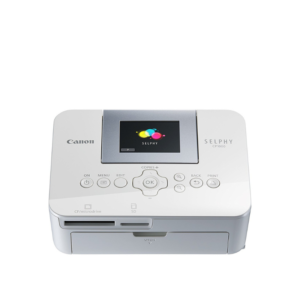
Canon Selphy CP1000 Photo Printer (0011C010) – White
-33% canon, Canon Printers, Officejet Printers, Printers
Canon Selphy CP1000 Photo Printer (0011C010) – White
Brand CANON Functions Photo Printing Sub-brand Canon SELPHY Printing Technology Dye sublimation Duplex Print Nil Print speed (Mono) Up to 0.8 min/page – 3.95 in x 5.83 in Print Resolution 300 x 300 dpi Wireless No SKU: 0011C010 -
canon, Laserjet Printer, Printers
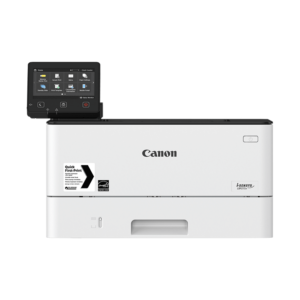
Canon imageCLASS LBP214dw Monochrome Laser Printer
Canon imageCLASS LBP214dw Monochrome Laser Printer
Brand CANON Functions Print only. Sub-brand ImageClass Laser-Jet Printing Technology Monochrome laser beam printing Duplex Print Automatic Cartridge Yield (Black) 4,000 pages Print speed (Mono) Up to 40 ppm Print Resolution 600 x 600 dpi Wireless Yes SKU: C-LBP-214DW -
-
Design Jet, Designjet, HP, Printers, T-series Printers
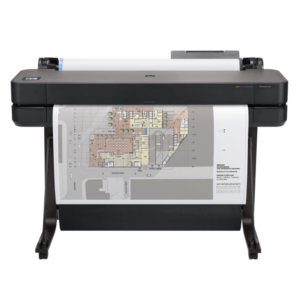
HP Designjet T630 Large Format Wireless Plotter Printer -36″ (5HB11A)
-14%Design Jet, Designjet, HP, Printers, T-series PrintersHP Designjet T630 Large Format Wireless Plotter Printer -36″ (5HB11A)
Brand HP Functions Print Sub-brand Designjet Printing Technology HP Thermal Inkjet Print colors Yes Print speed 30 sec/page on A1, 76 A1 prints per hour Connectivity Gigabit Ethernet (1000Base-T), Hi-Speed USB 2.0, Wi-Fi 802.11a/b/g/n Memory 1 GB SKU: 5HB11A
There are no reviews yet.