

Canon PIXMA G3410 | EUM | EMB | RELIABLE and EFFICIENT
$162.75 $165.00
Canon PIXMA G3410
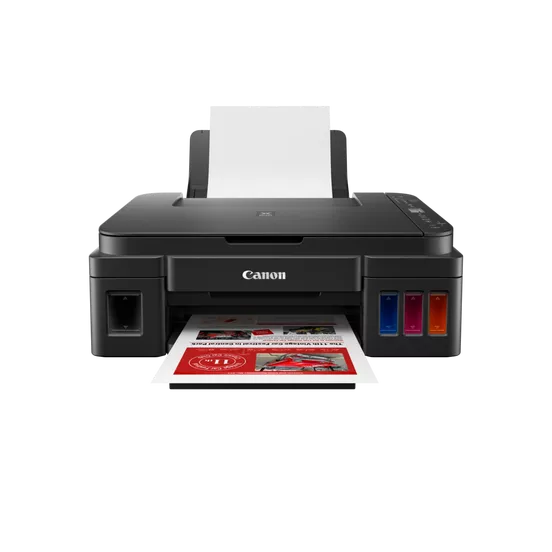
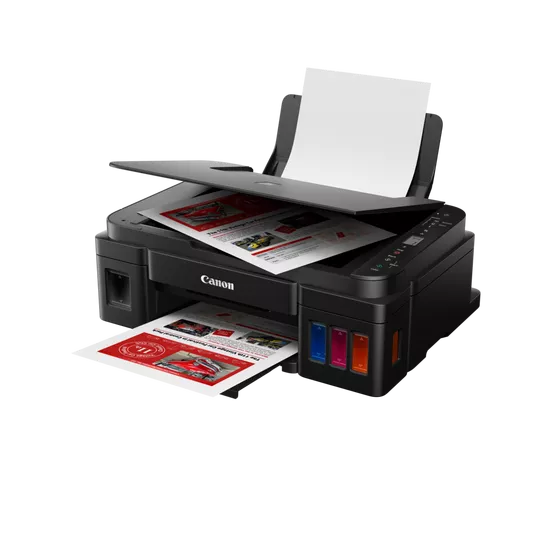
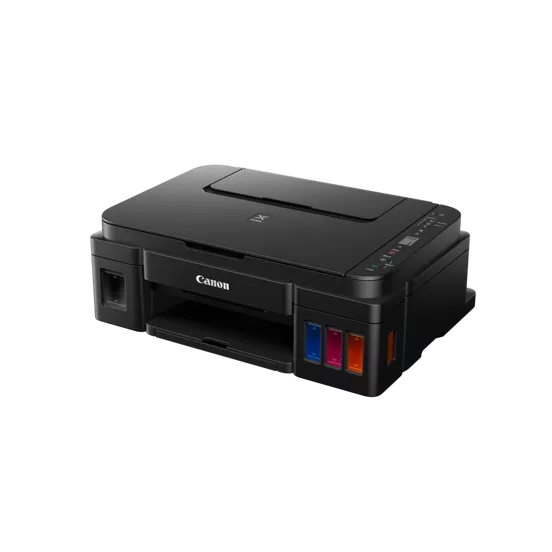
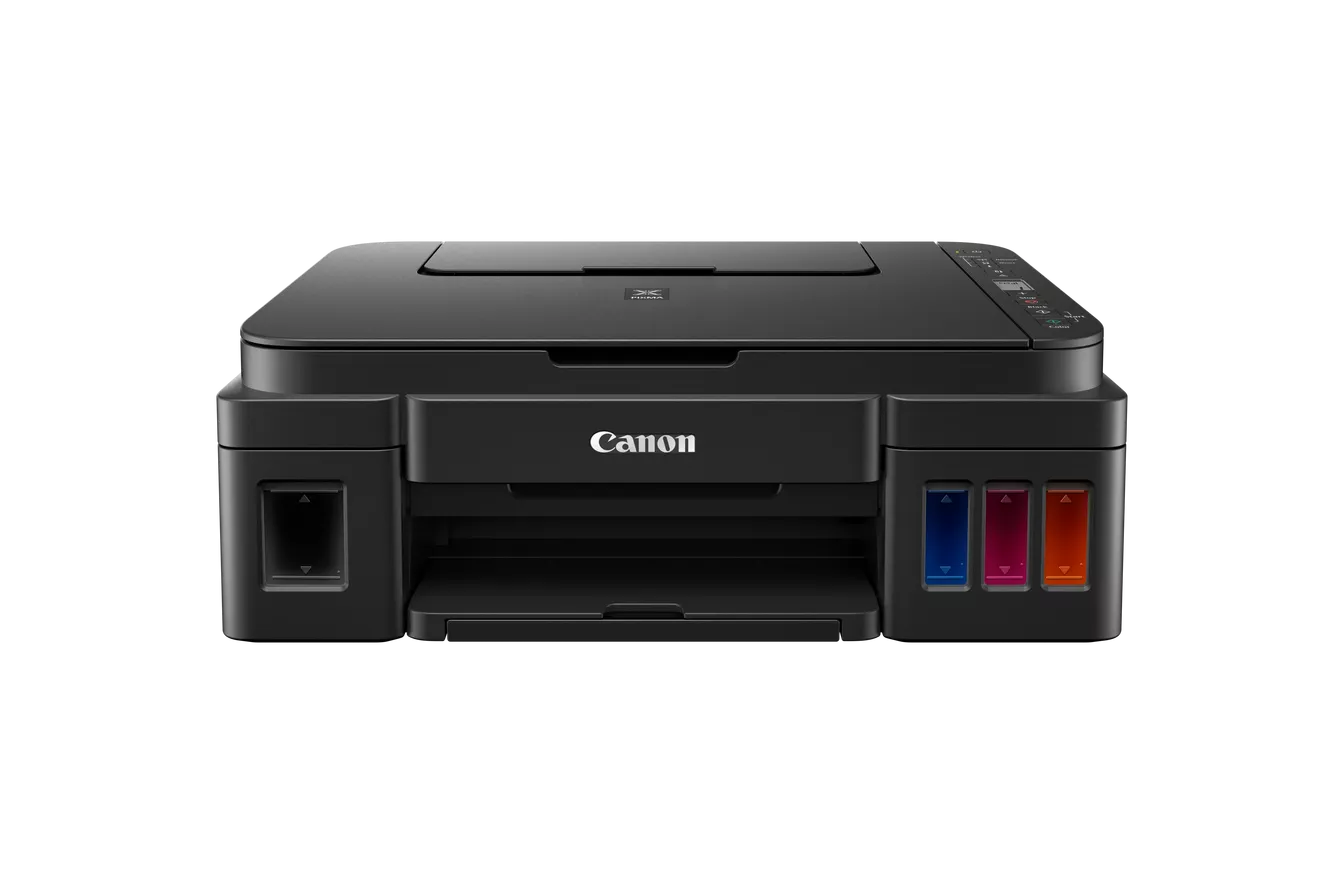
The Canon PIXMA G3410 is a versatile all-in-one printer designed for high-volume printing at low running costs. It features wireless connectivity and an integrated refillable ink tank system, making it suitable for home or small office environments. The designation “EUM/EMB” typically refers to a regional or package variant tailored for Europe, the Middle East, and Africa.
The Canon PIXMA G3410 is an inkjet multifunction printer (MFP) that supports printing, scanning, and copying. It includes wireless functionality, enabling printing and scanning via Wi-Fi and mobile devices.
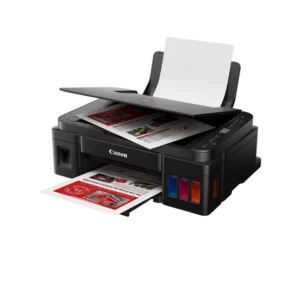
Key Features
- Refillable Ink Tank System:
- Built-in ink tanks offer high page yields with an easy-to-refill design.
- Wireless Connectivity:
- Print and scan wirelessly via Wi-Fi using the Canon PRINT app, Google Cloud Print, or Mopria.
- High Page Yield:
- Prints up to 6,000 pages with a black ink bottle and up to 7,000 pages with color ink bottles.
- Compact Design:
- Space-saving design that fits easily into small office or home setups.
- Hybrid Ink System:
- Delivers crisp, sharp text and vibrant color images.
- Energy Efficiency:
- Includes Auto Power On/Off to save energy.
Specifications: Canon PIXMA G3410
- Functions: Print, Scan, Copy.
- Print Technology: Inkjet (Hybrid Ink System).
- Print Resolution: Up to 4800 x 1200 dpi.
- Print Speed:
- Black: Approx. 8.8 ipm (images per minute).
- Color: Approx. 5 ipm.
- Scanner Type: Flatbed.
- Scan Resolution: Up to 600 x 1200 dpi.
- Connectivity:
- Wireless: Wi-Fi 802.11b/g/n.
- USB 2.0.
- Mobile: Canon PRINT app, Google Cloud Print, Mopria.
- Page Yield:
- Black: Up to 6,000 pages.
- Color: Up to 7,000 pages (cyan, magenta, yellow combined).
- Weight: Approx. 6.3 kg.
- Dimensions: Approx. 445 x 330 x 163 mm.
- Operating System Compatibility:
- Windows 7, 8, 8.1, 10, 11.
- macOS (with additional drivers).
Benefits Canon PIXMA G3410
- Cost-Efficient Printing:
- Low cost per page due to refillable ink tanks and high-capacity bottles.
- Wireless Flexibility:
- Conveniently print or scan from your smartphone or tablet.
- User-Friendly Setup:
- Easy ink refilling and Wi-Fi setup make it accessible for all users.
- High-Quality Output:
- Produces sharp text and vibrant images for documents and photos.
- Compact and Durable:
- Designed to fit small spaces while handling high-volume workloads reliably.
How to Install Canon PIXMA G3410
- Unbox the Printer:
- Carefully remove the printer and accessories, including the ink bottles.
- Install the Ink Tanks:
- Open the ink tank cover.
- Remove the ink bottle caps and carefully fill the corresponding tanks (black, cyan, magenta, yellow).
- Close the tank compartment.
- Load Paper:
- Place A4 or other compatible paper in the rear tray, adjusting the guides for proper alignment.
- Power Up:
- Plug in the power cable and turn on the printer.
- Connect to Wi-Fi:
- Press and hold the Wi-Fi button until the indicator light flashes.
- Use the Canon PRINT app or your PC to complete the wireless setup.
- Install Drivers:
- Insert the included CD or download the latest drivers from Canon’s website. Follow the installation instructions.
- Test Print and Scan:
- Perform a test page print and scan to ensure proper setup and functionality.
| Weight | 6.3 kg |
|---|
Based on 0 reviews
Be the first to review “Canon PIXMA G3410 | EUM | EMB | RELIABLE and EFFICIENT”
Related products
-
HP, Inkjet, Printers, Smart Tank
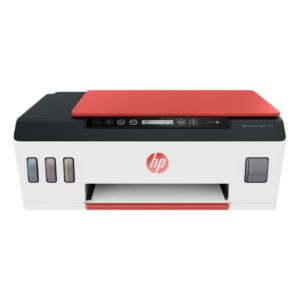
HP Smart Tank 519 All-in-One Wireless Printer 3YW73A
Brand HP Functions Print, scan, copy, wireless Sub-brand Smart Tank Printing Technology HP Thermal Inkjet Print colors Yes Processor speed 800 MHz Monthly Duty Cycle (A4) Up to 1000 pages Print speed Up to 11 ppm Connectivity Wireless, built-in Wi-Fi 802.11b/g/n Paper Size A4 Paper SKU: 3YW73A -
HP, Laserjet Printer, Printers, Workstation Deal
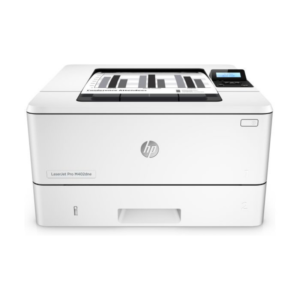
HP LASERJET PRO M404DW PRINTER (W1A56A)
HP LASERJET PRO M404DW PRINTER

Printer Output Type Monochrome Color Black, White Printing Technology Laser Brand HP Printing Media Type Envelopes, Paper (plain), Transparencies, Card stock, Labels, Glossy photo paper, High-resolution paper SKU: W1A56A -
HP, Laserjet Printer, Printers
HP LaserJet MFP M442dn (8AF71A) – Efficient Monochrome Multifunction Printer for Businesses
-22% HP, Laserjet Printer, Printers
HP LaserJet MFP M442dn (8AF71A) – Efficient Monochrome Multifunction Printer for Businesses
HP LaserJet MFP M442dn 8AF71A
-
Connectivity, standard:Hi-Speed USB 2.0 Device, Ethernet 10/100 Base TX
-
Duty cycle (monthly, A4):Up to 50,000 pages per month
-
Paper handling input, standard:Tray 1: 100 sheet; Tray 2: 250 sheet
-
Print technology:Laser
SKU: n/a -
-
Clearance Sales, HP, Laserjet Printer, Printers
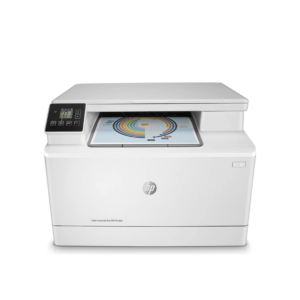
HP Colour LaserJet Pro 182n Printer – Efficient Color Laser Printing for Small Offices
-16%Clearance Sales, HP, Laserjet Printer, PrintersHP Colour LaserJet Pro 182n Printer – Efficient Color Laser Printing for Small Offices
HP Colour LaserJet Pro 182n 7KW54A
 HP Colour LaserJet Pro 182n 7KW54A
Brand HP Functions Print Sub-brand Laser Jet Printing Technology Laser Duplex Print Yes Processor speed 800 MHz Pages Per Month 1500 Memory 256 MB SKU: n/a


 HP Colour LaserJet Pro 182n 7KW54A
There are no reviews yet.