

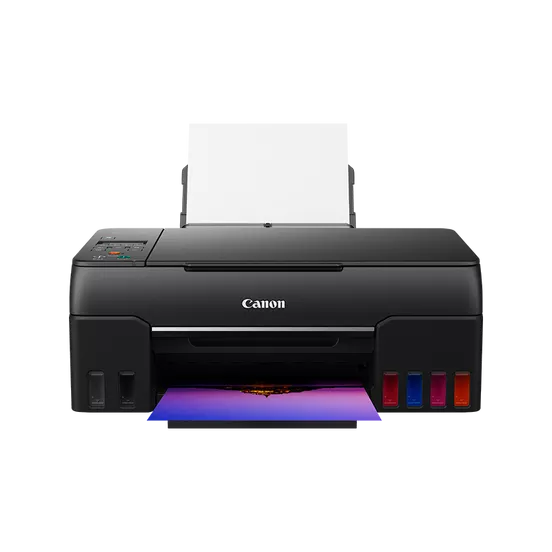
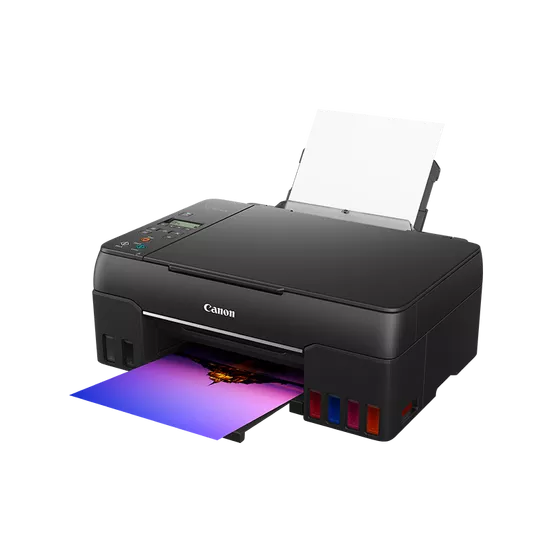
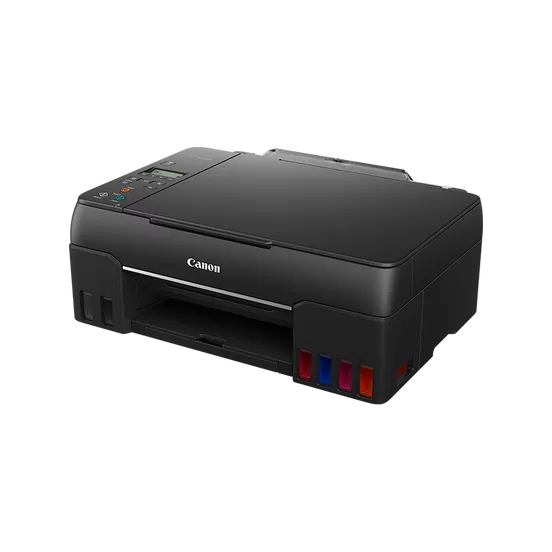
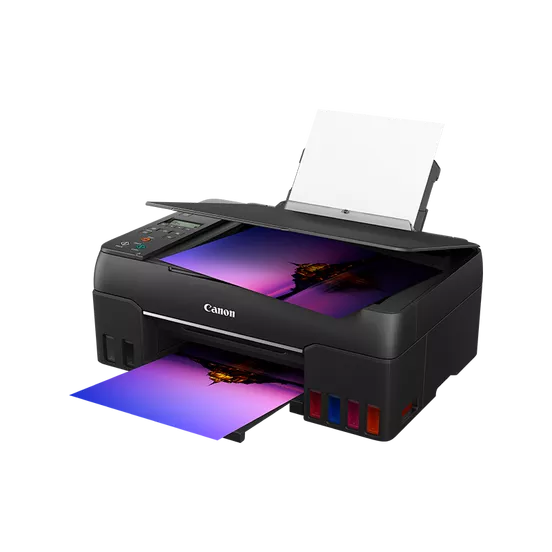
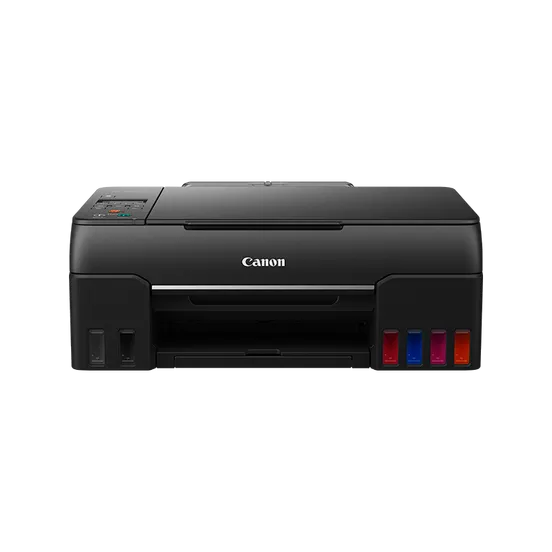
Canon PIXMA G640 | HIGH QUALITY PRINTS | RELIABLE and EFFICIENT
$286.00 $295.00
Canon PIXMA G640
The Canon PIXMA G640 is an advanced inkjet printer that is part of Canon’s PIXMA G-series, which is known for delivering high-quality prints at an affordable price. The G640 is designed to offer superior photo printing, making it ideal for those who need to print high-quality images, whether for professional or personal use. Below are the details about the Canon PIXMA G640:
The Canon PIXMA G640 is a wireless, color inkjet printer designed primarily for printing high-quality photos and documents. It features a MegaTank ink system, which provides an efficient and cost-effective solution for printing large volumes without needing frequent ink replacements. The G640 is ideal for users who print photos regularly and need a printer that can produce sharp, vibrant images.
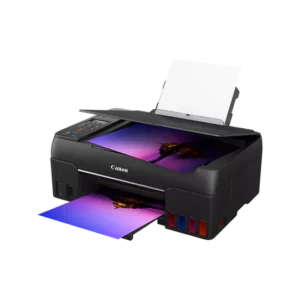
Key Features:
- MegaTank Ink System:
- The printer uses the MegaTank ink system, which features refillable ink tanks. This system can significantly reduce the cost of ink per page and increase the number of prints per ink refill, offering users long-term savings.
- High-Quality Photo Printing:
- It is capable of printing borderless photos with resolutions of up to 4800 x 1200 dpi, ensuring crisp and vibrant prints.
- The printer supports Canon’s dye-based ink technology for superior photo quality, providing excellent color reproduction and smooth gradations.
- Wide Range of Media:
- It can print on a variety of media types, including glossy, matte, and semi-gloss photo papers, as well as regular paper, which makes it versatile for different printing needs.
- Wireless Connectivity:
- The PIXMA G640 features Wi-Fi connectivity, allowing you to print wirelessly from smartphones, tablets, and computers.
- It is also compatible with Apple AirPrint, Google Cloud Print, and the Canon PRINT Inkjet/SELPHY app, providing seamless printing from multiple devices.
- Easy Setup:
- Canon has made the setup process easier with the PIXMA G640, allowing users to connect their printer to the network quickly and start printing within minutes.
- Energy Efficient:
- The printer is designed to be energy-efficient, with a low power consumption mode and automatic shut-off to save energy when not in use.
- Compact Design:
- The printer has a compact design, making it suitable for home or small office environments where space is a concern.
- Auto Duplex Printing:
- It includes automatic duplex printing (two-sided printing), which helps save paper and is environmentally friendly.
Specifications: Canon PIXMA G640
- Print Technology: Inkjet
- Print Resolution: Up to 4800 x 1200 dpi
- Print Speed (Color):
- Borderless 4×6″ photo: Approx. 60 seconds
- ISO standard print speed (black): Approx. 9.1 ipm (images per minute)
- ISO standard print speed (color): Approx. 5.0 ipm
- Connectivity:
- Wi-Fi
- USB 2.0
- Apple AirPrint
- Google Cloud Print
- Canon PRINT Inkjet/SELPHY app
- Media Types Supported:
- Plain paper, Photo Paper Plus Glossy II, Photo Paper Plus Semi-Gloss, Glossy, Matte, and others
- Paper Sizes Supported:
- A4, A5, B5, Letter, 4×6″, 5×7″ (and other sizes)
- Ink System: MegaTank (Black, Cyan, Magenta, Yellow, and additional photo colors)
- Monthly Duty Cycle: Up to 1,000 pages
- Power Consumption: Approx. 13 watts (during operation)
- Dimensions (W x D x H): 449 x 369 x 158 mm (17.7 x 14.5 x 6.2 inches)
- Weight: Approx. 6.4 kg (14.1 lbs)
Benefits: Canon PIXMA G640
- Cost-Effective Printing:
- The MegaTank ink system ensures lower running costs, as ink tanks can be refilled with affordable ink bottles, providing users with more prints for less money.
- High-Quality Photo Prints:
- With its high print resolution and dye-based inks, the G640 is capable of producing stunning photo prints with vibrant colors and rich detail.
- Convenient Wireless Printing:
- Wi-Fi connectivity and compatibility with various mobile printing services make it easy to print from a variety of devices without the need for physical connections.
- Borderless Printing:
- The printer’s ability to print borderless photos means you can create professional-quality prints for projects, presentations, or personal use.
- Ease of Use:
- With user-friendly features like the LCD display, simple setup process, and low maintenance with refillable ink tanks, the G640 is easy to operate for both beginners and seasoned users.
- Environmentally Friendly:
- The ability to print on both sides of the paper with automatic duplex printing and the efficiency of the MegaTank ink system contribute to a more eco-friendly printing experience.
How to Install the Canon PIXMA G640:
- Unbox the Printer:
- Remove the printer from its packaging carefully. Ensure that you remove all protective packaging materials and the shipping tape.
- Install the Ink Tanks:
- Open the printer’s ink tank cover and install the ink tanks into their respective slots. Fill the tanks with the provided ink bottles. The system is designed to prevent spills, but be sure to follow the instructions carefully.
- Load Paper:
- Place your desired paper type in the rear paper tray or cassette. The printer supports various paper sizes and types, so make sure you’re loading it correctly.
- Power On the Printer:
- Plug the printer into a power source and turn it on by pressing the power button.
- Connect to a Network (Wireless):
- Use the Wi-Fi setup option to connect the printer to your home or office network. You can use the PIXMA G640’s LCD display to navigate through the wireless setup or use the Canon PRINT app for easier setup on mobile devices.
- Install the Software:
- Install the necessary drivers and software by inserting the provided installation CD or downloading the latest software from Canon’s official website.
- Follow the prompts on your computer to install the Canon PIXMA G640 drivers and any other associated utilities.
- Test the Printer:
- Print a test page to make sure everything is working as expected. Check the ink levels, paper alignment, and the quality of the print.
| Weight | 6.4 kg |
|---|
Based on 0 reviews
Be the first to review “Canon PIXMA G640 | HIGH QUALITY PRINTS | RELIABLE and EFFICIENT”
Related products
-
-
Enterprise Printers, HP, Laserjet Printer, Printers
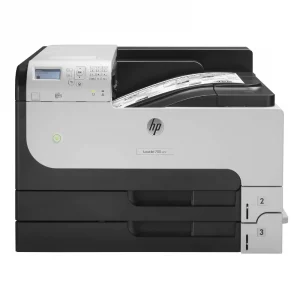
HP LaserJet Enterprise 700 M712dn Monochrome Printer – High-Volume Printing for Businesses
-47% Enterprise Printers, HP, Laserjet Printer, Printers
HP LaserJet Enterprise 700 M712dn Monochrome Printer – High-Volume Printing for Businesses
HP LaserJet Monochrome Printer CF236A

Brand HP Functions Print Sub-brand Laserjet Printing Technology Laser Print colors YNo Processor speed 800 MHz Connectivity 2 Hi-Speed USB 2.0; 1 Hi-Speed USB 2.0 Device; 1 Gigabit Ethernet 10/100/1000 Base-T; 1 Hi-Speed USB 2.0 Easy Access Walkup Port; 1 Hardware Integration Pocket (HIP) Memory 512 MB SKU: CF236A -
canon, Canon Printers, Officejet Printers, Printers
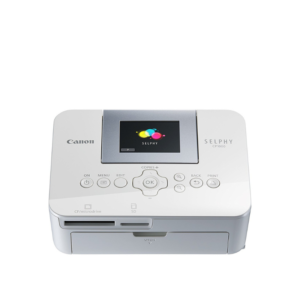
Canon Selphy CP1000 Photo Printer (0011C010) – White
-33%canon, Canon Printers, Officejet Printers, PrintersCanon Selphy CP1000 Photo Printer (0011C010) – White
Brand CANON Functions Photo Printing Sub-brand Canon SELPHY Printing Technology Dye sublimation Duplex Print Nil Print speed (Mono) Up to 0.8 min/page – 3.95 in x 5.83 in Print Resolution 300 x 300 dpi Wireless No SKU: 0011C010

There are no reviews yet.