


Canon PIXMA TS7740i | 3-in-1 INKJET PRINTER | RELIABLE | EFFICIENT
$117.65 $200.00
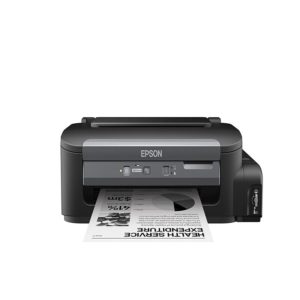
Canon PIXMA TS7740i
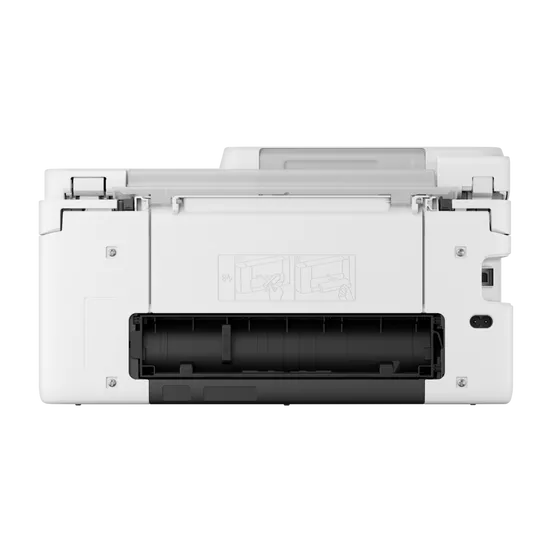
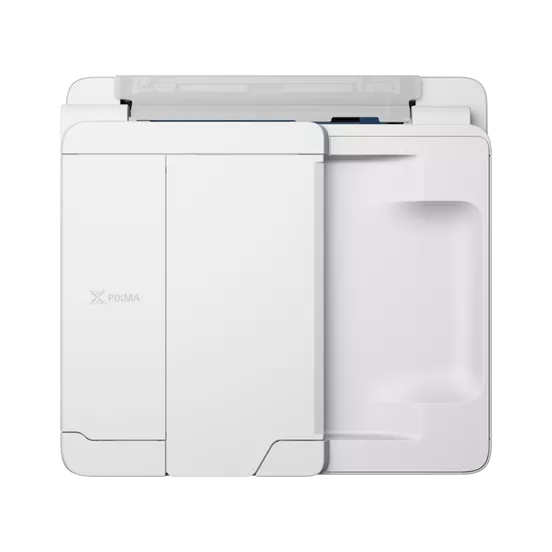
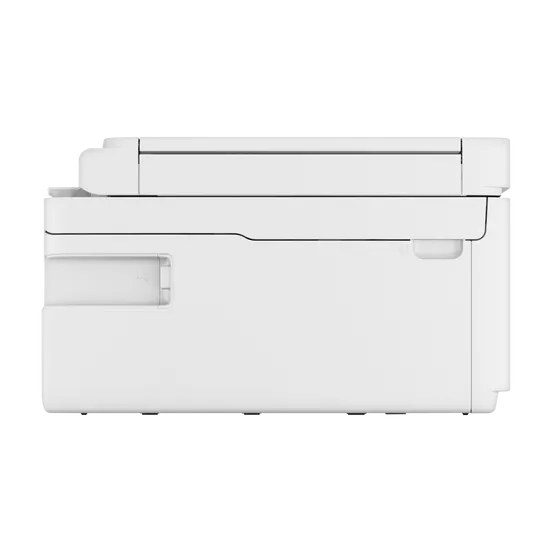
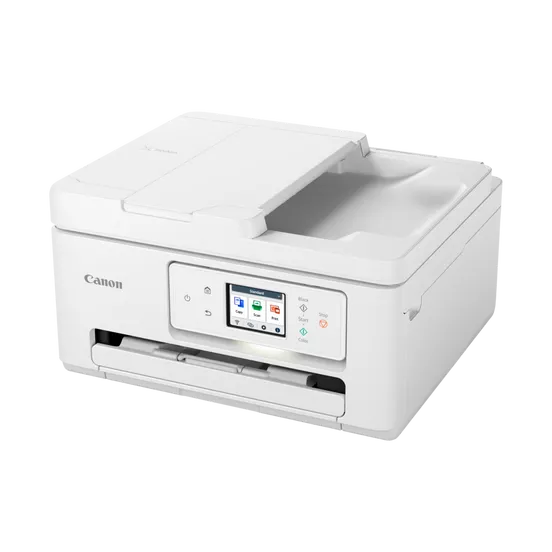
The Canon PIXMA TS7740i is a versatile 3-in-1 inkjet printer that offers excellent printing, scanning, and copying capabilities, designed for home users or small office environments. It is a member of Canon’s popular PIXMA TS Series, providing exceptional print quality, wireless connectivity, and a range of convenient features that make it ideal for everyday printing tasks.
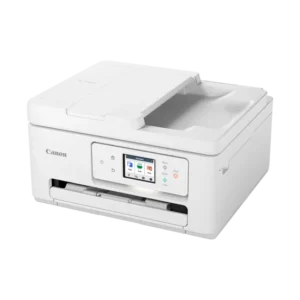
Key Features of Canon PIXMA TS7740i:
- 3-in-1 Functionality:
- Print, Scan, Copy: The PIXMA TS7740i is a multifunction printer, providing essential print, scan, and copy functionalities. This makes it an all-in-one solution for your home or small office needs.
- High-Quality Prints:
- The Canon PIXMA TS7740i offers 4800 x 1200 dpi print resolution, which allows it to produce high-quality prints with sharp text and vibrant colors. This makes it ideal for printing photos, documents, and more.
- Wireless Printing:
- The printer offers Wi-Fi connectivity, enabling wireless printing from a variety of devices, including laptops, smartphones, and tablets. It is compatible with mobile printing solutions like Apple AirPrint, Google Cloud Print, Canon PRINT app, and Mopria Print Service, allowing for seamless printing from your mobile devices.
- Auto Duplex Printing:
- The PIXMA TS7740i supports automatic duplex printing, allowing you to print on both sides of the paper, which helps reduce paper usage and is more environmentally friendly.
- Compact Design:
- With its sleek and compact design, the PIXMA TS7740i is well-suited for small spaces. Despite its compact size, it offers robust performance and can handle a variety of tasks without taking up too much space.
- Borderless Photo Printing:
- This printer supports borderless printing for sizes up to A4 and 4×6 inch photos, making it perfect for printing high-quality photos, postcards, and other creative projects.
- Easy-to-Use Control Panel:
- The PIXMA TS7740i features a 2.5-inch LCD screen for easy operation. The simple interface makes it easy to navigate print, scan, and copy settings, ensuring a hassle-free user experience.
- High-Speed Printing:
- The printer is capable of printing at speeds of up to 15 ipm (images per minute) for black-and-white documents and 10 ipm for color prints, making it suitable for a variety of tasks, from photos to everyday documents.
- Flexible Paper Handling:
- The PIXMA TS7740i supports a variety of paper types and sizes, including A4, A5, B5, Letter, 4×6 inches, and more. It has a 100-sheet input tray and a 100-sheet output tray, offering enough capacity for typical home or office tasks.
- Cloud Printing Support:
- With cloud printing capabilities, users can print documents stored on cloud platforms such as Google Drive, Dropbox, and OneDrive, offering added convenience for remote printing tasks.
Specifications of Canon PIXMA TS7740i:
- Functionality: Print, Scan, Copy (3-in-1)
- Print Resolution:
- Max Print Resolution: 4800 x 1200 dpi (for high-quality prints)
- Print Speed:
- Black & White Print Speed: Up to 15 ipm (images per minute)
- Color Print Speed: Up to 10 ipm
- Monthly Duty Cycle:
- Up to 15,000 pages for medium-volume use
- Paper Handling:
- Input Capacity: 100 sheets (paper tray)
- Output Capacity: 100 sheets (paper output tray)
- Supported Paper Sizes: A4, A5, B5, Letter, 4×6 inches, and others
- Automatic Duplex Printing: Yes (for two-sided printing)
- Connectivity:
- Wi-Fi for wireless printing
- USB 2.0 for wired connection
- Mobile Printing: Apple AirPrint, Google Cloud Print, Canon PRINT app, Mopria Print Service
- Scanner:
- Scan Resolution: Up to 1200 x 2400 dpi (for clear and detailed scans)
- Scan Type: Flatbed scanner
- Copy Features:
- Copy Resolution: Up to 600 x 600 dpi
- Copy Speed: Comparable to print speeds for text documents
- Display:
- 2.5-inch Color LCD screen for easy navigation
- Ink System:
- Individual Ink Cartridges (Black, Cyan, Magenta, Yellow, Pigment Black)
- Dimensions:
- Width: 375 mm (14.8 inches)
- Depth: 319 mm (12.6 inches)
- Height: 139 mm (5.5 inches)
- Weight: Approx. 6.5 kg (14.3 lbs)
Benefits of Canon PIXMA TS7740i:
- Affordable and High-Quality Printing:
- The 5-color individual ink system ensures high-quality prints with sharp text and vibrant colors, making it ideal for photos and everyday documents.
- Convenient Wireless Printing:
- With Wi-Fi connectivity and compatibility with mobile printing apps like Apple AirPrint, Google Cloud Print, and the Canon PRINT app, you can print from anywhere in your home or office.
- Automatic Duplex Printing:
- The ability to print on both sides of the paper automatically saves paper and reduces waste, making it more environmentally friendly.
- Compact and Stylish Design:
- The PIXMA TS7740i has a sleek, compact design that will fit easily in small spaces, making it ideal for homes or offices with limited room.
- Cloud and Mobile Printing Support:
- The ability to print directly from cloud services like Google Drive, Dropbox, and OneDrive adds flexibility and convenience for remote and on-the-go printing.
- High-Speed Printing:
- The 15 ipm black-and-white print speed and 10 ipm color print speed make the PIXMA TS7740i suitable for printing both photos and documents efficiently.
- Easy-to-Use Interface:
- The 2.5-inch LCD display simplifies operation, allowing users to easily navigate settings and monitor print, scan, and copy tasks.
- Borderless Photo Printing:
- The ability to print borderless photos up to A4 and 4×6 inches is perfect for creating high-quality prints for photos and personal projects.
- Cost-Efficient Operation:
- With individual ink cartridges, you only need to replace the color that runs out, reducing ink waste and helping you save money in the long run.
How to Install Canon PIXMA TS7740i:
- Unbox the Printer:
- Remove the PIXMA TS7740i from its packaging and place it on a flat, stable surface.
- Install the Ink Cartridges:
- Open the ink compartment and install the 5 individual ink cartridges (Black, Cyan, Magenta, Yellow, Pigment Black). Follow the color coding for correct placement.
- Load Paper:
- Load your paper into the 100-sheet input tray, making sure it is properly aligned.
- Connect the Printer:
- Connect the printer to your computer via the USB 2.0 cable or set up the printer over Wi-Fi for wireless printing.
- Install Drivers and Software:
- Use the installation CD or download the drivers and software from the Canon website. Follow the on-screen instructions for installation.
- Print a Test Page:
- After installation, print a test page to ensure everything is functioning correctly.
- Mobile Printing Setup:
- Install the Canon PRINT app on your mobile device or set up Apple AirPrint or Google Cloud Print for easy mobile printing.
Conclusion:
The Canon PIXMA TS7740i is an excellent 3-in-1 inkjet printer for home users or small offices, offering high-quality prints, wireless connectivity, and versatile features. With its compact design, automatic duplex printing, and cloud printing capabilities, the PIXMA TS7740i is ideal for handling various print, scan, and copy tasks. Whether you need to print documents, photos, or creative projects, this printer offers the performance and flexibility you need, making it a reliable choice for everyday use.
| Weight | 6.5 kg |
|---|
Based on 0 reviews
Be the first to review “Canon PIXMA TS7740i | 3-in-1 INKJET PRINTER | RELIABLE | EFFICIENT”
Related products
-
canon, Canon LFP, Canon Printers, Inkjet, Printers
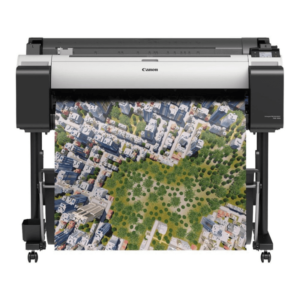
Canon imagePROGRAF TM-300 36-inch Large-Format 5-Color Inkjet Printer Plotter
-16% canon, Canon LFP, Canon Printers, Inkjet, Printers
Canon imagePROGRAF TM-300 36-inch Large-Format 5-Color Inkjet Printer Plotter
Brand CANON Functions Print Sub-brand Designjet Printing Technology Inkjet Print colors Yes Print Resolution 2400 x 1200 dpi Connectivity Hi-Speed USB 2.0, RJ45, Wi-Fi 802.11a/b/g/n Storage 500 GB SKU: C-TM-300 -
Deskjet Printers, HP, Printers, Workstation Deal
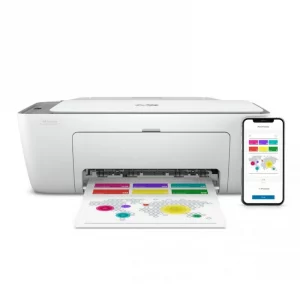
HP DESKJET 2720 WIRELESS (3XV18B)
HP DESKJET 2720 WIRELESS (3XV18B)
Brand HP Functions Print, copy, scan Sub-brand DeskJet Printing Technology Ink Print colors Yes Processor speed 180 MHz Connectivity Wireless, AirPrint, USB Paper Size A4 Paper SKU: 3XV18B -
HP, Laserjet Printer, Printers, Workstation Deal
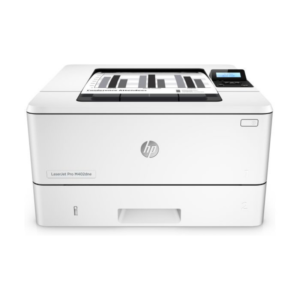
HP LASERJET PRO M404DW PRINTER (W1A56A)
HP LASERJET PRO M404DW PRINTER

Printer Output Type Monochrome Color Black, White Printing Technology Laser Brand HP Printing Media Type Envelopes, Paper (plain), Transparencies, Card stock, Labels, Glossy photo paper, High-resolution paper SKU: W1A56A -

There are no reviews yet.