

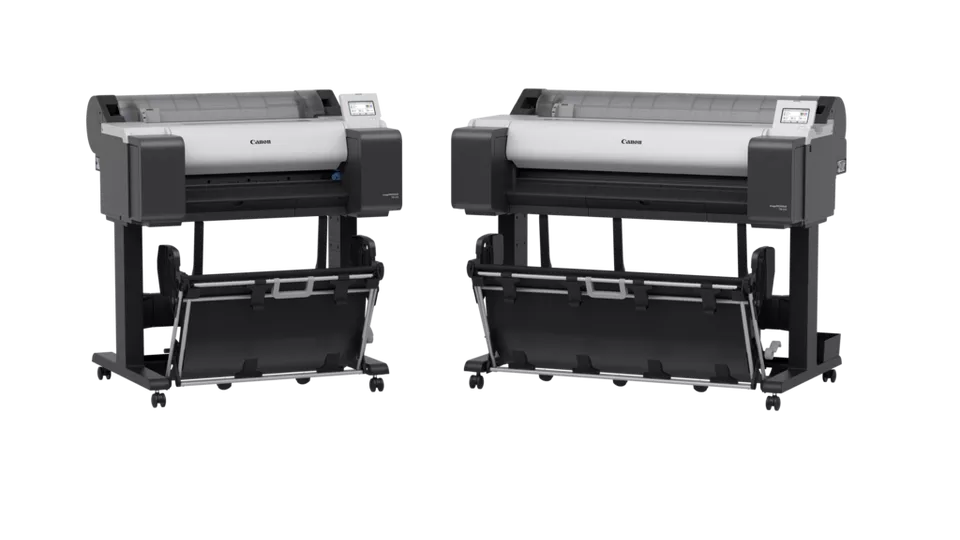
Canon Plotter TM-350 EURO | HIGH QUALITY PRINTS | COMPACT | RELIABLE
$1,638.00 $1,800.00
Canon Plotter TM-350 EURO
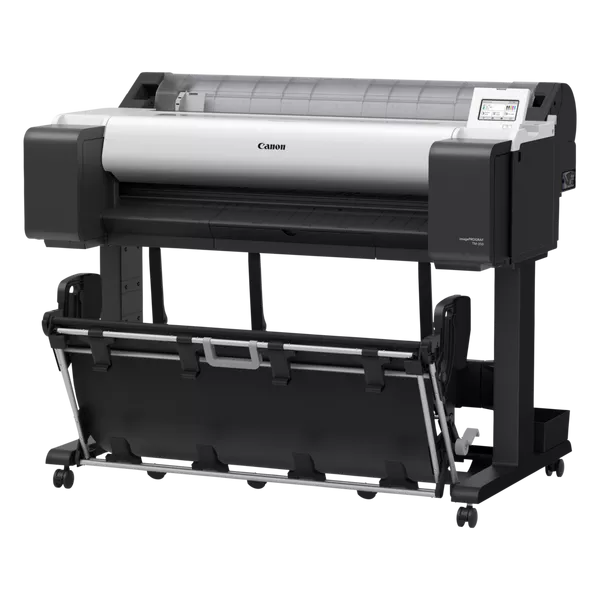
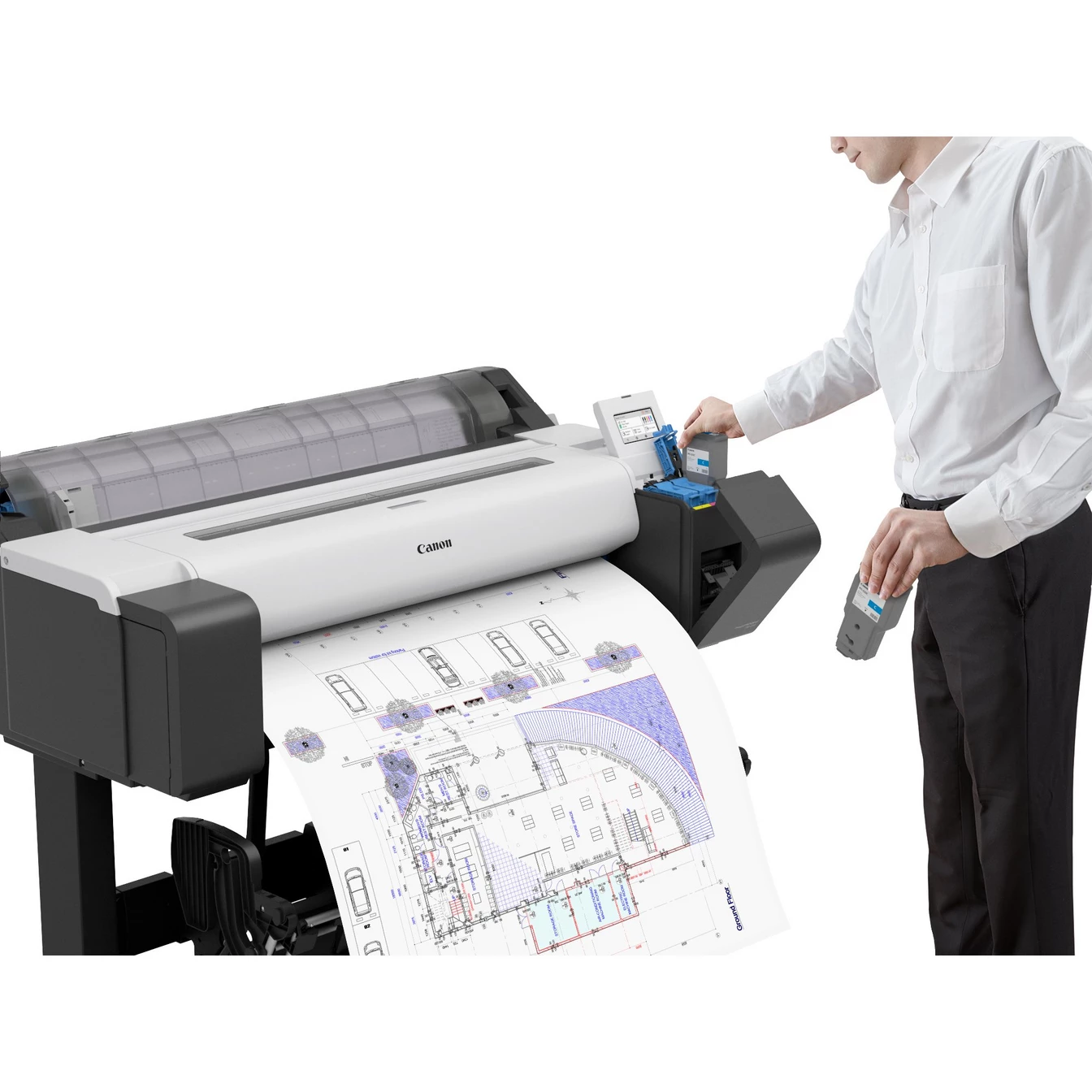
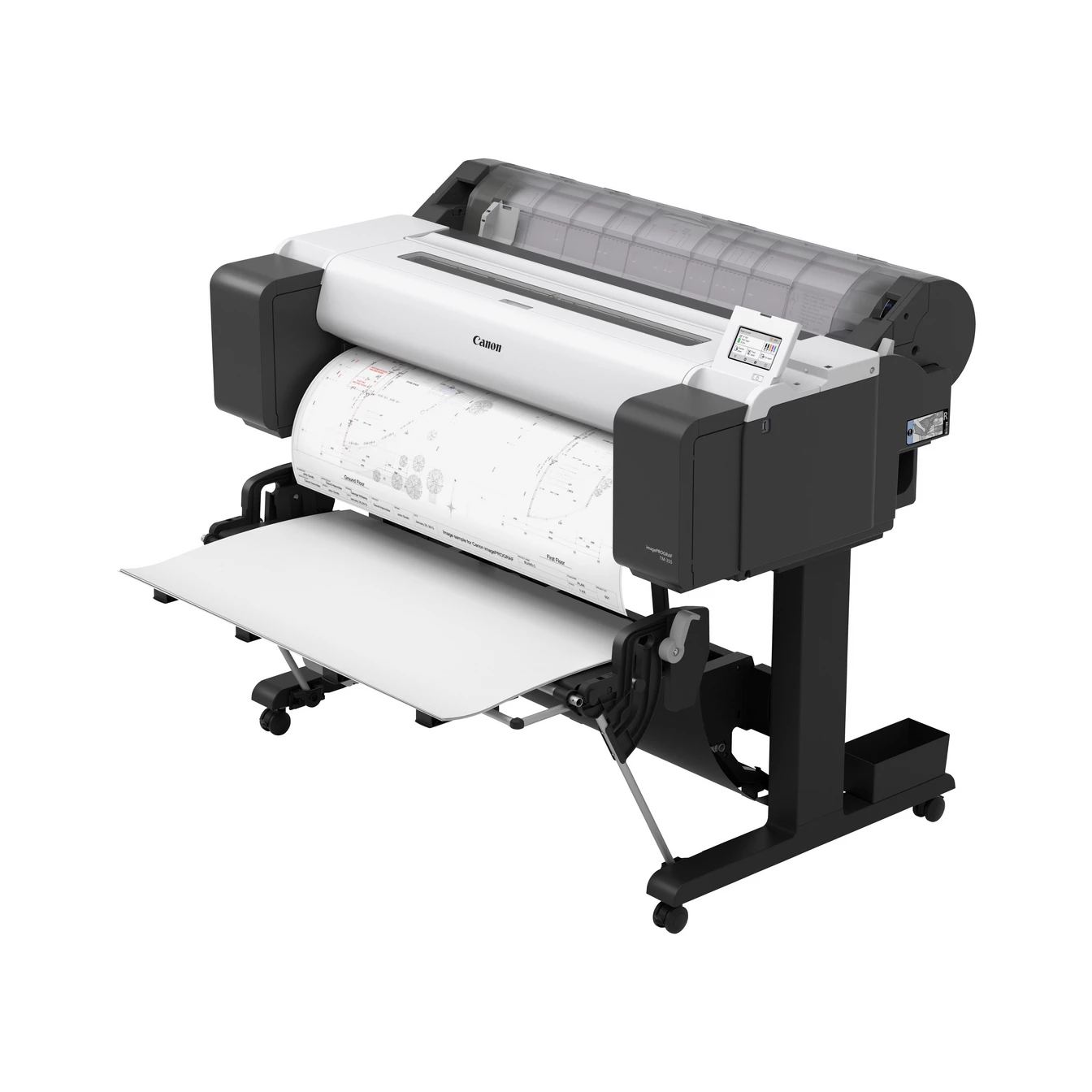
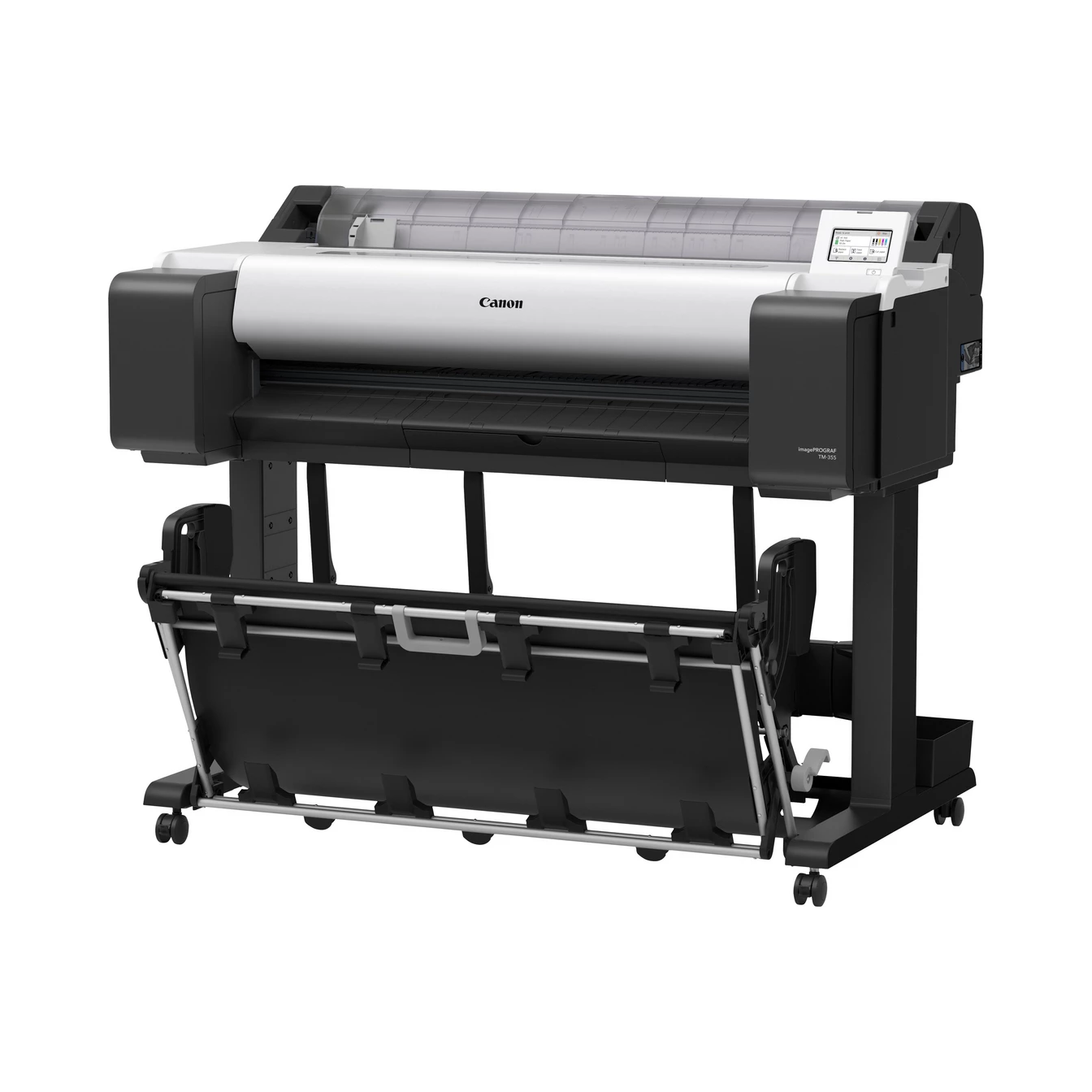
The Canon Plotter TM-350 EURO is a versatile and high-performance large-format printer designed for various professional environments, including architecture, engineering, and construction (AEC), as well as for businesses that require detailed and precise prints. It is part of Canon’s TM Series of plotters, offering impressive speed, exceptional quality, and reliable results. The TM-350 is specifically designed for printing technical drawings, blueprints, and other large-scale documents.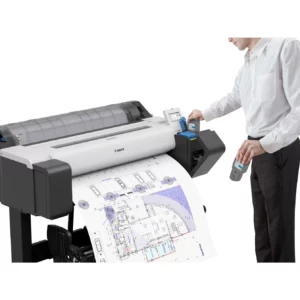
Key Features of Canon Plotter TM-350 EURO:
- High-Quality Printing:
- The Canon TM-350 delivers sharp, crisp, and accurate prints with a print resolution of up to 2400 x 1200 dpi, ensuring precision in technical drawings, CAD plots, and maps.
- Compact Design:
- Despite being a large-format printer, the TM-350 is relatively compact, making it suitable for office spaces with limited room. It is designed to fit in smaller environments without sacrificing performance.
- Fast Printing:
- The Canon TM-350 offers fast print speeds, making it ideal for environments that require quick turnaround times. It can print an A1 size document in approximately 35 seconds, making it one of the faster options in its class for large-format printing.
- Connectivity:
- This plotter supports a variety of connection options, including USB 2.0 and Wi-Fi for flexible and convenient printing. It also offers mobile printing support through apps such as Apple AirPrint, Google Cloud Print, and the Canon Print App.
- Large-Format Printing:
- The Canon TM-350 is capable of printing on media sizes up to A0. It supports a range of paper types, including plain paper, coated paper, and heavyweight paper, making it ideal for a wide variety of printing applications, such as technical drawings, posters, and designs.
- User-Friendly Interface:
- The TM-350 comes with an easy-to-use 5-inch touchscreen display, making it simple to operate and manage print jobs. The interface is intuitive, allowing users to quickly navigate settings and commands.
- Cost Efficiency:
- The plotter features individual ink cartridges, allowing for more cost-effective use of ink. The use of pigment ink ensures that prints are long-lasting, with vibrant colors and smudge-resistant results, ideal for professional-grade documents.
- Integrated Roll Feed and Cutter:
- The Canon TM-350 features a roll feed system with an integrated automatic cutter, allowing for efficient handling of large-format media. It is equipped to automatically cut printed documents to the desired size.
Specifications of Canon Plotter TM-350 EURO:
- Print Technology: Thermal Inkjet
- Print Resolution: Up to 2400 x 1200 dpi (for precise detail and high-quality output)
- Print Speed:
- A1 (ANSI D) print speed: Approximately 35 seconds (for full-color printing)
- Media Handling:
- Roll Media Width: From 210 mm to 914 mm (8.3 inches to 36 inches)
- Maximum Print Width: 914 mm (36 inches)
- Maximum Print Length: Up to 18 meters (59 feet)
- Media Types: Plain paper, coated paper, backlit film, and heavyweight paper
- Automatic Roll Feed: Yes
- Automatic Cutter: Yes
- Connectivity:
- USB 2.0 (for wired connection)
- Wi-Fi (for wireless printing)
- Mobile Printing: Supported via Apple AirPrint, Google Cloud Print, and Canon Print App
- Display:
- 5-inch Color LCD Touchscreen for easy operation and status monitoring
- Ink System:
- Pigment-based ink system with individual ink cartridges (Black, Cyan, Magenta, Yellow)
- Ink Cartridge Capacity:
- Standard Capacity (Approx. 130 ml per cartridge)
- Large Capacity (Approx. 300 ml per cartridge)
- Energy Star Certified: Yes
- Dimensions:
- Width: 1,210 mm (47.6 inches)
- Depth: 685 mm (27 inches)
- Height: 1,095 mm (43.1 inches)
- Weight: Approx. 26.5 kg (58.4 lbs)
Benefits of Canon Plotter TM-350 EURO:
- Fast and Efficient Printing:
- With fast print speeds of 35 seconds per A1 print, the Canon TM-350 can keep up with high-demand environments where speed is crucial for productivity.
- Compact and Space-Saving:
- The TM-350’s compact size allows it to fit into smaller office spaces, which is beneficial for businesses that don’t have room for larger plotters.
- Precision and Quality:
- The 2400 x 1200 dpi resolution ensures high-precision prints, making it ideal for technical applications like CAD drawings, blueprints, engineering designs, and maps.
- Cost-Effective Operation:
- The individual ink cartridges and low-cost ink options ensure that users can print at a low cost per page, particularly when handling large-volume prints.
- Versatility:
- It supports a range of media types and sizes, from standard plain paper to thicker coated papers and backlit films. The Canon TM-350 can handle various professional applications, such as architecture, engineering, and signage.
- Wireless and Mobile Printing:
- The ability to print directly from mobile devices using Apple AirPrint, Google Cloud Print, and Canon Print App makes it more convenient for users in mobile or collaborative environments.
- Ease of Use:
- The 5-inch touchscreen interface simplifies the operation and allows users to manage print jobs easily. It is intuitive for both novice and experienced users.
- High Reliability:
- As part of Canon’s TM Series, the TM-350 is built for reliable and consistent performance, even in demanding environments, offering professional-quality results time after time.
How to Install the Canon Plotter TM-350 EURO:
- Unbox and Set Up the Plotter:
- Carefully remove the plotter from the packaging. Position it in the desired location and ensure there is adequate space for the device and paper rolls.
- Install Ink Cartridges:
- Open the ink compartment and insert the ink cartridges into their corresponding slots. Ensure they click into place.
- Load Media:
- Place the appropriate media (such as plain paper or coated paper) into the automatic roll feed or manual feed tray. Align the paper to the guidelines to ensure proper feeding.
- Connect the Plotter:
- Connect the plotter to a computer or mobile device using the USB 2.0 cable or connect it to a wireless network using Wi-Fi for remote printing capabilities.
- Install Software and Drivers:
- Install the necessary drivers and software (from the Canon website or the included CD) onto your computer. Follow the on-screen instructions to complete the installation.
- Test Print:
- Print a test document to ensure everything is functioning correctly. You can also perform a calibration for optimal print quality if needed.
Conclusion:
The Canon Plotter TM-350 EURO is an ideal solution for professionals and businesses that require fast, high-quality, large-format printing. Its combination of precision, speed, and cost-efficiency makes it well-suited for demanding environments where high-quality technical drawings, CAD designs, and other large-format prints are necessary. With its compact design, advanced ink technology, and user-friendly features, the TM-350 provides a reliable and cost-effective solution for any printing task. Whether for blueprints, signage, or engineering projects, the Canon Plotter TM-350 EURO delivers outstanding results.
| Weight | 26.5 kg |
|---|
Based on 0 reviews
Be the first to review “Canon Plotter TM-350 EURO | HIGH QUALITY PRINTS | COMPACT | RELIABLE”
Related products
-
-
HP, Laserjet Printer, Printers
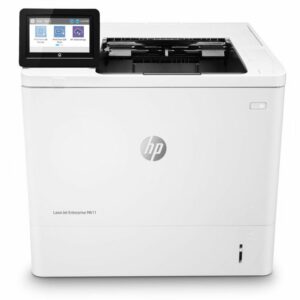
HP LASERJET ENTERPRISE M611DN PRINTER(7PS84A)
HP LASERJET ENTERPRISE M611DN PRINTER(7PS84A)
HP LaserJet Enterprise M611dn (7PS84A) All tech specs Functions Print Print speed black (ISO, A4) Up to 61 ppm 1 First page out black (letter, ready) 2 (Measured using ISO/IEC 17629. For more information see http://www.hp.com/go/printerclaims. Exact speed varies depending on the system configuration, software application, driver, and document complexity.) First page out black (A4, ready) As fast as 5.1 sec 2 (Measured using ISO/IEC 17629. For more information see http://www.hp.com/go/printerclaims. Exact speed varies depending on the system configuration, software application, driver, and document complexity.) First page out color (letter, ready) 2 (Measured using ISO/IEC 17629. For more information see http://www.hp.com/go/printerclaims. Exact speed varies depending on the system configuration, software application, driver, and document complexity.) First page out color (A4, ready) 2 (Measured using ISO/IEC 17629. For more information see http://www.hp.com/go/printerclaims. Exact speed varies depending on the system configuration, software application, driver, and document complexity.) Duplex printing Automatic (standard) Duty cycle (monthly, letter) Up to 275,000 pages Duty cycle (monthly, A4) Up to 275,000 pages Recommended monthly page volume 5,000 to 25,000 3 (HP recommends that the number of printed pages per month be within the stated range for optimum device performance, based on factors including supplies replacement intervals and device life over an extended warranty period.) Print quality black (best) Up to 1200 x 1200 dpi Print languages HP PCL 6, HP PCL 5, HP postscript level 3 emulation, native PDF printing (v 1.7), Apple AirPrint™ Print technology Laser Connectivity, standard 1 Hi-Speed USB 2.0 Device; 2 Hi-Speed USB 2.0 Host; 1 Gigabit Ethernet 10/100/1000T network; 1 Hardware Integration Pocket Connectivity, optional HP Jetdirect 3100w BLE/NFC/Wireless Accessory 3JN69A; HP Jetdirect LAN Accessory 8FP31A Mobile printing capability HP ePrint; Apple AirPrint™; Google Cloud Print™; Mopria™ Certified; ROAM optional for easy printing 4 To enable HP Roam, some devices may require firmware to be upgraded and an optional accessory to add Bluetooth® Low Energy (BLE) beaconing capabilities. Subscription may be required. For more information, visit http://www.hp.com/go/roam Network capabilities Yes, via HP Jetdirect Ethernet embedded print server (standard) which supports: 10Base-T, 100Base-Tx, 1000Base-T; 802.3az (EEE) support on Fast Ethernet and Gig Links; IPsec (standard); 802.11a/b/g/n wireless networking (optional). Wireless capability Optional, enabled with purchase of a wireless hardware accessory. Single band Wireless Station and Wi-Fi Direct functionality available with HP Jetdirect 3000w NFC/Wireless Accessory J8030A, Dual band Wireless Station and Wi-Fi Direct functionality available with HP Jetdirect 3100w BLE/NFC/Wireless Accessory 3JN69A, Dual band Wireless Station functionality available with HP Jetdirect 2900nw Print Server J8031A Minimum System Requirements for Macintosh 2 GB available hard disk space, Internet connection, or USB port, Internet browser. For additional OS hardware requirements see http://www.apple.com Minimum System Requirements 2 GB available hard disk space, Internet connection, or USB port, Internet browser. For additional OS hardware requirements see http://www.microsoft.com Display 10.92 cm (4.3 in) Colour Graphics Display (CGD) with touchscreen; Rotating display (adjustable angle) Processor speed 1.2 GHz Maximum Memory 1.5 GB MAX memory, when 1 GB Accessory DIMM is installed Memory 512 MB Internal Storage Optional, 500 GB (with accessory B5L29A) Storage 4 GB EMMC Capacity Optional 500 GB Hard Disk Compatible Operating Systems Windows Client OS (32/64-bit) – Win10, Win8.1, Win7 Ultimate, Mobile OS-, iOS, Android; Mac – Apple® macOS Sierra v10.13, Apple® macOS High Sierra v10.14, Apple® macOS Mojave v10.15; Discrete PCL6 Printer Driver – for more information on the supported operating systems go to http://www.support.hp.com, enter your product name and search, click on User Guides and enter your product name and search for User Guide, search for your (Product Name) – User Guide, search for the Supported Operating Systems section; UPD PCL6 / PS Printer Drivers – for more information on the supported operating systems go to http://www.support.hp.com, enter your product name and search, click on User Guides and enter your product name and search for User Guide, search for your (Product Name) – User Guide, search for the Supported Operating Systems section; UPD PCL6 / PS Printer Drivers, Supported Operating systems – for more information on the supported operating systems see http://www.hp.com/go/upd Paper handling input, standard 100-sheet multipurpose feeder, 550-sheet input feeder Paper handling output, standard 500 sheet output bin Paper handling input, optional Optional 1×550-sheet paper feeder, optional high capacity 1×2100-sheet paper feeder, optional envelope feeder Paper handling output, optional Optional 5 bin stapler stacker Finished output handling Sheetfed Media types Paper (plain, light, bond, recycled, heavy, extra heavy, cardstock, pre-printed, pre-punched, coloured, rough, heavy rough), monochrome transparency, labels, envelope, heavy envelope Media sizes supported 100 sheet multipurpose Tray 1: A4, A5, A6, RA4, B5 (JIS), B6 (JIS), 10 x 15 cm, Oficio (216 x 340), 16K (195 x 270), 16K (184 x 260), 16K (197 x 273), Postcard (JIS), Dpostcard (JIS), Envelope: B5, C5, C6, DL; 550 sheet input Tray 2: A4, A5, A6, RA4, B5 (JIS), B6 (JIS), 10 x 15 cm, Oficio (216 x 340), 16K (195 x 270), 16K (184 x 260), 16K (197 x 273), Postcard (JIS), Dpostcard (JIS); 550 sheet optional feeder: A4, A5, A6, RA4, B5 (JIS), B6 (JIS), 10 x 15 cm, Oficio (216 x 340), 16K (195 x 270), 16K (184 x 260), 16K (197 x 273), Postcard (JIS), Dpostcard (JIS); 2,000 sheet optional HCI: A4; 75 sheet optional envelope feeder: B5, C5, C6, DL Media sizes, custom 100 sheet multipurpose Tray 1: 76 x 127 to 216 to 356 mm; 550 sheet input Tray 2: 99 x 148 to 216 x 356 mm; 550 sheet optional feeder: 99 x 148 to 216 x 356 mm; 75 sheet envelope feeder: 90 x 148 to 178 x 254 mm Power consumption 821 watts (printing), 14.98 watts (ready), 4.28 watts (sleep), < 0.1 watts (Auto Off/Manual On), < 0.1 watts (Manual Off) 5 (Power requirements are based on the country/region where the printer is sold. Do not convert operating voltages. This will damage the printer and void the product warranty. Power consumption values typically based on measurement of 115V device.) Power 220V – 240V nominal; +/-10% (min 198V, Max 264V); 50 – 60Hz nominal +/- 3Hz (min 47Hz, max 63Hz), 6 A Operating humidity range 10 to 80% RH Recommended operating humidity range 30 to 70% RH Operating temperature range 10 to 32.5°C Blue Angel compliant Yes, Blue Angel DE-UZ 219—only ensured when using Original HP supplies Typical electricity consumption (TEC) number Blue Angel: 2.525 kWh/Week; Energy Star: 0.733 kWh/Week 6 (BA TEC is equal to Best TEC. Power requirements are based on the country/region where the printer is sold. Do not convert operating voltages. This will damage the printer and void the product warranty. Energy Star Version 3.0 TEC is not comparable to Energy Star Version 2.0 TEC values or BA TEC values. BA uses Energy Star Version 2.0 TEC. Energy Star value typically based on measurement of 115V device) Energy savings feature technology HP Auto-On/Auto-Off Technology; Instant-on Technology Ecolabels ENERGY STAR® qualified; EPEAT® Silver; EPEAT® Gold (#AAZ, #201 options only) (EPEAT® registered where applicable. EPEAT registration varies by country. See http://www.epeat.net for registration status by country.) Energy star certified Yes Safety IEC 60950-1:2005+A1:2009+A2:2013 (International); EN60950-1:2006+A11:2009+A1:2010+A12:2011+A2:2013 (EU); EN 60825-1:2014/IEC 60825-1:2014 (Class 1 Laser Product); EN 62479:2010/IEC 62479:2010; Low Voltage Directive 2014/35/EU with CE Mark (Europe); GS Certificate (Germany, Europe); Other safety approvals as required by individual countries. Security management Identity management: Kerberos authentication; LDAP authentication; 1000 user PIN codes; Pptional HP and 3rd party advanced authentication solutions (e.g.; badge readers); Network: IPsec/firewall with Certificate; Pre-Shared Key; Kerberos authentication; Supports WJA-10 IPsec configuration Plug-in; 802.1X authentication (EAP-PEAP; EAP-TLS); SNMPv3; HTTPS; Certificates; Access Control List; Data: Storage Encryption; Encrypted PDF & Email (uses FIPS 140 validated cryptographic libraries from Microsoft); Secure Erase; SSL/TLS (HTTPS); Encrypted Credentials; Device: Security lock slot; USB port disablement; Hardware integration pocket for security solutions; Intrusion Detection with Red Balloon Security Technology – Constant in-device monitoring for attacks; SureStart Secure Boot – BIOS Integrity Checking with self-healing capability; Whitelisting – loads only known good code (DLLs, EXEs, …); Security management: Compatible with HP JetAdvantage Security Manager, Device Security Syslog Messages processed and accessable in Arcsight and Splunk SIEMs Minimum dimensions (W x D x H) 431 x 466 x 380 mm Maximum dimensions (W x D x H) 431 x 1040 x 453 mm Weight 21.6 kg 7 (With print cartridges) What’s in the box HP LaserJet Enterprise M611dn printer; HP Black Original LaserJet Toner Cartridge (10,500 pages yield); Documentation – Hardware Install Guide, Regulatory Flyer; Power cord. 8 Number of print cartridges 1 (black) Replacement cartridges W1470A HP 147A Black Original LaserJet Toner Cartridge (10,500 pages);W1470X HP 147X High Yield Black Original LaserJet Toner Cartridge (25,200 pages); W1470Y HP 147Y Extra High Yield Black Original LaserJet Toner Cartridge (42,000 pages) (Average black declared yields based on ISO/IEC 19752 and continuous printing. Actual yields vary considerably based on images printed and other factors. For details see http://www.hp.com/go/learnaboutsupplies.) Manufacturer Warranty One-year warranty. Warranty and support options vary by product, country and local legal requirements. Go to http://www.hp.com/support to learn about HP award winning service and support options in your region. SKU: n/a -
HP, Laserjet Printer, Printers
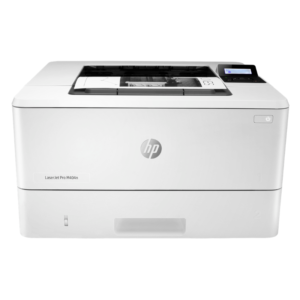
HP LaserJet Pro M404n Printer – Reliable Monochrome Laser with Ethernet and Security Features
-21% HP, Laserjet Printer, Printers
HP LaserJet Pro M404n Printer – Reliable Monochrome Laser with Ethernet and Security Features
HP LaserJet Pro M404n Printer W1A52A
Brand HP Functions Print Sub-brand Laserjet Printing Technology Laser Print colors No Processor speed 1200 MHz Connectivity 1 Hi-Speed USB 2.0; 1 host USB at rear side; Gigabit Ethernet 10/100/1000BASE-T network; 802.3az(EEE) Memory 256 MB SKU: W1A52A -
Enterprise Printers, HP, Laserjet Printer, Printers
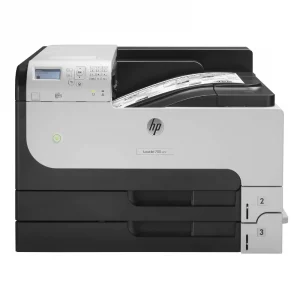
HP LaserJet Enterprise 700 M712dn Monochrome Printer – High-Volume Printing for Businesses
-47%Enterprise Printers, HP, Laserjet Printer, PrintersHP LaserJet Enterprise 700 M712dn Monochrome Printer – High-Volume Printing for Businesses
HP LaserJet Monochrome Printer CF236A

Brand HP Functions Print Sub-brand Laserjet Printing Technology Laser Print colors YNo Processor speed 800 MHz Connectivity 2 Hi-Speed USB 2.0; 1 Hi-Speed USB 2.0 Device; 1 Gigabit Ethernet 10/100/1000 Base-T; 1 Hi-Speed USB 2.0 Easy Access Walkup Port; 1 Hardware Integration Pocket (HIP) Memory 512 MB SKU: CF236A


There are no reviews yet.