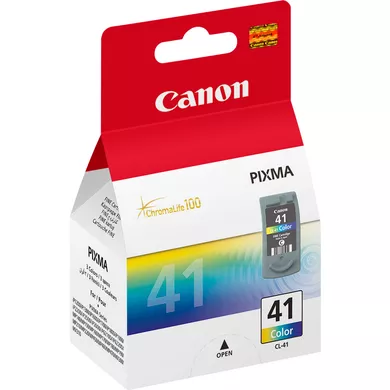
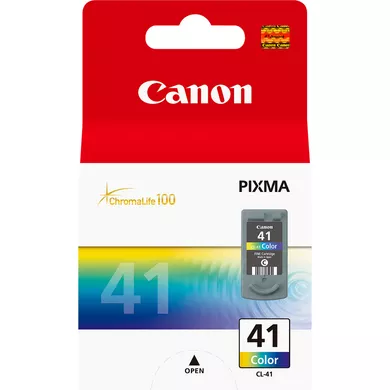
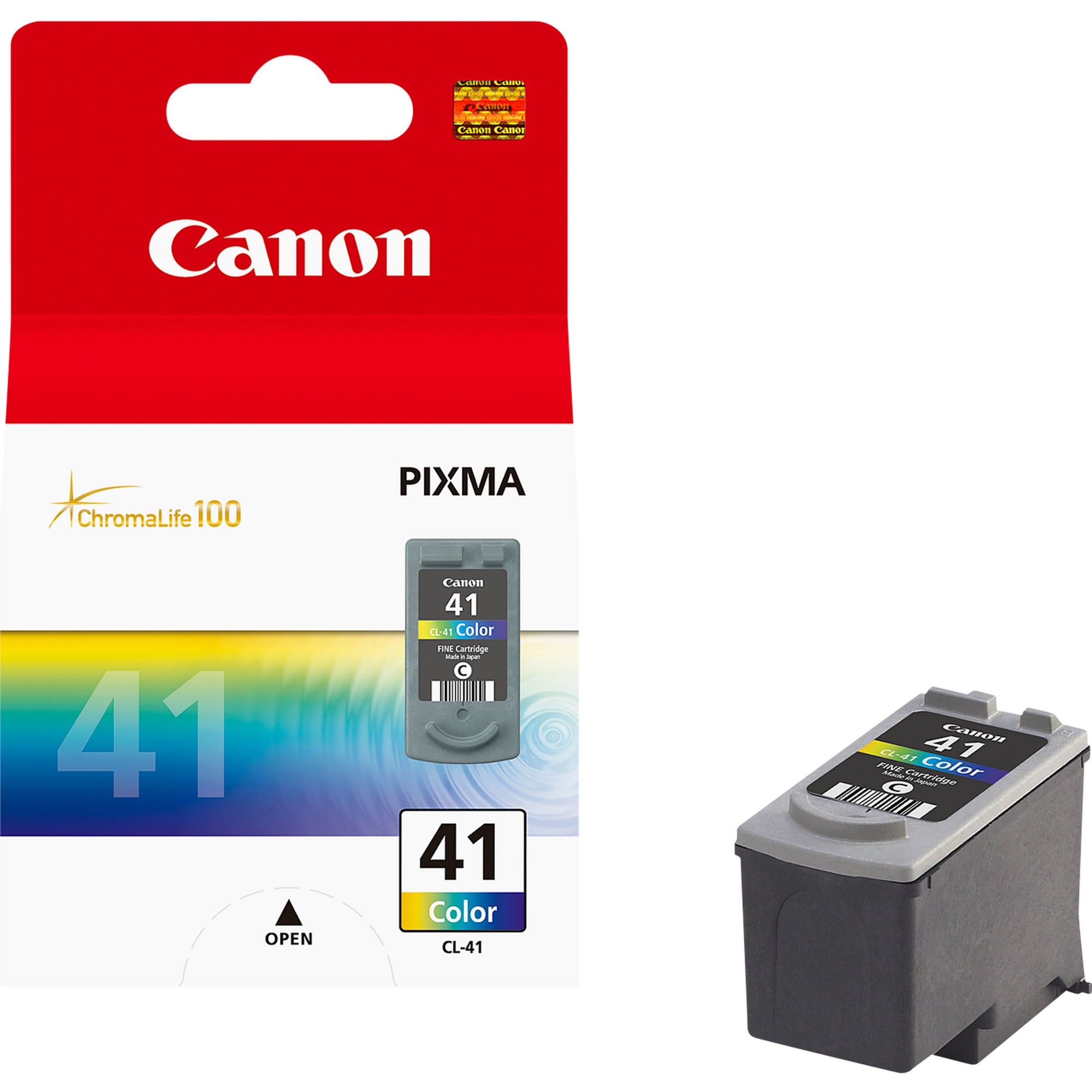
The Canon B2C Consumables CL 41 Fine Cartridge is a color ink cartridge designed for use with various Canon inkjet printers, particularly in the Canon B2C (Business-to-Consumer) product lineup. The CL-41 cartridge is commonly used in consumer-grade printers that are aimed at home or small office use, providing high-quality color printing for everyday tasks.
The CL-41 cartridge is formulated to provide vibrant, consistent color output, making it suitable for printing photos, graphics, and color documents.
ChromaLife100+ Technology:
Canon’s ChromaLife100+ ink technology ensures that prints made with the CL-41 cartridge are long-lasting and resistant to fading. It helps improve the durability of your prints when used with Canon photo paper.
Ink Composition:
The CL-41 contains cyan, magenta, and yellow inks, which are used in combination with the black ink cartridge (e.g., PG-40) to produce a wide range of colors in prints.
Easy to Replace:
Canon’s Fine Cartridge system makes it easy to replace individual color cartridges, which minimizes waste and costs. Users can replace only the color that runs out, rather than changing the entire cartridge.
Compatibility:
The Canon CL-41 is compatible with several Canon PIXMA printers, making it a versatile option for users who need reliable, high-quality color printing.
Affordable and Efficient:
The CL-41 cartridge is designed to be affordable and efficient, offering a good balance between performance and cost, making it ideal for home or small office use.
Specifications: Canon B2C Consumables CL 41 Fine Cartridge
Model Number: Canon CL-41
Type: Color Inkjet Cartridge
Ink Colors: Cyan, Magenta, Yellow (combined in one cartridge)
Cartridge Capacity: Typically, the CL-41 has an approximate yield of 180 pages (based on 5% page coverage, though this may vary depending on the printer and usage).
Compatibility: Compatible with a variety of Canon PIXMA printers such as:
Canon PIXMA iP1700, iP1800, iP2600
Canon PIXMA MP140, MP150, MP160, MP180
Canon PIXMA MX300, MX310, MX330, MX350, MX360
And other Canon PIXMA models that support the CL-41 cartridge.
Benefits: Canon B2C Consumables CL 41 Fine Cartridge
Vibrant and Clear Prints:
Ideal for printing photos and color documents, the CL-41 cartridge provides bright, clear colors for a range of print needs.
Long-Lasting Prints:
Thanks to ChromaLife100+ technology, the prints produced using the CL-41 cartridge are more resistant to fading over time, making them durable for both everyday prints and photos.
Cost-Effective:
The CL-41 cartridge offers a low cost per page, particularly when used for everyday printing tasks. You can print high-quality color documents and photos without incurring a high cost.
Convenient for Home or Small Office Use:
Its compact size and easy installation make the CL-41 a great option for users with moderate printing needs at home or in a small office environment.
Environmental Benefits:
Canon provides recycling programs for used cartridges, promoting sustainability and reducing waste.
How to Install Canon B2C Consumables CL 41 Fine Cartridge
Turn Off the Printer: Power off your Canon printer before starting the cartridge replacement process.
Open the Printer Cover: Open the printer’s top cover or the ink cartridge access door to reveal the ink cartridge compartment.
Remove the Old Cartridge:
Press down on the old ink cartridge (if you’re replacing it) and gently slide it out of the carriage.
Dispose of the cartridge properly or return it for recycling through Canon’s cartridge recycling program.
Prepare the New Canon CL-41 Cartridge:
Unbox the new Canon CL-41 Fine Cartridge. Remove any protective packaging or plastic covers from the ink cartridge.
Caution: Avoid touching the copper-colored contacts or the ink nozzles to prevent damage and ensure optimal performance.
Insert the New Cartridge:
Slide the new Canon CL-41 cartridge into the appropriate slot (usually the color slot), aligning the cartridge properly with the track. Press down gently until it clicks into place.
Close the Printer Cover: Close the ink cartridge access door or the printer’s top cover securely.
Power On the Printer: Turn the printer back on. The printer may perform a few automatic tasks such as ink priming to ensure the new cartridge is ready for use.
Test the Cartridge: Print a test page or photo to ensure the new CL-41 cartridge is installed correctly and functioning as expected.




There are no reviews yet.