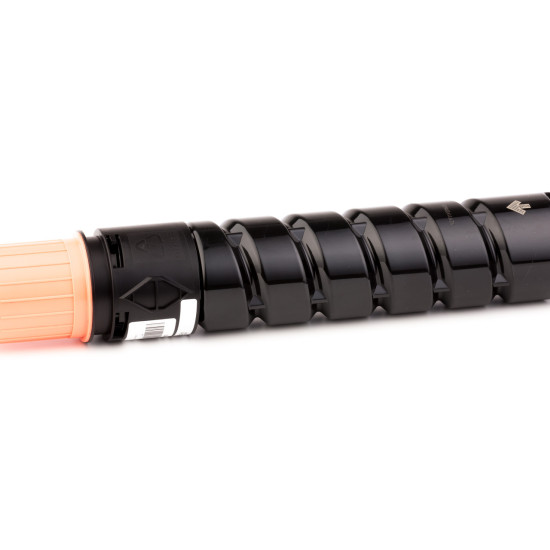
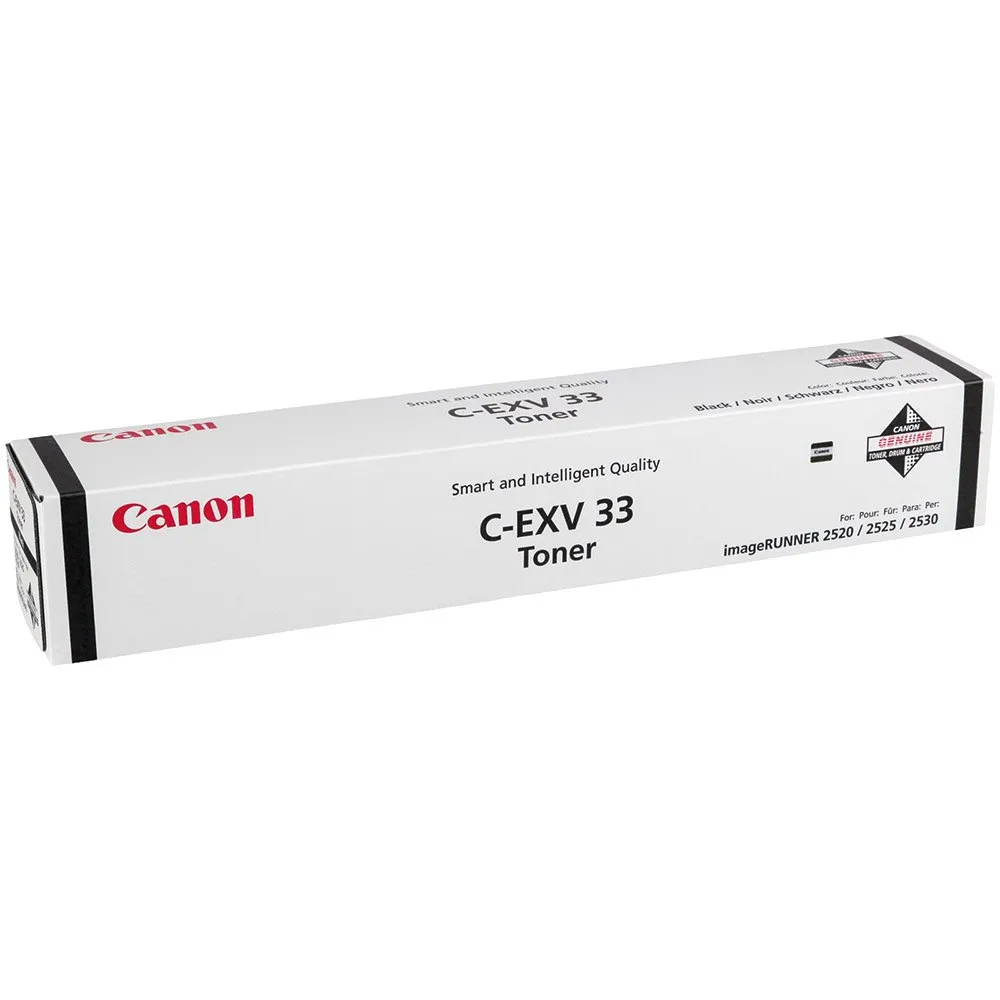
The Canon C-EXV 33 Black Toner is a high-capacity toner cartridge designed for use with Canon imageRUNNER series devices. It ensures consistent, high-quality prints with deep black tones, making it ideal for professional and office environments that require reliable and precise printing performance.
Key Features:
High-Quality Printing:
Produces crisp, clear text and rich black tones for professional-looking documents.
Large Page Yield:
Designed for high-volume printing, reducing the need for frequent replacements.
Seamless Compatibility:
Specifically engineered for Canon imageRUNNER series printers to ensure optimal performance.
Eco-Friendly:
Manufactured with recyclable materials to reduce environmental impact.
Consistent Output:
Maintains consistent print quality throughout its lifespan.
Specifications: Canon C-EXV 33 Black Toner
Model: Canon C-EXV 33 Black Toner
Color: Black
Print Technology: Laser
Page Yield: Up to 14,600 pages (based on 5% coverage per page)
Compatibility:
Canon imageRUNNER 2520, 2525, 2530, 2535, 2545, and other similar models.
Weight: Approximately 1.8–2.2 kg
Packaging Dimensions: Compact design for easy storage and handling.
Benefits: Canon C-EXV 33 Black Toner
Cost Efficiency:
High yield reduces the cost per page and minimizes downtime.
Professional Results:
Ideal for producing detailed reports, crisp documents, and sharp black-and-white prints.
Easy to Install:
Simple replacement process for minimal disruption during operation.
Durable Performance:
Built to handle the demands of high-volume office printing.
Environmentally Conscious:
Canon’s recycling programs help reduce waste.
How to Install: Canon C-EXV 33 Black Toner
Prepare the Printer:
Turn off the printer and allow it to cool down.
Open the Toner Access Panel:
Locate and open the toner compartment panel.
Remove the Old Toner:
Gently pull out the depleted toner cartridge and dispose of it through a Canon recycling program.
Unpack the New Toner:
Remove the Canon C-EXV 33 Black Toner from its packaging and shake it gently to distribute the toner evenly.
Install the New Cartridge:
Insert the toner cartridge into the compartment, ensuring it clicks into place securely.
Close the Panel:
Close the toner access panel and power the printer back on.
Test Print:
Print a test page to confirm the installation and quality of the toner.




There are no reviews yet.