

-10%


canon, Canon Accessories, Canon Catridge, Canon Ink & Toner
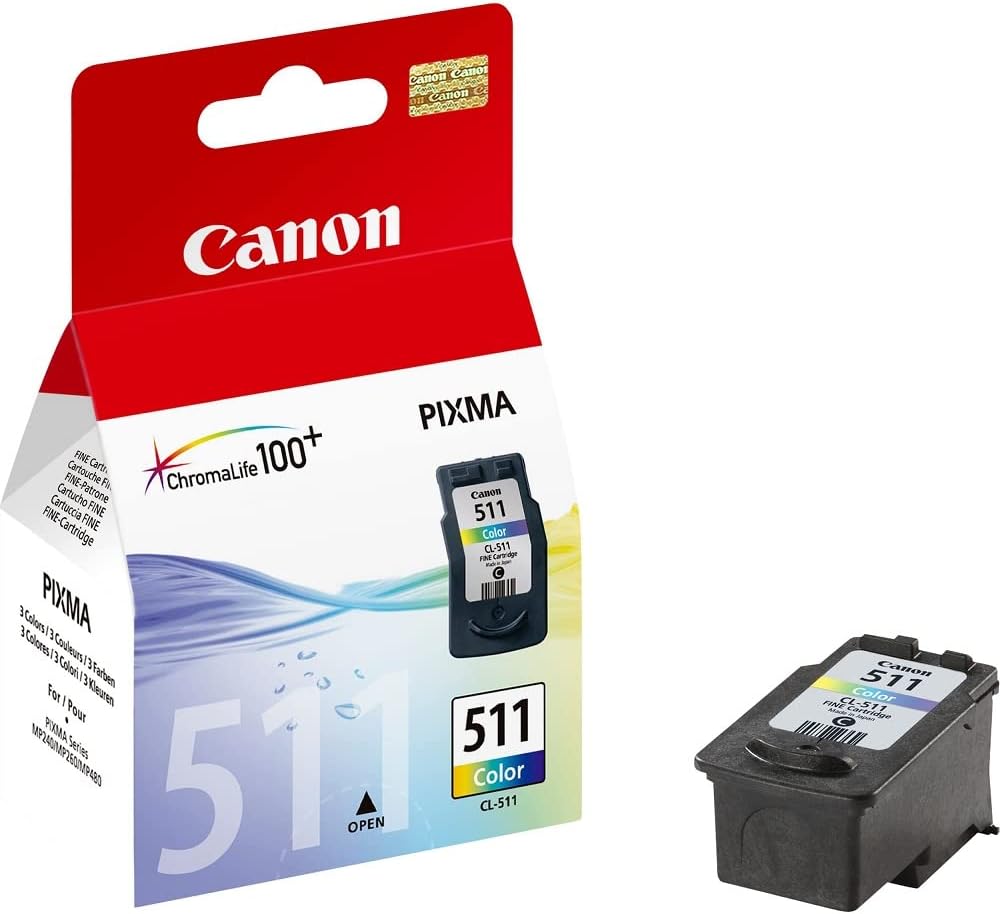
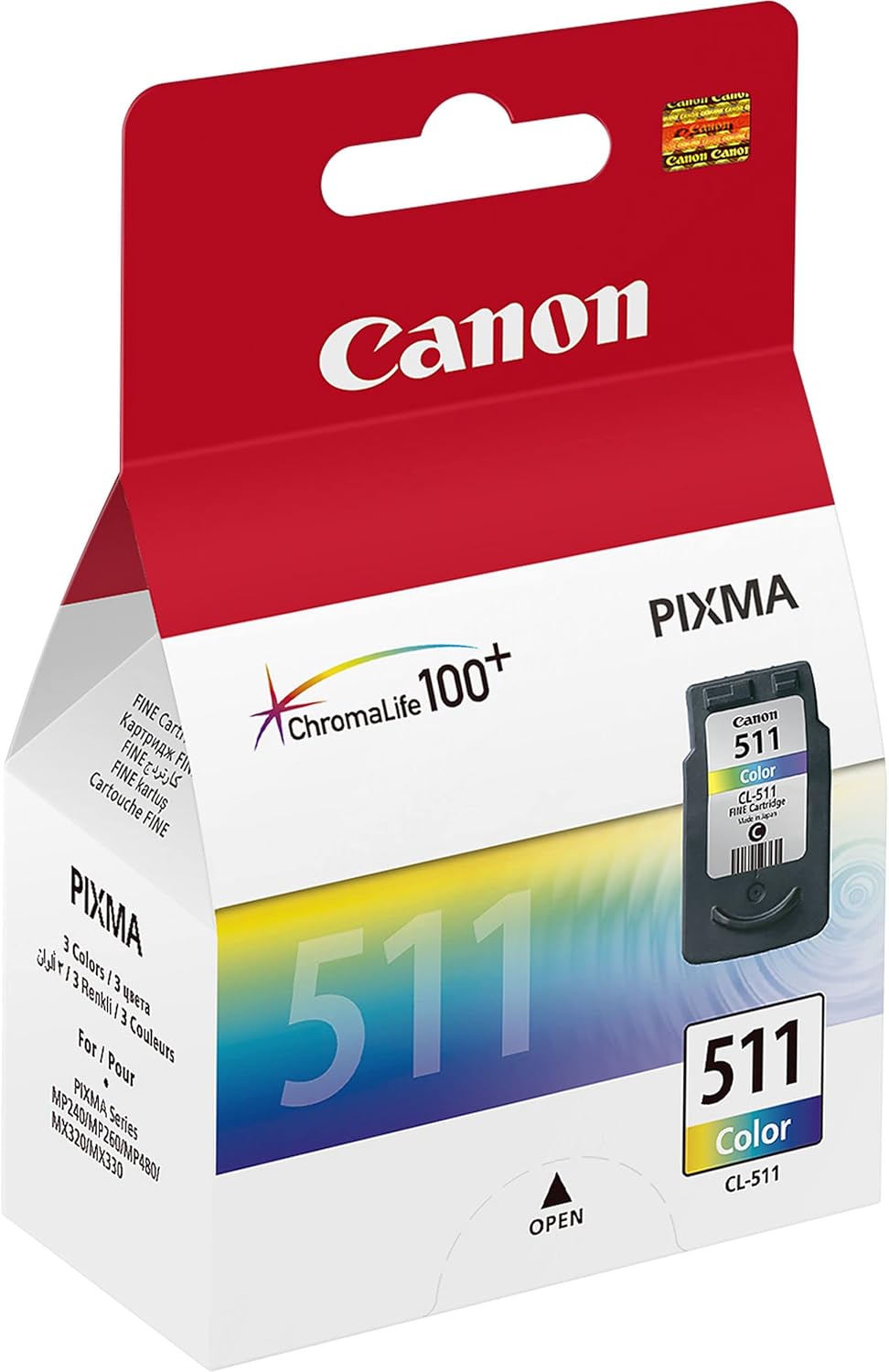
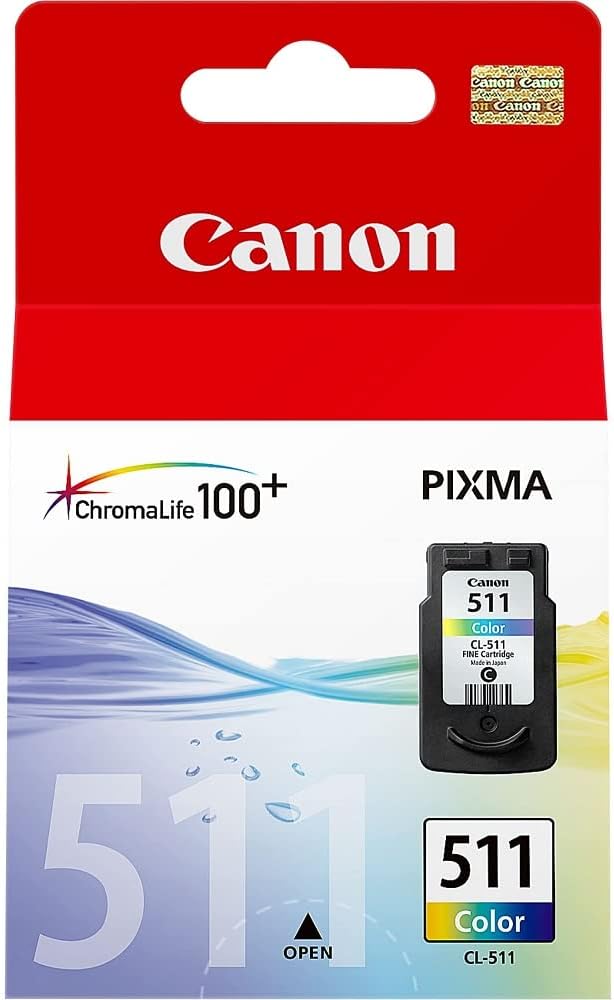
Canon CL-511 FINE Color Ink Cartridge | High Quality Prints
USD
$17.93 $20.00
Canon CL-511 FINE Color Ink Cartridge
The Canon CL-511 FINE Color Ink Cartridge is a tri-color ink cartridge (Cyan, Magenta, Yellow) designed for Canon PIXMA printers. This cartridge features Canon’s FINE (Full-Photolithography Inkjet Nozzle Engineering) technology, ensuring precise ink placement and vibrant color reproduction. It is ideal for printing high-quality photos, vivid graphics, and colorful documents.
Key Features
- Tri-Color Ink: Combines cyan, magenta, and yellow inks for vibrant and accurate color output.
- FINE Technology: Ensures sharp detail and smooth gradients with precise ink droplets.
- Versatile Printing: Suitable for photos, creative projects, and color documents.
- Standard Yield: Offers a balance between print capacity and affordability, ideal for moderate use.
- Genuine Canon Product: Designed for seamless compatibility and reliable performance with Canon PIXMA printers.
Specifications: Canon CL-511 FINE Color Ink Cartridge
- Model: Canon CL-511
- Ink Colors: Cyan, Magenta, Yellow (Tri-Color Cartridge)
- Ink Type: Dye-based ink
- Yield: Approximately 180 pages at 5% coverage
- Weight: Approximately 50g (1.76 oz)
- Compatibility: Works with various Canon PIXMA printers, including:
- MP230
- MP240
- MP250
- MP280
- MP490
- MX320
- MX350
- Shelf Life: Up to 24 months when stored under recommended conditions.
Benefits
- Vivid Colors: Produces vibrant and lifelike colors for professional-quality prints.
- Cost-Effective: Combines three colors in one cartridge, offering convenience and value for money.
- Environmentally Friendly: Fully recyclable through Canon’s recycling programs.
- User-Friendly: Easy to install and manage with Canon’s intuitive printer designs.
- Durable Prints: When paired with Canon photo paper, prints resist fading for long-lasting quality.
How to Install Canon CL-511 FINE Color Ink Cartridge
- Power On the Printer:
- Ensure the printer is turned on and ready.
- Open the Printer Cover:
- Lift the front panel or access door to expose the cartridge compartment.
- Remove the Empty Cartridge:
- Locate the tri-color slot, press the release tab, and carefully pull out the used cartridge.
- Unpack the New Cartridge:
- Remove the CL-511 cartridge from its packaging.
- Peel off the protective tape without touching the ink nozzles or electrical contacts.
- Insert the New Cartridge:
- Align the cartridge with the tri-color slot and push it in until it clicks securely into place.
- Close the Cover:
- Shut the printer cover and wait for the printer to recognize the new cartridge.
- Perform a Test Print:
- Run a test page to confirm proper installation and ink flow.
Pro Tips
- Storage: Keep unused cartridges in a cool, dry location away from direct sunlight to preserve ink quality.
- Frequent Printing: Regularly print to prevent the ink from drying out and to maintain nozzle health.
- Optimize Settings: Adjust printer settings for specific tasks to conserve ink and achieve the best results.
- Use Canon Paper: Pair with Canon photo paper for enhanced color vibrancy and durability.
Based on 0 reviews
Be the first to review “Canon CL-511 FINE Color Ink Cartridge | High Quality Prints”
Related products
-
canon, Canon Printers, Inkjet, Inkjet Printer, Printers
Canon PIXMA G3430 All-in-One Multi-function Printer
-22% canon, Canon Printers, Inkjet, Inkjet Printer, Printers
Canon PIXMA G3430 All-in-One Multi-function Printer
- High quality printing
- Print, scan and copy with a single device
- Large-capacity rear tray for volume printing
- Connect wirelessly to your computer or smart device
- Mac, Windows and Chrome
SKU: n/a


There are no reviews yet.