

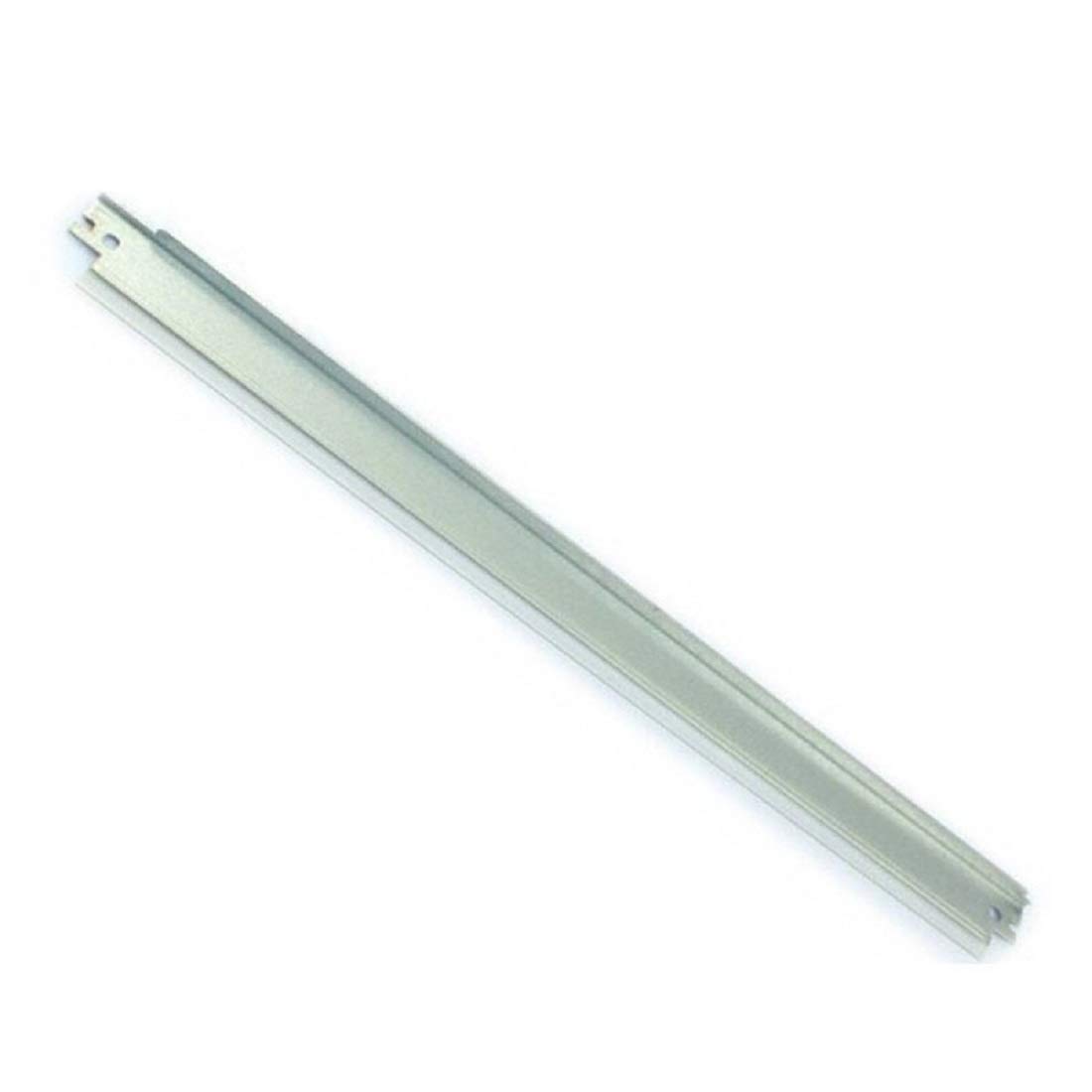
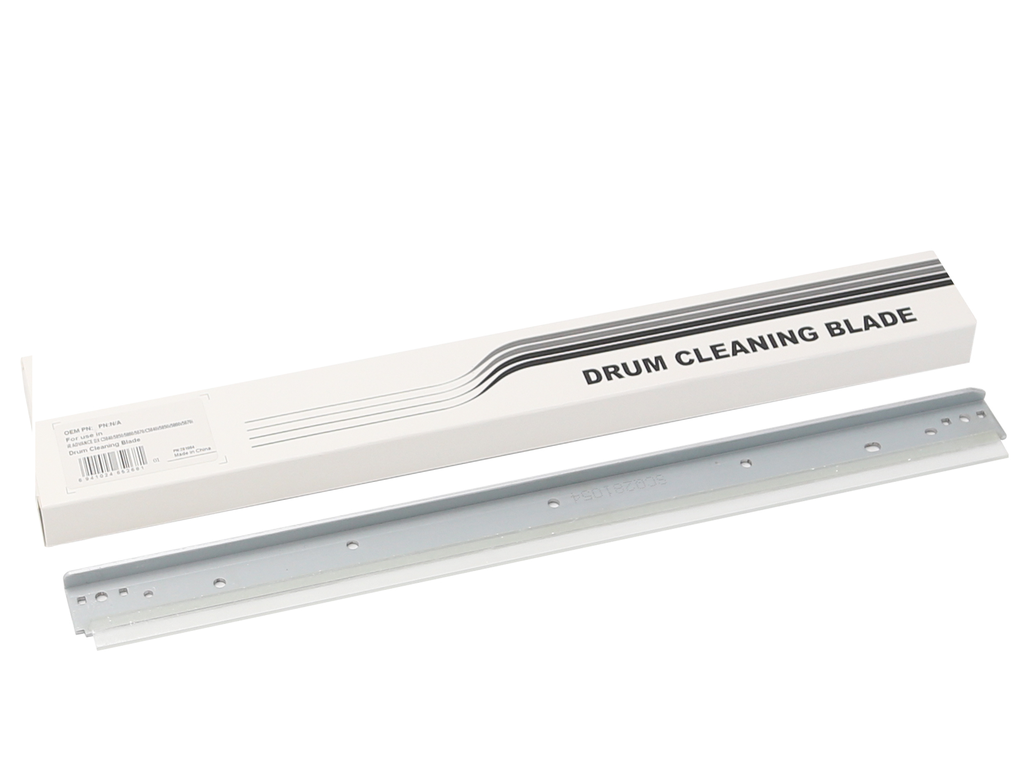
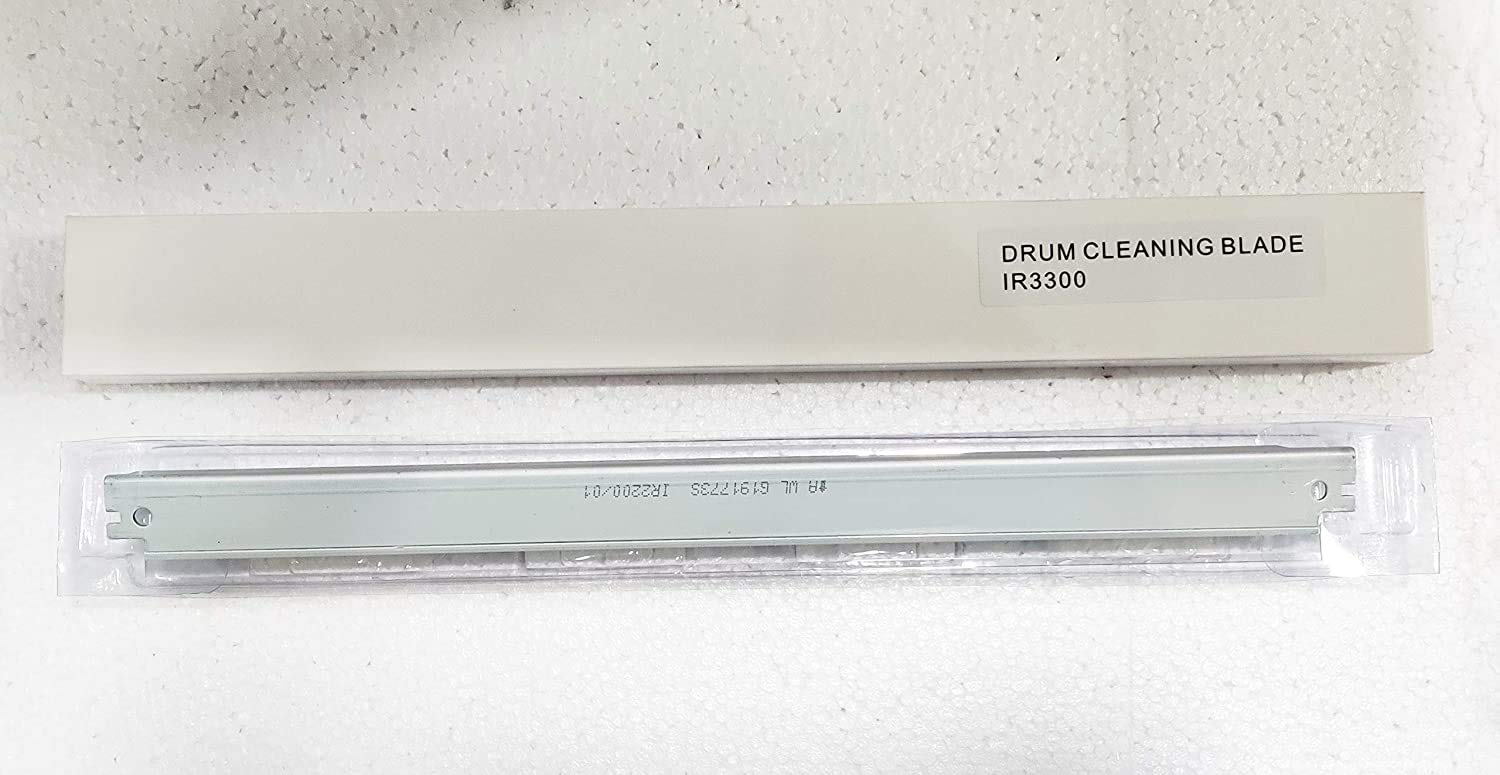
Canon Cleaning Blade | IMPROVED PRINT QUALITY | EFFICIENT | COMPACT
$36.30 $45.00
Canon Cleaning Blade
A Canon Cleaning Blade in Canon printers is an essential component used to maintain print quality by removing excess toner from the drum or imaging unit during the printing process. The blade ensures that the printout is clear and free from smudges, streaks, or unwanted toner marks by scraping off any residual toner left behind after the imaging process.
Key Features
- Toner Removal:
The primary function of the cleaning blade is to remove excess toner that is left on the drum after it has been transferred to the paper. This helps prevent unwanted toner marks on subsequent prints. - Improved Print Quality:
By efficiently cleaning the drum, the cleaning blade helps maintain sharp, clear prints with minimal toner contamination, improving overall print quality and reducing smudges or streaks on printed documents. - Durability:
Cleaning blades are designed to withstand the repetitive task of scraping toner from the drum, providing long-term performance and ensuring consistent results. - Prevention of Print Defects:
Worn or damaged cleaning blades can lead to poor print quality, such as streaking or uneven toner distribution. A well-maintained cleaning blade ensures proper toner adhesion, reducing defects and ensuring the final output is crisp and clean.
Specifications
- Material: Cleaning blades are typically made from durable rubber or silicone, sometimes with a metal edge for scraping.
- Compatibility: The cleaning blade is designed to fit specific Canon printer models. Always ensure compatibility with the imaging drum or cartridge system used in the printer.
- Size: The size of the cleaning blade will vary depending on the printer model but is usually sized to fit within the drum assembly or toner cartridge.
- Weight: The weight of a Canon cleaning blade is typically 20 to 50 grams, depending on the model and the size of the blade.
- Color: The cleaning blade is usually black or dark gray to blend with the toner system of the printer.
- Maintenance: Regular cleaning and maintenance of the blade are recommended to prevent toner buildup and ensure its longevity.
Benefits
- Improved Print Quality:
A functioning cleaning blade ensures clean prints by removing excess toner, resulting in clearer text and images without smudges or streaks. - Enhanced Printer Longevity:
Proper maintenance of the cleaning blade helps prevent damage to the drum and imaging unit, extending the printer’s life and reducing the need for repairs. - Prevents Paper Jams:
By keeping the toner application process clean and smooth, the cleaning blade can also help reduce the likelihood of paper jams related to toner buildup in the printer. - Cost-Effective:
Replacing a worn cleaning blade is a relatively inexpensive solution to prevent more costly repairs, such as replacing the entire drum or toner system.
How to Replace the Canon Cleaning Blade
- Turn off the Printer:
Always power off the printer and disconnect it from the power source to avoid electrical hazards while replacing the blade. - Open the Printer:
Access the toner cartridge or imaging drum assembly, which typically houses the cleaning blade. This may involve opening the front or side panel of the printer. - Remove the Drum or Toner Cartridge:
Carefully remove the drum or toner cartridge that houses the cleaning blade. Refer to the printer’s manual for specific instructions for your model. - Locate the Cleaning Blade:
Once the toner cartridge or drum is removed, locate the cleaning blade. It is typically a narrow strip along the edge of the drum. - Remove the Old Blade:
Gently remove the old cleaning blade. This may require detaching it from its housing or releasing any clips that secure it. - Install the New Cleaning Blade:
Insert the new cleaning blade into the same position, making sure it fits securely in place. Ensure the blade is positioned properly to contact the drum surface. - Reassemble and Test:
Reassemble the drum or toner cartridge, reinstall it into the printer, and close the printer’s access panel. Run a test print to ensure the cleaning blade is functioning properly and print quality is restored.
Conclusion
The Cleaning Blade is an essential component for maintaining high print quality in Canon printers. By efficiently removing excess toner from the drum or imaging unit, the blade helps prevent smudges, streaks, and toner buildup, ensuring sharp, clear prints. Regular maintenance and timely replacement of the cleaning blade help ensure optimal printer performance, reduce print defects, and extend the life of your printer.
| Weight | 0.05 kg |
|---|
Based on 0 reviews
Be the first to review “Canon Cleaning Blade | IMPROVED PRINT QUALITY | EFFICIENT | COMPACT”
Related products
-
canon, Canon Printers, Inkjet, Inkjet Printer, Printers
Canon PIXMA G3430 All-in-One Multi-function Printer
-22% canon, Canon Printers, Inkjet, Inkjet Printer, Printers
Canon PIXMA G3430 All-in-One Multi-function Printer
- High quality printing
- Print, scan and copy with a single device
- Large-capacity rear tray for volume printing
- Connect wirelessly to your computer or smart device
- Mac, Windows and Chrome
SKU: n/a


There are no reviews yet.