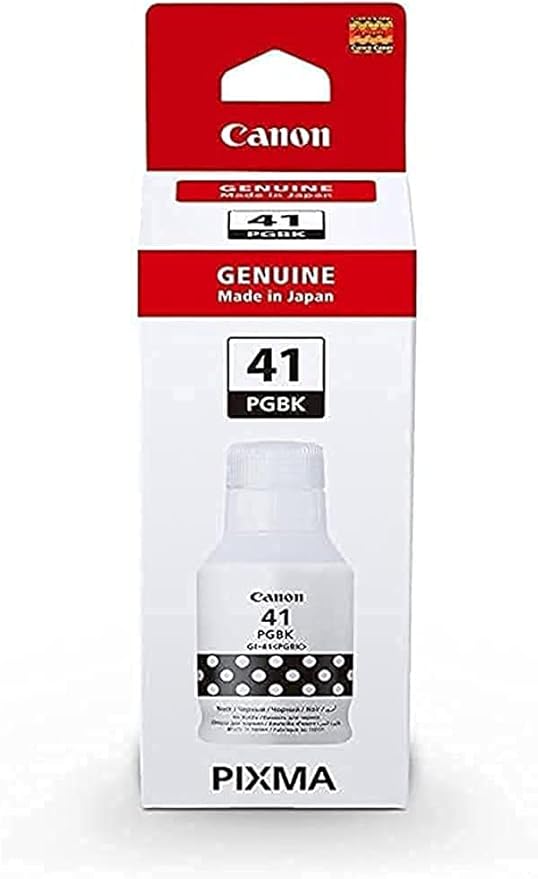
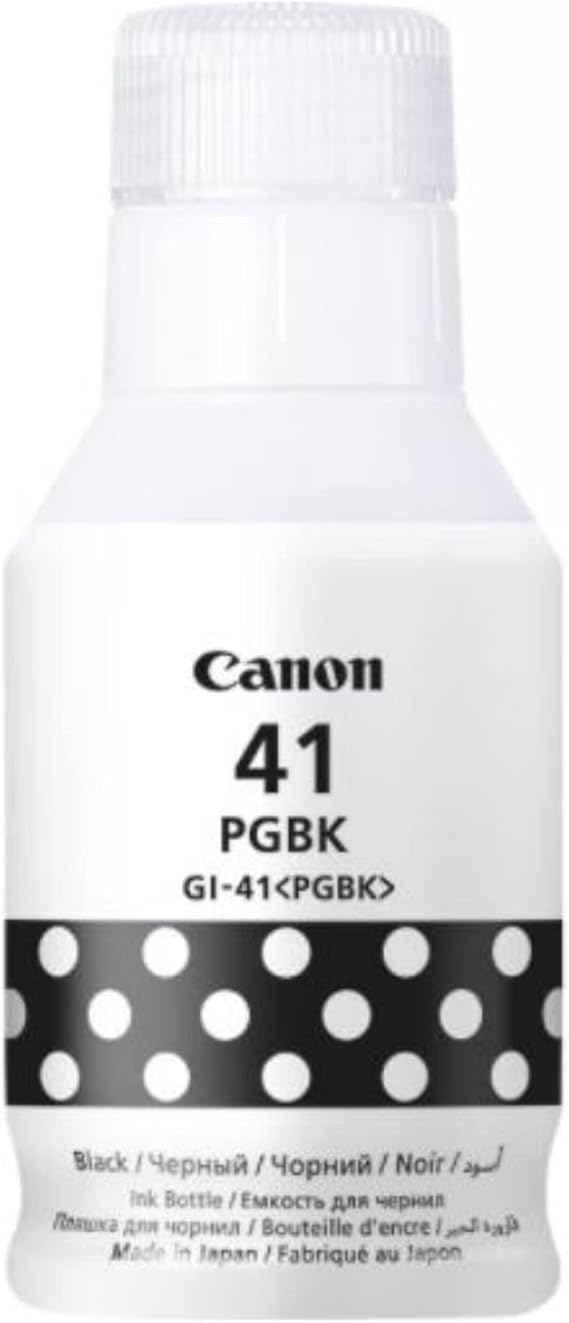
The Canon GI-41 PBK is a pigment-based black ink bottle designed for use with Canon MegaTank printers. It is part of the GI-41 ink series, which offers a more cost-effective and high-yield solution for businesses or home offices that require frequent printing. The GI-41 PBK is ideal for users who need sharp, long-lasting black text prints, especially in high-volume printing environments.
Key Features of Canon GI-41 PBK Ink Bottle:
High Page Yield:
The GI-41 PBK ink bottle provides a high yield of up to 6,000 pages (at 5% coverage per page), making it suitable for businesses that need to print large quantities of black and white documents.
Pigment-Based Ink:
This ink is pigment-based, which helps produce sharp, crisp black text that is smudge-resistant and water-resistant, making it ideal for professional documents that require durability and clarity.
Cost-Effective Printing:
The ink bottles used in the Canon MegaTank system offer low cost per page, making it a more economical option for high-volume printing compared to traditional ink cartridges.
Compatible with Canon MegaTank Printers:
The GI-41 PBK ink bottle is compatible with Canon MegaTank printers, including models such as the PIXMA G Series and PIXMA G6030, providing long-lasting ink for high-volume printing.
Eco-Friendly Design:
The ink bottle design is spill-resistant, ensuring a clean and mess-free refilling process. The bottle is also recyclable, reducing environmental impact compared to disposable ink cartridges.
Easy Refilling:
The GI-41 PBK ink bottle is designed for easy refilling of the printer’s ink tank, ensuring the process is straightforward and mess-free.
Specifications of Canon GI-41 PBK Ink Bottle:
Model: Canon GI-41 PBK Ink Bottle
Ink Type: Pigment-based black ink
Color: Black (PBK)
Ink Volume: 135 ml
Page Yield: Up to 6,000 pages (at 5% coverage per page)
Compatible Printers:
Canon PIXMA G Series (G3020, G5020, G6020, G7030, G7060)
Canon PIXMA G6030
Other compatible Canon MegaTank printers
Dimensions (L x W x H):
Length: 13.5 cm (5.3 inches)
Width: 5.4 cm (2.1 inches)
Height: 14.3 cm (5.6 inches)
Weight: Approx. 150 g (5.3 oz)
Benefits of Canon GI-41 PBK Ink Bottle:
Long-Lasting and High-Yield:
With a yield of up to 6,000 pages, the GI-41 PBK provides an extended printing capacity, making it ideal for users who require high-volume printing.
Cost-Effective:
The MegaTank system significantly lowers the cost per page, making it an ideal choice for users who need to print frequently, reducing printing expenses.
Sharp, Durable Prints:
As a pigment-based ink, the GI-41 PBK ensures that the prints are not only sharp and precise but also resistant to smudging and water, ensuring durability in various environments.
Environmentally Friendly:
The spill-resistant ink bottles are easy to handle, and the recyclable bottles help reduce waste, contributing to an eco-friendly printing solution.
Easy to Use:
The ink bottle is designed for easy installation, allowing users to refill the printer’s ink tank without mess or hassle.
How to Use Canon GI-41 PBK Ink Bottle:
Prepare the Printer:
Make sure the printer is turned on, and the ink tank is low or empty. Open the ink compartment as directed by the printer’s manual.
Remove the Cap:
Carefully remove the protective cap from the Canon GI-41 PBK Ink Bottle.
Refill the Ink Tank:
Insert the GI-41 PBK Ink Bottle into the ink tank’s refill port. Press down gently on the bottle to allow the ink to flow into the tank. Wait until the tank is full, and the ink bottle stops dispensing ink.
Close the Ink Compartment:
Once the tank is filled, securely close the ink compartment and replace the ink bottle cap.
Check Ink Levels:
Verify the ink levels on your printer’s display screen to ensure that the ink tank is adequately filled.
Print a Test Page:
Print a test page to check if the ink is dispensing properly and the black text is clear and sharp.






There are no reviews yet.