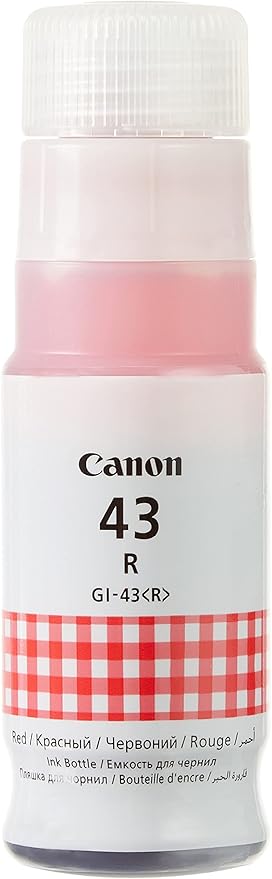
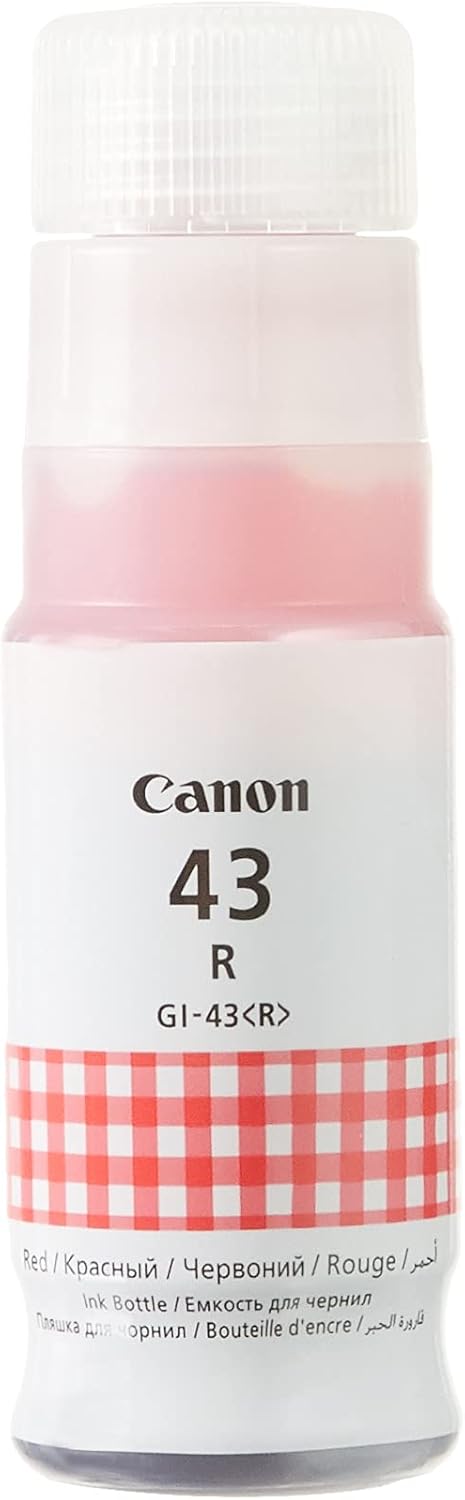
The Canon GI-43R Red Ink Bottle is designed for use with Canon printers that utilize the MegaTank ink system, particularly those in the PIXMA G-series like the PIXMA G640. This ink bottle contains red dye-based ink, which is ideal for producing vivid, accurate colors in photo prints and other high-quality color documents.
Canon GI-43R Red Ink Bottle – Key Features:
High-Yield Ink Bottle:
The GI-43R Red Ink Bottle offers a 135 ml ink volume, allowing users to print a significant number of pages before needing to replace the ink. This large capacity ensures a longer-lasting supply of ink for high-volume printing.
Easy Refilling Process:
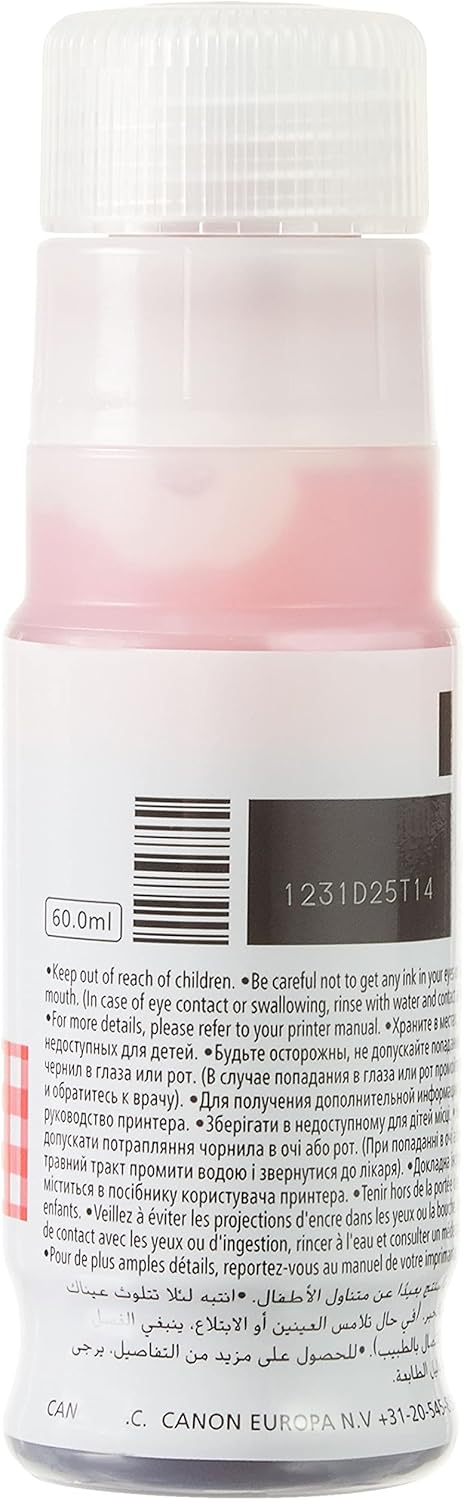
The bottle is designed with a spill-proof nozzle to ensure that refilling the printer’s ink tank is simple and clean, preventing any mess during the refill process.
Cost-Effective:
The MegaTank ink system helps reduce the overall cost per print, particularly for users who print in high volumes. The large size of the GI-43R ink bottle allows users to enjoy more affordable printing costs.
High-Quality Color Printing:
The red dye-based ink delivers vibrant, true-to-life red tones in color photos and documents. The color reproduction is accurate, making it ideal for printing high-quality images and graphics.
Eco-Friendly:
The MegaTank system promotes sustainability by using refillable ink bottles, reducing plastic waste compared to traditional ink cartridges.
The large ink capacity (135 ml) reduces the frequency of ink refills, lowering the overall printing costs and ensuring more prints per bottle.
Vibrant and Accurate Red Prints:
The red ink delivers brilliant, vivid red tones, making it perfect for color photo printing and graphic-heavy documents. It improves the overall color gamut, ensuring that prints have rich, true-to-life colors.
Long-Lasting and High-Volume Printing:
The high volume of the GI-43R bottle ensures that users can print more without constantly needing to replace the ink, making it perfect for environments with high printing demands.
Easy, Clean Refills:
The spill-proof nozzle ensures a clean, mess-free refill, making it simple for users to maintain their printer without worrying about ink spills.
Eco-Friendly:
Refillable bottles mean fewer plastic cartridges are used, reducing waste and making it a more environmentally friendly option.
How to Use the Canon GI-43R Red Ink Bottle:
Prepare the Printer:
Power on your printer and open the ink tank cover to access the red ink tank.
Check Ink Levels:
Before refilling, verify the current ink level in the red ink tank to confirm whether it needs to be replaced.
Open the Ink Bottle:
Remove the cap from the Canon GI-43R Red Ink Bottle and ensure the nozzle is clean and ready for use.
Refill the Ink Tank:
Align the nozzle of the ink bottle with the red ink tank slot, and the ink will automatically flow into the tank. The bottle will stop dispensing once the tank is full.
Close the Ink Tank Cover:
Once the ink tank is full, close the ink tank cover securely.
Check Ink Levels Again:
After the refill, confirm that the ink tank is properly filled by checking the printer’s display or ink level indicator.





There are no reviews yet.