

-1%
canon, Canon Accessories, Canon Printers
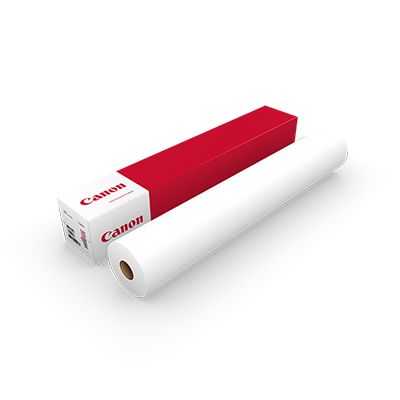
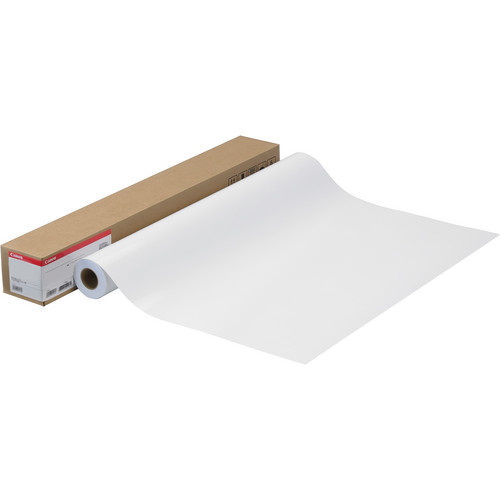
Canon Glossy Photo Quality Paper 300gsm 36 | High-Quality Prints
USD
$136.50 $138.00
Canon Glossy Photo Quality Paper 300gsm 36
The Canon Glossy Photo Quality Paper 300gsm 36 is a premium photo-grade paper designed for professional-quality printing. With a high gloss finish and heavyweight construction, it is ideal for creating vibrant, durable prints suitable for photographic reproductions, posters, fine art, and other high-resolution applications.

Key Features
- High Gloss Finish:
- Produces vibrant, sharp images with exceptional color saturation and depth.
- Heavyweight Paper:
- 300 gsm ensures durability and a professional feel.
- Wide Format:
- 36-inch (914 mm) width supports large-format printing for posters and fine art.
- Photo-Quality Surface:
- Optimized for high-resolution printing with precise details and rich tones.
- Compatibility:
- Designed for Canon large-format printers and other compatible dye or pigment ink systems.
- Smudge and Scratch Resistant:
- Durable surface protects prints during handling and display.
Specifications Canon Glossy Photo Quality Paper 300gsm 36
- Paper Weight: 300 gsm
- Width: 36 inches (914 mm)
- Length: Typically 30 meters (98 feet)
- Finish: Glossy
- Brightness: High brightness for vivid image reproduction
- Core Size: 2 inches (standard for wide-format rolls)
- Ink Compatibility: Compatible with dye and pigment ink
- Application: Ideal for photographs, posters, fine art, and high-resolution display graphics
Benefits Canon Glossy Photo Quality Paper 300gsm 36
- Professional-Grade Output:
- Delivers vibrant colors, deep blacks, and sharp details for high-quality prints.
- Durability:
- The 300 gsm weight provides a sturdy feel and resists wear over time.
- Versatility:
- Suitable for artistic and commercial applications, including gallery prints and presentations.
- Enhanced Longevity:
- Glossy coating resists smudging and fading, ensuring lasting impressions.
- Wide Format Capability:
- Ideal for creating large-scale, eye-catching visuals.
How to Install Canon Glossy Photo Quality Paper 300gsm 36
- Prepare the Printer:
- Power off the printer and ensure the paper feed area is clean.
- Load the Roll:
- Place the paper roll onto the spindle, ensuring it is aligned correctly.
- Insert the spindle into the printer’s roll holder.
- Feed the Paper:
- Guide the paper into the printer’s feed mechanism until it is detected.
- Adjust Printer Settings:
- Set the paper type to “Glossy Photo Paper” and input the correct size (36 inches, 300 gsm).
- Run a Test Print:
- Test the alignment and quality to ensure optimal results.



There are no reviews yet.