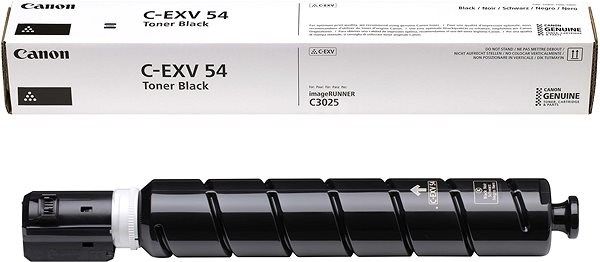
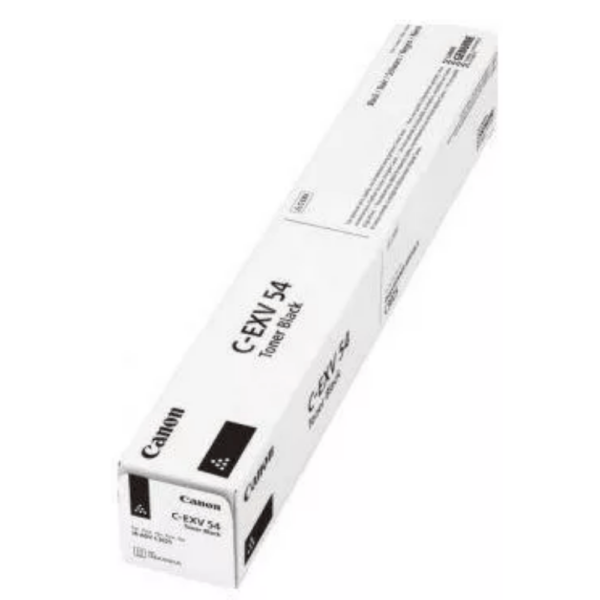
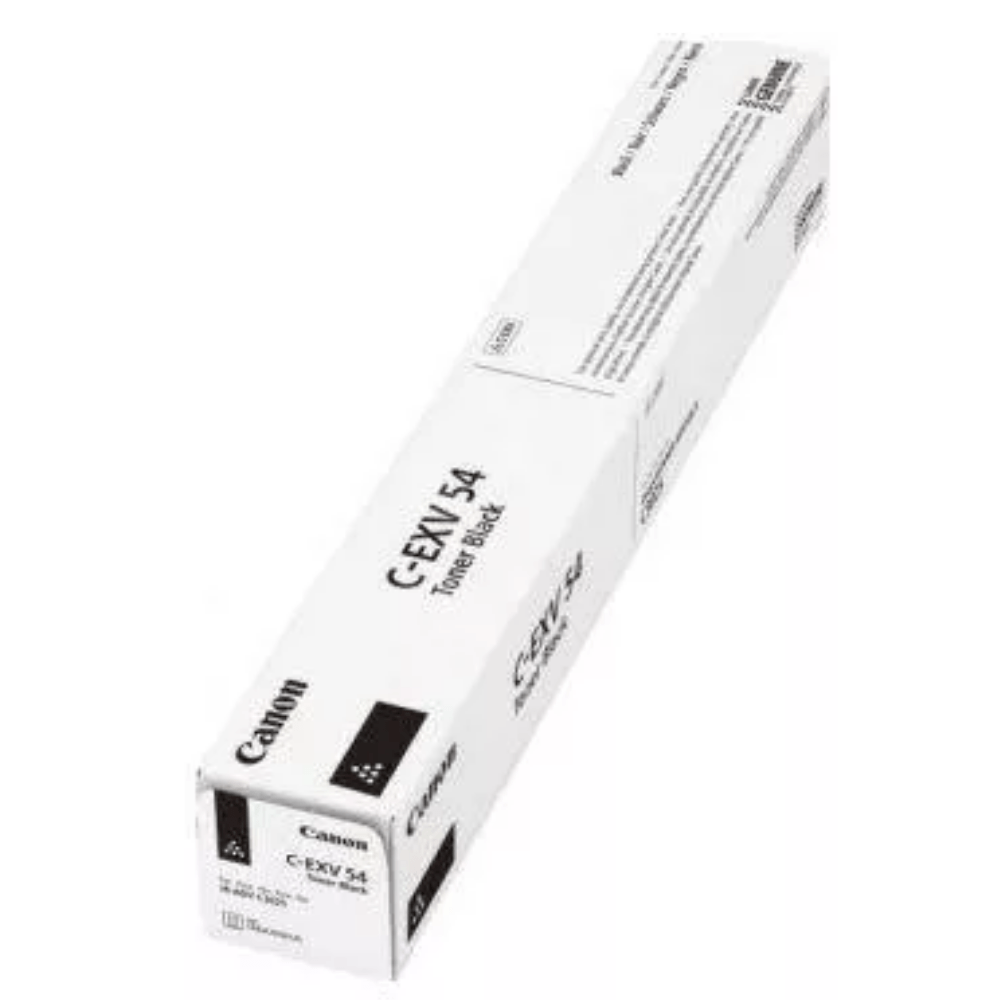
The Canon Office Color C-EXV 54 Black Toner is a high-quality toner cartridge designed for use with Canon multifunction office printers. It delivers sharp, professional black-and-white prints suitable for various business needs, such as reports, documents, and presentations.
Key Features:
High Print Yield:
Supports large-volume printing, ideal for offices with high printing demands.
Exceptional Print Quality:
Produces crisp, sharp text and rich black tones for professional-grade documents.
Precision Engineering:
Optimized to work seamlessly with compatible Canon printers, ensuring consistent performance.
Eco-Friendly:
Designed for easy recycling under Canon’s recycling programs.
Durable and Reliable:
Manufactured with high-quality materials to minimize wear on printer components.
Specifications: Canon Office Color C-EXV 54 Black Toner
Color: Black
Print Yield: Approximately 38,000 pages (based on 5% coverage on A4/letter-sized paper).
Compatible Printers:
Canon imageRUNNER ADVANCE DX C3720i, C3725i, C3730i series, and others (refer to your printer’s compatibility guide).
Weight: Approximately 2-2.5 kg (including packaging).
Technology: Laser printing with advanced toner formulation for consistent quality.
Benefits: Canon Office Color C-EXV 54 Black Toner
High Productivity:
Reduces the frequency of cartridge changes with its high page yield.
Cost-Effective:
Offers excellent cost-per-page value for office printing needs.
Reliable Performance:
Minimizes downtime with consistent and trouble-free operation.
Eco-Conscious Design:
Compatible with Canon’s toner recycling initiatives to reduce environmental impact.
How to Install Canon Office Color C-EXV 54 Black Toner
Check Printer Compatibility:
Ensure the C-EXV 54 toner cartridge matches your printer model.
Turn Off the Printer:
Power off the printer and unplug it from the outlet.
Access the Toner Compartment:
Open the printer’s toner access panel as per the user manual instructions.
Remove the Old Cartridge:
Gently pull out the empty toner cartridge and dispose of it responsibly.
Prepare the New Cartridge:
Remove the new toner cartridge from its packaging, and shake it gently to distribute the toner evenly.
Insert the Cartridge:
Align the new cartridge with the printer’s guides and slide it into place until it clicks.
Close the Panel:
Securely close the toner compartment panel.
Power On and Test:
Restart the printer and perform a test print to verify proper installation.



 canon, Canon Printers, Inkjet, Inkjet Printer, Printers


There are no reviews yet.