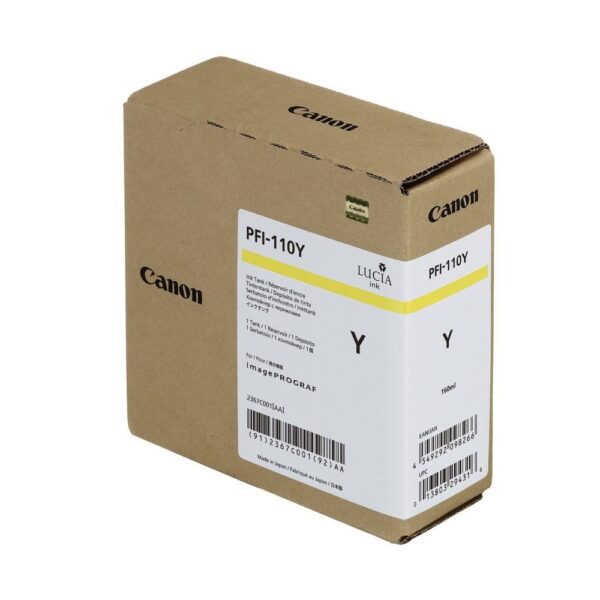
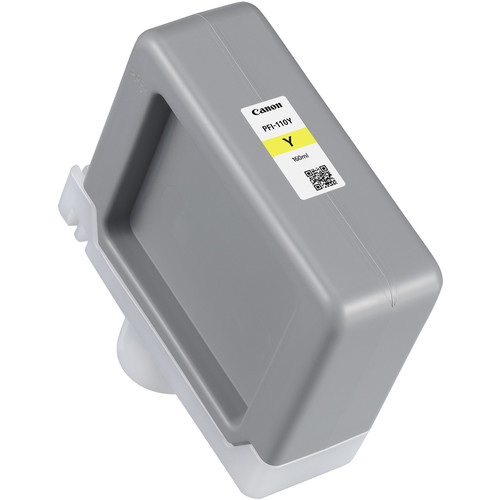
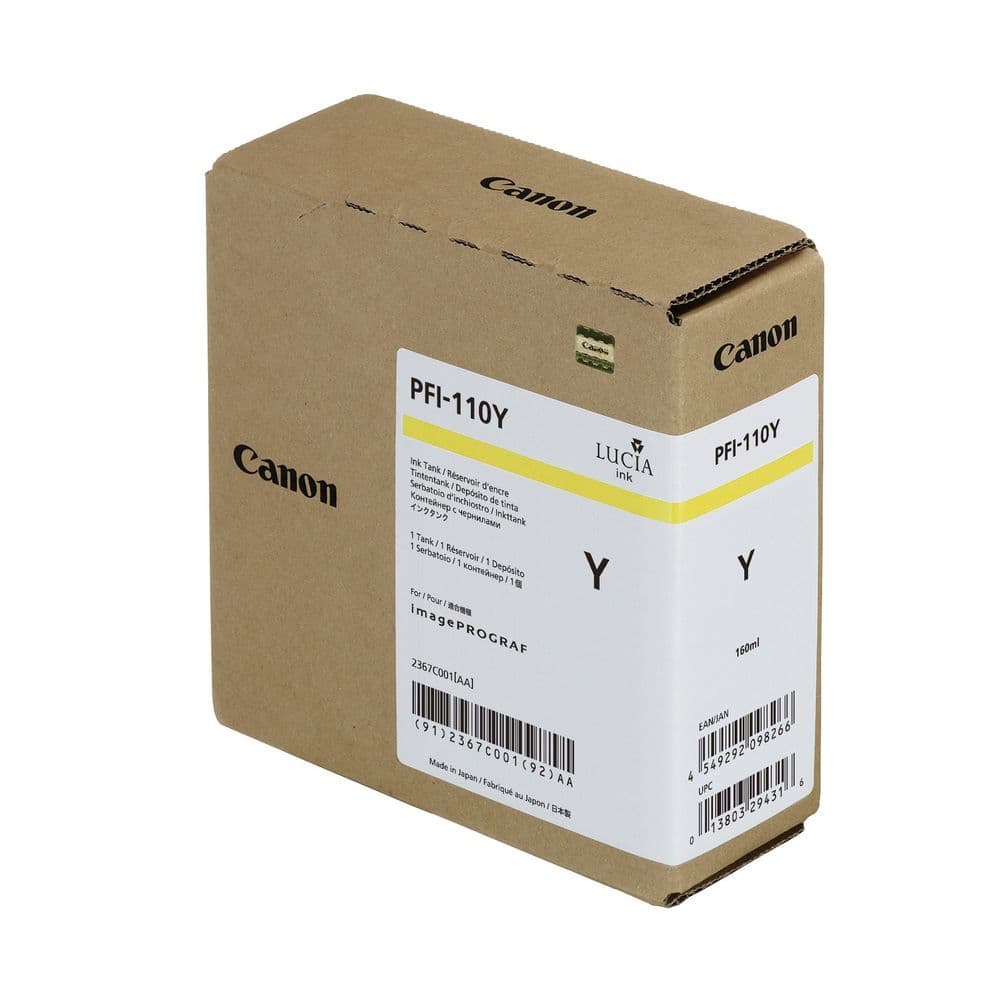
The Canon PFI-110 Yellow Ink Tank is a premium pigment-based ink solution tailored for large-format printing. This ink delivers vivid and accurate yellow tones, ensuring exceptional color consistency for graphic design, photography, and technical documentation. Its high-capacity design minimizes interruptions, making it ideal for professional environments.
Key Features:
Bright and Accurate Colors:
Produces vivid yellow hues for detailed and lifelike prints.
Durable Pigment Ink:
Fade-resistant and water-resistant, ensuring longevity and reliability.
High-Capacity Design:
160 ml ink tank supports extended printing without frequent replacements.
Seamless Compatibility:
Designed to integrate perfectly with Canon imagePROGRAF printers.
Eco-Friendly Construction:
Manufactured with recyclable materials for sustainability.
Specifications: Canon PFI-110 Yellow Ink Tank
Color: Yellow (Y)
Ink Type: Pigment-based
Capacity:160 ml
Weight: Approximately 0.4–0.5 kg (including packaging).
Compatible Printers:
Canon imagePROGRAF TM-200
Canon imagePROGRAF TM-300
Canon imagePROGRAF TM-305
Canon imagePROGRAF TA-20
Canon imagePROGRAF TA-30
Technology: Canon advanced pigment technology for superior accuracy and vibrancy.
Benefits: Canon PFI-110 Yellow Ink Tank
Professional Print Quality:
Provides consistent and vibrant yellow tones, enhancing overall color depth.
Long-Lasting Results:
Resistant to smudges, water, and fading for archival-quality prints.
Optimized Efficiency:
High capacity reduces downtime, improving productivity.
Cost-Effective Printing:
Durable design minimizes ink waste and overall costs.
Sustainable Practices:
Made with recyclable components to reduce environmental impact.
How to Install Canon PFI-110 Yellow Ink Tank
Prepare the Printer:
Turn on the printer and ensure it’s ready for maintenance.
Access the Ink Compartment:
Open the designated ink tank compartment panel as per the printer manual.
Remove the Old Ink Tank:
Gently release and remove the depleted PFI-110 Yellow ink tank.
Unpack the New Ink Tank:
Take the PFI-110 Yellow tank out of its packaging, avoiding any contact with the ink port.
Insert the New Ink Tank:
Align the tank and push it firmly into the yellow slot until it clicks into place.
Close the Panel:
Secure the compartment panel properly.
Run a Test:
Perform a nozzle check or test print to confirm proper installation and ink flow.





There are no reviews yet.