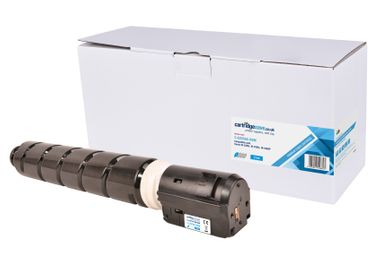
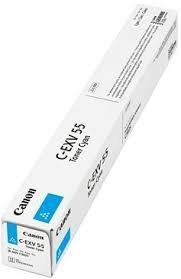
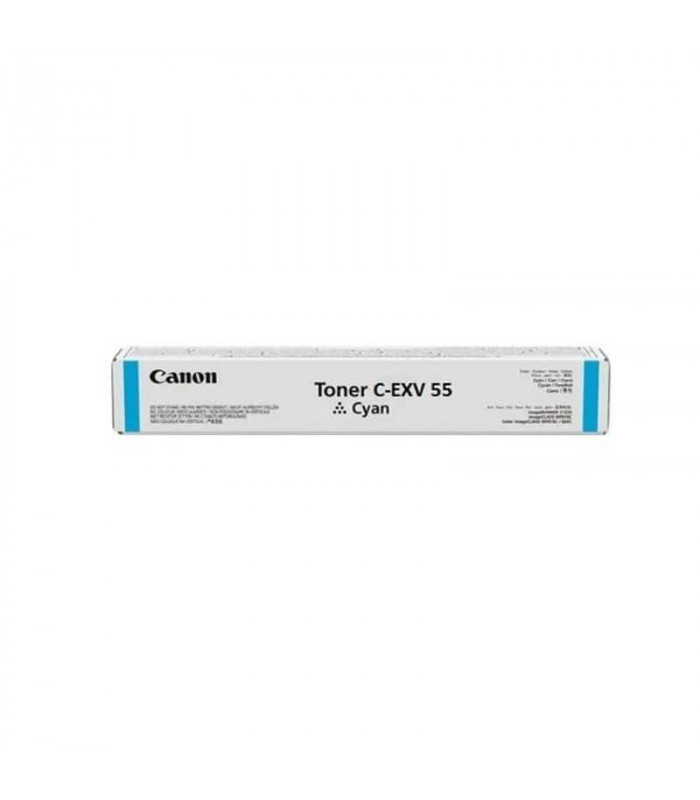
The Canon Toner C-EXV 55 Cyan is a premium toner cartridge designed to deliver exceptional color accuracy and high-quality prints. Ideal for professional settings, this toner is perfect for creating vibrant presentations, marketing materials, and color-rich documents. It ensures seamless compatibility with Canon imageRUNNER multifunction devices for reliable and efficient operation.
Key Features:
Outstanding Color Output:
Produces rich, vibrant cyan tones for professional-grade color prints.
High Page Yield:
Designed for high-volume printing, reducing the need for frequent replacements.
Eco-Friendly Design:
Part of Canon’s recycling initiative for responsible use.
Precision Engineering:
Formulated for optimal performance in compatible Canon devices.
Simple Installation:
User-friendly design allows quick and hassle-free cartridge replacement.
Specifications: Canon Toner C-EXV 55 Cyan
Color: Cyan
Print Yield: Approximately 19,000 pages (based on 5% coverage on A4/letter-sized paper).
Weight: Approximately 2.5–3.0 kg (including packaging).
Compatible Devices:
Canon imageRUNNER ADVANCE DX C3720i
Canon imageRUNNER ADVANCE DX C3725i
Canon imageRUNNER ADVANCE DX C3730i
Other Canon imageRUNNER series printers (refer to the printer manual for a complete list).
Technology: Laser printing with advanced toner formulation for vibrant color output.
Benefits: Canon Toner C-EXV 55 Cyan
Professional Print Quality:
Delivers vibrant, high-resolution cyan prints suitable for business and marketing needs.
Cost-Efficient Solution:
High yield reduces the overall cost per page for color printing.
Reliable Performance:
Ensures consistent, trouble-free printing from start to finish.
Environmentally Conscious:
Fully recyclable as part of Canon’s commitment to sustainability.
Compatible and Reliable:
Specifically engineered for Canon devices, ensuring a perfect fit and smooth operation.
How to Install Canon Toner C-EXV 55 Cyan
Prepare the Printer:
Turn off the printer and unplug it for safety.
Access the Toner Compartment:
Open the designated panel on your printer to access the toner slots.
Remove the Used Cartridge:
Gently pull out the empty C-EXV 55 Cyan cartridge.
Unpack the New Cartridge:
Take the new toner cartridge out of its box, remove protective seals, and shake it gently to distribute toner evenly.
Insert the New Cartridge:
Align the cartridge with the cyan slot and push it in until it locks securely in place.
Close the Compartment:
Ensure the toner access panel is closed correctly.
Test the Printer:
Power on the printer and print a test page to confirm proper installation.






There are no reviews yet.