The Canon 047 Toner Cartridge is a reliable and high-performance cartridge designed to produce crisp, sharp text and professional-quality black-and-white prints. It is tailored for small office and home office environments, ensuring efficiency and consistent results in daily printing tasks.
Key Features:
High-Quality Output:
Produces sharp and clear black text, ideal for professional documents and reports.
Generous Page Yield:
Provides excellent value with a standard yield, perfect for moderate-volume printing.
Seamless Compatibility:
Specifically engineered for select Canon laser printers for optimal performance.
Eco-Friendly Design:
Supports Canon’s toner recycling program to minimize environmental impact.
Easy Installation:
User-friendly design allows quick and hassle-free cartridge replacement.
Specifications Canon 047 Toner Cartridge
Color: Black
Print Yield: Approximately 1,600 pages (based on 5% coverage on A4/letter-sized paper).
Compatible Printers:
Canon imageCLASS LBP113w
Canon imageCLASS MF113w
Other supported models (refer to your printer’s manual for a complete list).
Weight: Approximately 0.7–1.0 kg (including packaging).
Technology: Laser printing with advanced toner formulation for consistent print quality.
Benefits Canon 047 Toner Cartridge
Consistent Performance:
Delivers reliable results across all prints, reducing downtime and reprints.
Cost-Effective Solution:
Offers a competitive cost per page with a standard yield.
Eco-Conscious:
Part of Canon’s toner recycling program for sustainable use.
Professional Results:
Ensures sharp, smudge-resistant prints suitable for business documents.
Minimal Maintenance:
Designed to integrate seamlessly with compatible printers, minimizing maintenance efforts.
How to Install Canon 047 Toner Cartridge
Turn Off the Printer:
Power down and unplug the printer for safety.
Open the Toner Access Panel:
Locate and open the toner cartridge compartment following the user manual instructions.
Remove the Old Cartridge:
Gently release and pull out the empty Canon 047 cartridge.
Prepare the New Cartridge:
Unpack the new cartridge, remove protective seals, and shake it gently to distribute the toner evenly.
Insert the Cartridge:
Align the cartridge with the designated slot and slide it in until it clicks securely.
Close the Panel:
Ensure the toner access panel is closed properly to avoid error messages.
Restart and Test:
Power on the printer and print a test page to confirm successful installation.


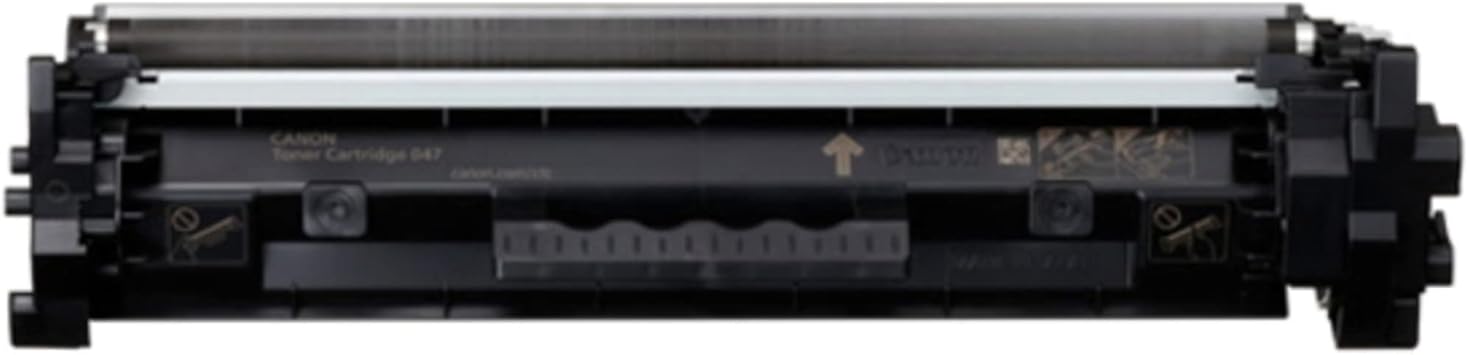
 canon, Canon Printers, Inkjet, Inkjet Printer, Printers


There are no reviews yet.