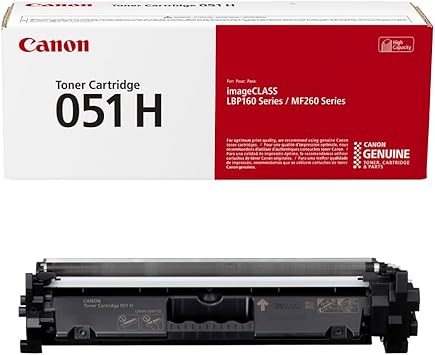
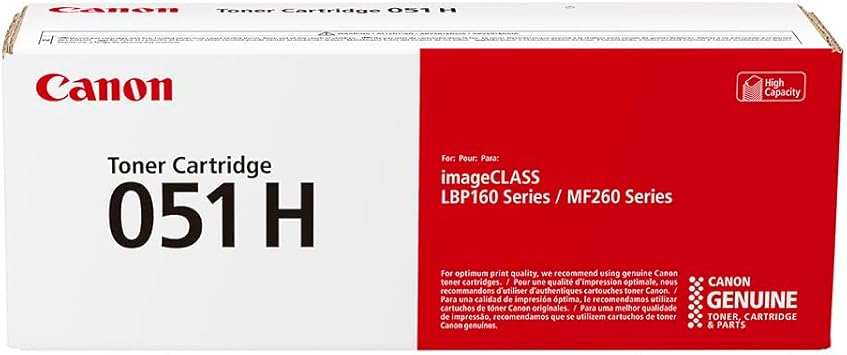
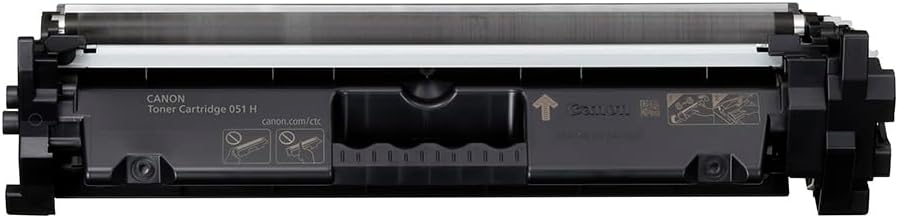
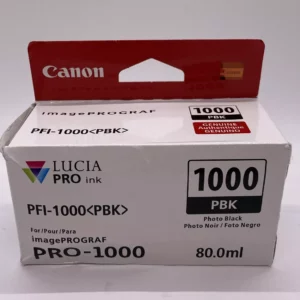
Canon 051 Toner Cartridge
The Canon 051 Toner Cartridge is a dependable and efficient toner solution designed for small-to-medium business and home office use. It delivers sharp, professional-quality prints, making it ideal for producing crisp text documents and monochrome images.
Key Features:
- Exceptional Print Quality:
- Provides sharp, clean, and professional-grade black prints.
- Generous Page Yield:
- Standard yield to handle moderate printing volumes effectively.
- Easy to Install:
- User-friendly design ensures smooth and quick cartridge replacement.
- Eco-Friendly Recycling:
- Supports Canon’s recycling initiatives for sustainable use.
- Seamless Compatibility:
- Designed specifically for Canon laser printers to ensure optimal performance.
Specifications Canon 051 Toner Cartridge
- Color: Black
- Print Yield: Approximately 1,700 pages (based on 5% coverage on A4/letter-sized paper).
- Weight: Approximately 0.8–1.2 kg (including packaging).
- Compatible Printers:
- Canon imageCLASS LBP162dw
- Canon imageCLASS MF264dw
- Canon imageCLASS MF267dw
- Canon imageCLASS MF269dw
- Other supported models (check your printer’s user manual for a full list).
- Technology: Laser printing with precision-engineered toner formulation for consistent results.
Benefits Canon 051 Toner Cartridge
- High-Quality Output:
- Ideal for professional documents, delivering sharp and bold text.
- Cost-Effective:
- Competitive cost-per-page ratio, ensuring value for money.
- Reliability:
- Ensures consistent performance, reducing downtime and reprints.
- Environmentally Friendly:
- Part of Canon’s toner cartridge recycling program for reducing waste.
- Durability:
- Designed to work seamlessly with Canon printers for optimal longevity and efficiency.
How to Install Canon 051 Toner Cartridge
- Prepare the Printer:
- Power off the printer and unplug it for safety.
- Access the Cartridge Compartment:
- Open the toner compartment by following your printer’s manual.
- Remove the Old Cartridge:
- Gently release and pull out the used Canon 051 cartridge.
- Unpack the New Cartridge:
- Take the new cartridge out of its packaging, remove the protective seals, and gently shake it to distribute toner evenly.
- Insert the New Cartridge:
- Align the cartridge with the slot and push it in until it clicks securely.
- Close the Compartment:
- Ensure the access panel is securely closed.
- Test the Installation:
- Power on the printer and print a test page to confirm proper installation.


There are no reviews yet.