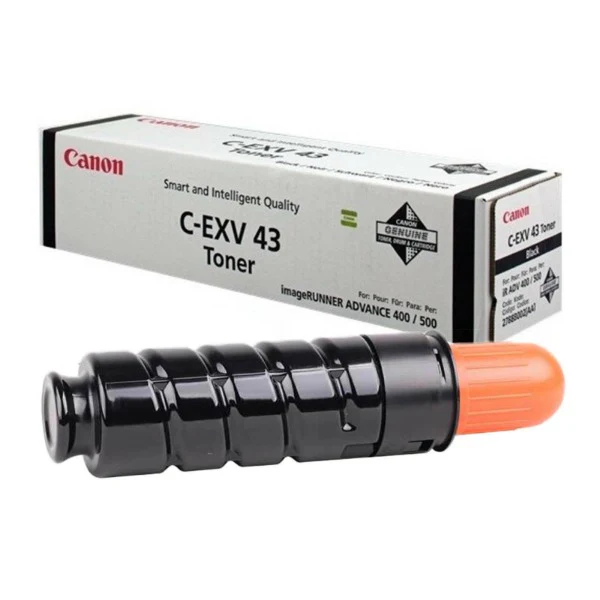
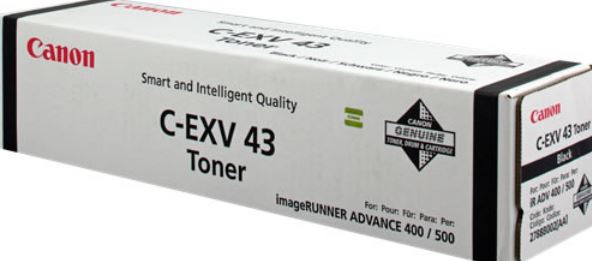
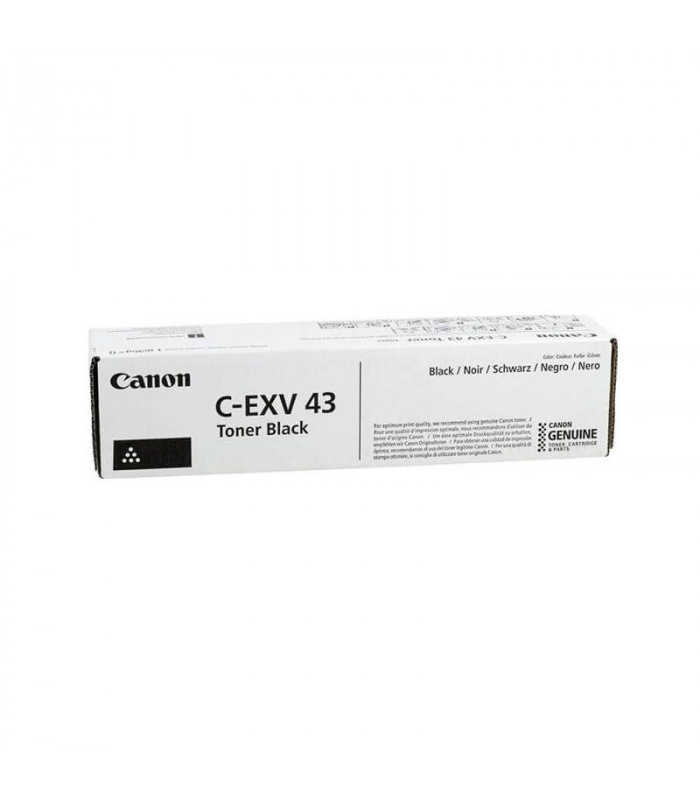
Canon C-EXV43 Black Toner Cartridge
The Canon C-EXV43 Black Toner Cartridge is a premium-quality consumable designed to deliver reliable and consistent performance in Canon multifunctional devices. It ensures sharp, clear prints with high page yields, making it suitable for professional and office environments where efficiency and print quality are critical.
Key Features
- Superior Print Quality:
- Produces crisp, sharp black text and high-definition graphics, ensuring professional-grade output.
- High Page Yield:
- Offers a yield of approximately 56,000 pages (based on 5% page coverage), reducing the need for frequent replacements.
- Optimized Compatibility:
- Specifically designed for seamless integration with Canon devices, ensuring reliable performance.
- Durable and Reliable:
- Engineered to handle high-volume printing tasks with consistent output quality.
- Environmentally Friendly:
- Compatible with Canon’s recycling initiatives, supporting eco-conscious printing practices.
Specifications: Canon C-EXV43 Black Toner Cartridge
- Model: Canon C-EXV43 Black
- Color: Black
- Page Yield: Approximately 56,000 pages (at 5% coverage)
- Compatibility:
- Compatible with Canon imageRUNNER ADVANCE series, including:
- iR ADV C3320 / C3325 / C3330
- Compatible with Canon imageRUNNER ADVANCE series, including:
Benefits: Canon C-EXV43 Black Toner Cartridge
- Cost-Effective Printing:
- High page yield minimizes operational costs and maximizes productivity.
- Consistent Output:
- Maintains high-quality prints from start to finish, ensuring reliability for business-critical documents.
- Easy Replacement:
- User-friendly design allows for quick and straightforward cartridge replacement.
- Professional Results:
- Ideal for reports, contracts, and marketing materials requiring excellent print clarity and definition.
- Eco-Conscious Disposal:
- Supports recycling programs, helping reduce environmental impact.
Installation Guide: Canon C-EXV43 Black Toner Cartridge
- Turn Off the Printer:
- Power down the printer and allow it to cool if recently used.
- Locate the Toner Compartment:
- Open the printer’s toner compartment following the manufacturer’s instructions.
- Remove the Old Cartridge:
- Gently pull out the empty toner cartridge and dispose of it responsibly.
- Unpack the New Cartridge:
- Remove the new cartridge from its packaging, gently shake it to distribute the toner evenly, and remove any protective seals or caps.
- Insert the New Cartridge:
- Align the cartridge with the slot and push it firmly into place until it clicks.
- Close the Compartment and Power On the Printer:
- Restart the printer and perform a test print to verify proper installation.


There are no reviews yet.