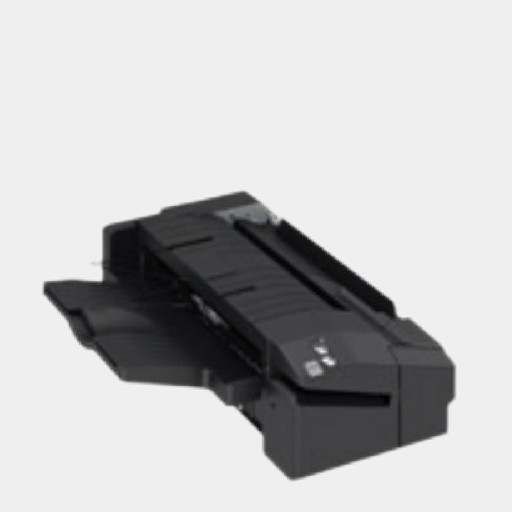
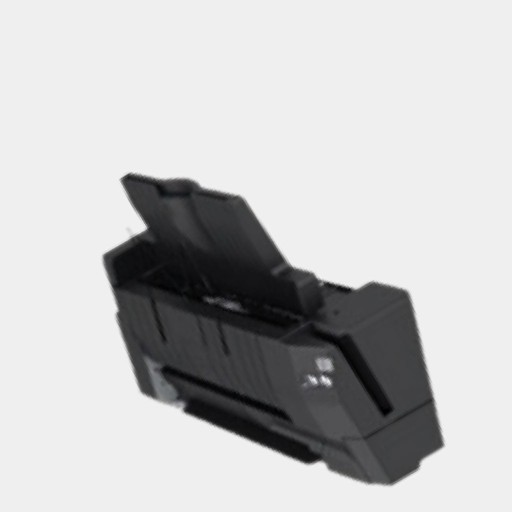
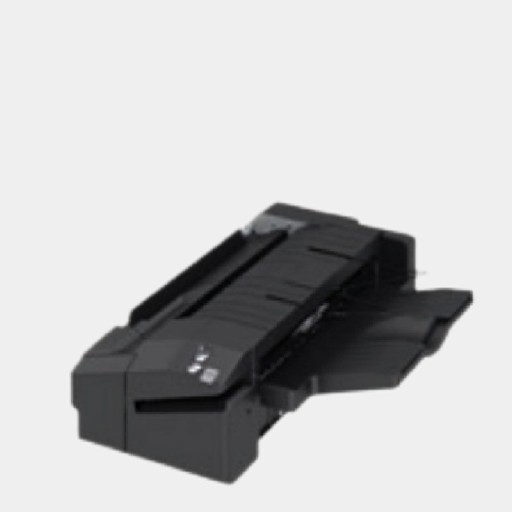
The Canon Inner Finisher K1 is an optional accessory designed for Canon multifunction printers and copiers to enhance their document handling capabilities. It provides advanced finishing features such as stapling and stacking, streamlining office workflows and improving productivity.
Key Features
Stapling Capability:
Offers corner and double-stapling options to meet different document presentation needs.
Stacking Functionality:
Can stack large volumes of printed documents, keeping them organized and ready for use.
Compact Design:
Designed to integrate seamlessly within the printer’s frame, saving space without compromising functionality.
Compatibility:
Compatible with specific Canon printer models, typically those in the imageRUNNER or imagePRESS series.
Ease of Use:
Simple to install and operate, with user-friendly controls accessible through the printer interface.
Reliability:
Built to handle high-volume workflows without frequent maintenance.
Specifications Canon Inner Finisher K1
Stapling Capacity:
Typically handles up to 50 sheets per set (depending on paper weight).
Stacking Capacity:
Up to 500 sheets (varies by model).
Supported Paper Sizes:
A4, Letter, Legal, and other standard sizes.
Paper Weight Range:
Supports a range of paper weights, often from 60 gsm to 220 gsm.
Installation Location:
Mounts internally within the designated space of the compatible printer.
Benefits Canon Inner Finisher K1
Improved Productivity:
Automates repetitive tasks like stapling and stacking, freeing up staff for other responsibilities.
Professional Finishing:
Ensures documents are neatly stapled and stacked, enhancing presentation quality.
Space-Efficient:
Internal mounting keeps the workspace uncluttered, ideal for smaller offices.
Time-Saving:
Eliminates manual collation and stapling, significantly reducing document preparation time.
Enhanced Workflow:
Enables seamless multitasking with consistent and reliable finishing.
How to Install Canon Inner Finisher K1
Check Compatibility:
Ensure the Canon Inner Finisher K1 is compatible with your printer model.
Turn Off the Printer:
Power down the device and unplug it for safety.
Remove the Printer Panel:
Open the designated compartment or remove the access panel as instructed in the printer’s manual.
Position the Finisher:
Align the Inner Finisher K1 with the mounting points inside the printer.
Secure the Finisher:
Attach the finisher using the provided screws or locking mechanisms.
Connect Cables:
Attach any required cables or connectors to enable communication between the printer and the finisher.
Power On and Test:
Turn the printer back on and run a test print to ensure the finisher is functioning correctly.




There are no reviews yet.