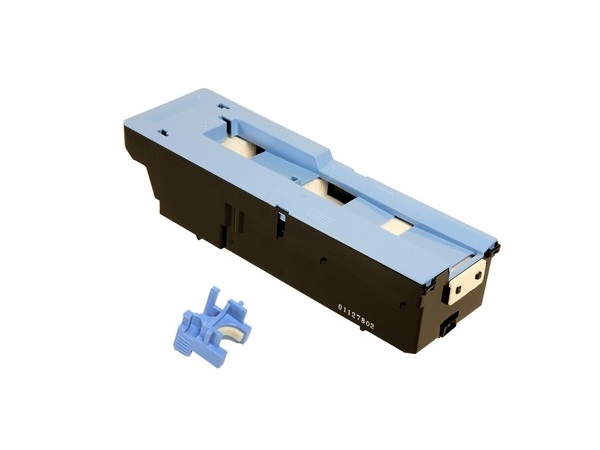
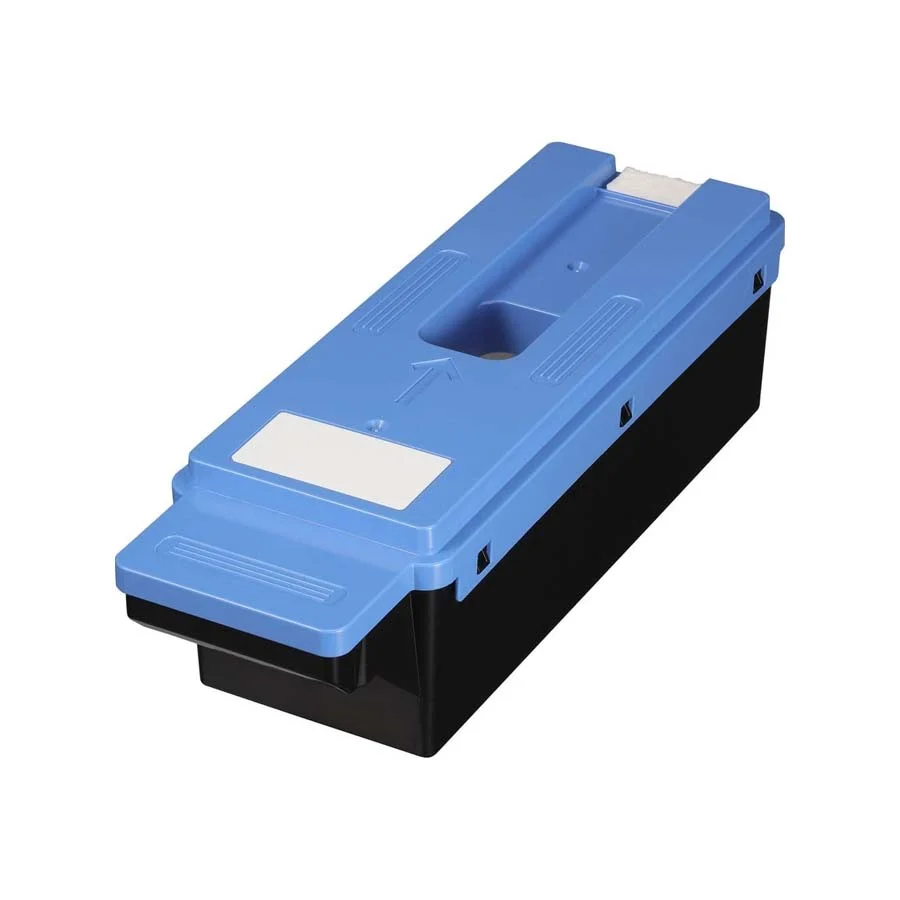
The Canon Maintenance Kit MC-08 is a consumable component designed to ensure the smooth operation and longevity of Canon printers. This kit typically includes parts that assist in collecting excess toner and maintaining optimal print quality by supporting the printer’s cleaning and maintenance processes.
Key Features:
Toner Waste Collection:
Collects excess toner generated during the printing process to prevent clogs or damage to the printer.
Optimized Performance:
Helps maintain consistent print quality by reducing the risk of smudges, streaks, or faded prints.
Compatibility:
Specifically designed for certain Canon printer models, ensuring seamless integration.
User-Replaceable:
Easy to install and replace without the need for professional assistance.
Durability:
Built to handle high-volume printing environments.
Specifications: Canon Maintenance Kit MC-08
Component Type: Maintenance kit (primarily for waste toner collection and related functions).
Compatible Models: Check Canon’s official documentation for the list of supported printers.
Yield Capacity: Varies based on the printer model and print volume, typically designed to last for thousands of prints.
Material: High-quality, durable materials to withstand wear and tear from frequent use.
Benefits: Canon Maintenance Kit MC-08
Enhanced Printer Lifespan:
Regular replacement helps prevent internal damage, extending the life of the printer.
Improved Print Quality:
Keeps internal components clean, ensuring sharp and vibrant prints.
Ease of Maintenance:
Simplifies printer upkeep by efficiently collecting and managing toner waste.
Cost Efficiency:
Reduces the likelihood of expensive repairs or parts replacement by keeping the printer in optimal condition.
How to Install the Canon MC-08 Maintenance Kit:
Turn Off the Printer:
Power down the printer and unplug it for safety.
Access the Maintenance Area:
Open the printer’s front or side panel, following the instructions in the printer manual.
Locate the Old Maintenance Kit:
Identify and carefully remove the used MC-08 kit.
Install the New Kit:
Align the new maintenance kit and insert it into the designated slot.
Close the Printer Panel:
Securely close all panels and ensure proper alignment.
Reset Maintenance Counter (If Applicable):
Follow the printer’s menu or manual to reset the maintenance counter to track the new kit’s usage.
Test the Printer:
Turn the printer back on and run a test print to ensure proper installation.





There are no reviews yet.