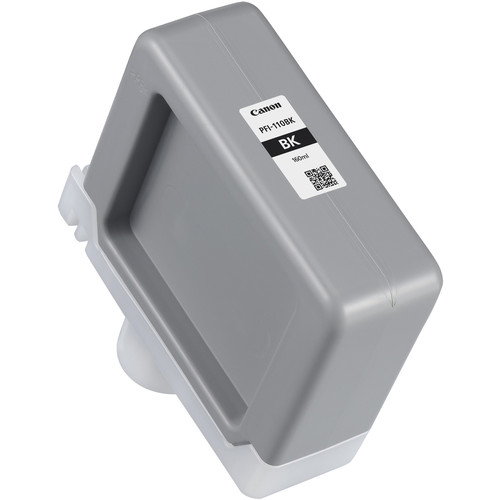
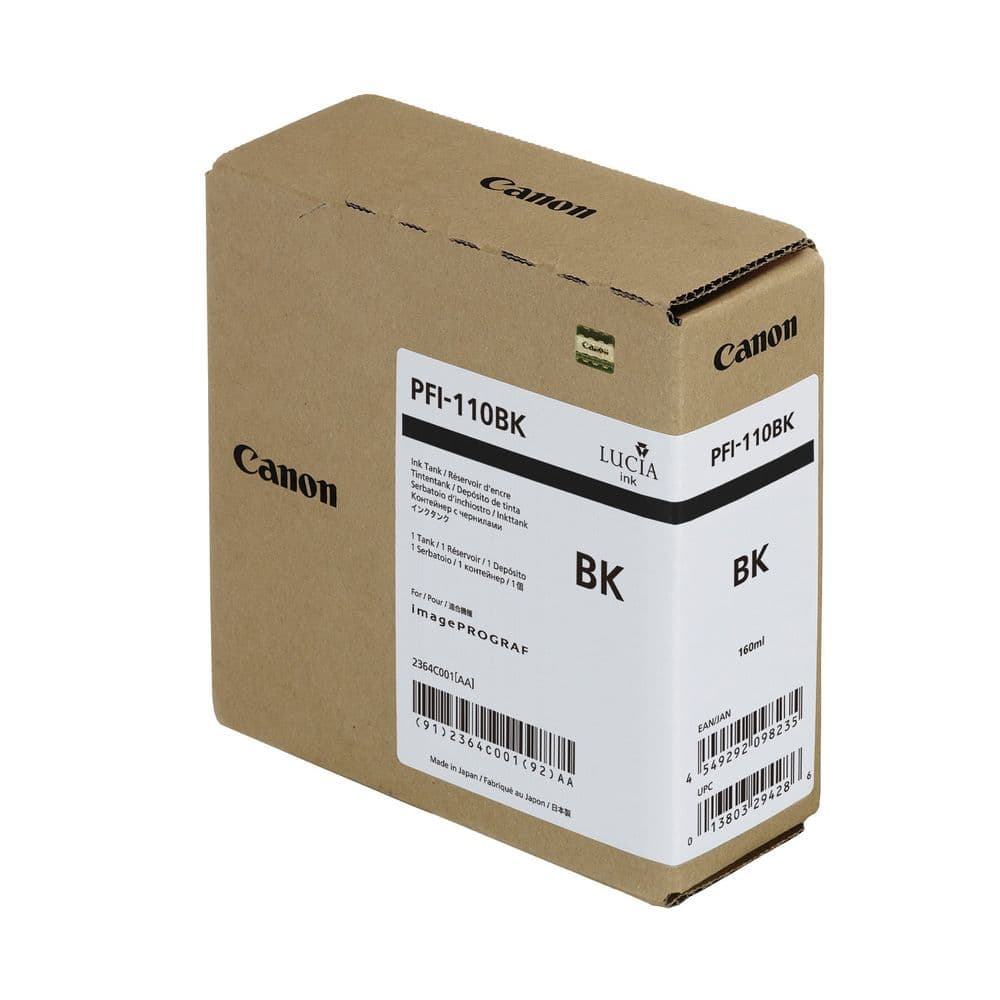
The Canon PFI-110 Black Ink Tank is a high-performance pigment-based ink designed for Canon’s large-format printers. It delivers rich and consistent black tones, making it ideal for professional prints, including text documents, architectural plans, and graphic designs. Its advanced ink formulation ensures durability and superior color precision.
Key Features:
Rich Black Output:
Produces deep, crisp black tones for high-quality text and graphics.
Durable Pigment Ink:
Offers excellent resistance to fading and water damage.
Large Ink Capacity:
160 ml tank supports long print runs without frequent replacement.
Perfect Printer Compatibility:
Designed to work seamlessly with Canon imagePROGRAF printers.
Environmentally Friendly:
Recyclable materials align with sustainable printing practices.
Specifications: Canon PFI-110 Black Ink Tank
Color: Black (BK)
Ink Type: Pigment-based
Capacity:160 ml
Weight: Approximately 0.4–0.5 kg (including packaging).
Compatible Printers:
Canon imagePROGRAF TM-200
Canon imagePROGRAF TM-300
Canon imagePROGRAF TM-305
Canon imagePROGRAF TA-20
Canon imagePROGRAF TA-30
Technology: Canon advanced pigment technology for sharp and vivid results.
Benefits: Canon PFI-110 Black Ink Tank
Superior Print Quality:
Delivers sharp and precise black output, perfect for professional applications.
Long-Lasting Results:
Resistant to smudging, fading, and water exposure.
Reduced Costs:
High-capacity ink tank reduces downtime and operational expenses.
Reliable Performance:
Optimized for Canon’s imagePROGRAF series to ensure error-free printing.




There are no reviews yet.