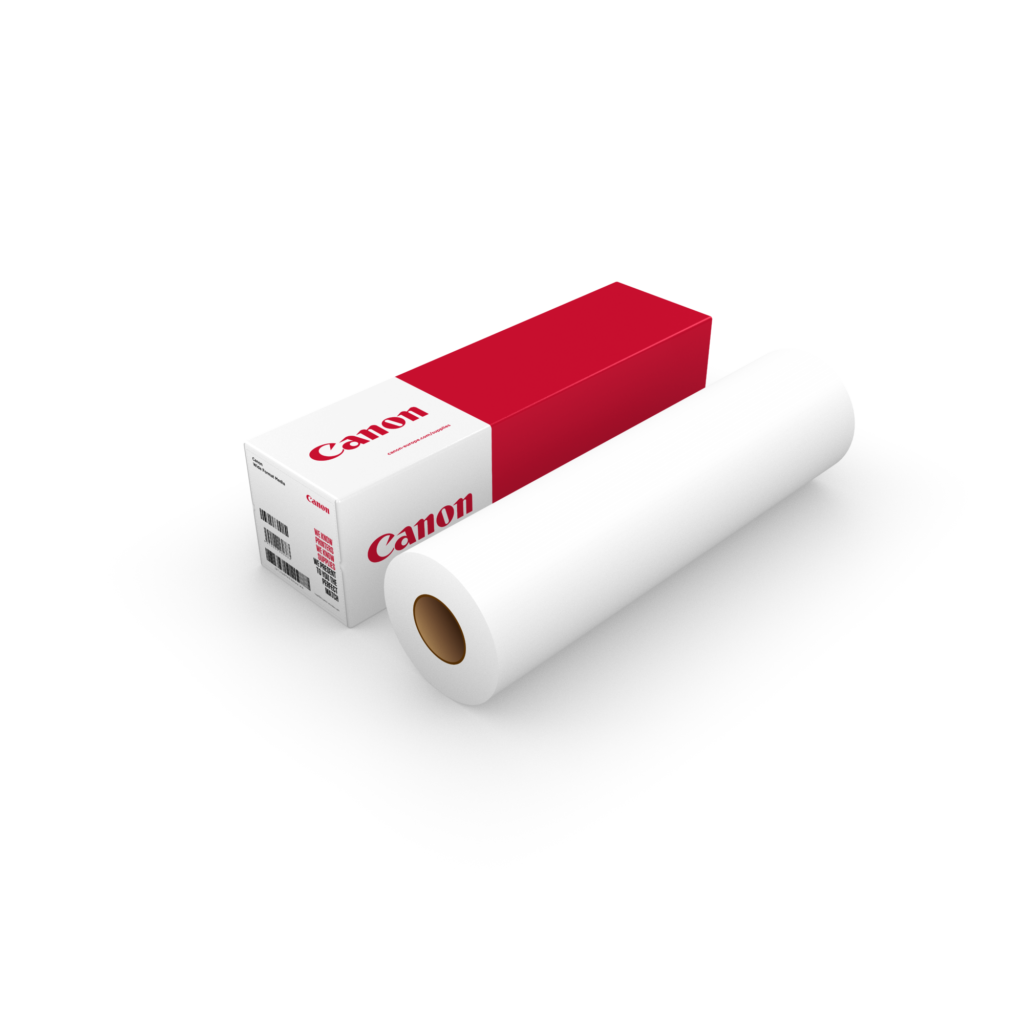
CANON PHOTO PAPER PRO PLATINUM 300 – 24 INCH
The CANON PHOTO PAPER PRO PLATINUM 300 – 24 INCH 300 is a premium-grade photo paper designed for professional-quality prints. It features a smooth, glossy finish that delivers vibrant colors, deep blacks, and exceptional details, making it ideal for photography and art reproduction.

Key Features
- Professional Glossy Finish:
- Offers a rich, mirror-like gloss that enhances color vibrancy and detail sharpness.
- High-Quality Base:
- With a weight of 300 gsm, the paper has a robust, professional feel.
- Wide Compatibility:
- Works seamlessly with Canon professional inkjet printers, including models in the PIXMA PRO and imagePROGRAF series.
- Durable and Long-Lasting:
- Designed to resist fading and maintain color fidelity over time.
- Large Format Roll:
- 36-inch width makes it ideal for large-format printing applications such as gallery prints, posters, and fine art reproductions.
Specifications: CANON PHOTO PAPER PRO PLATINUM 300 – 24 INCH
- Finish: High Gloss
- Weight: 300 gsm
- Thickness: 11.8 mil (0.3 mm)
- Size: 36 inches (width) x 100 feet (length)
- Brightness: High white point for vibrant colors
- Compatibility: Canon PIXMA PRO, imagePROGRAF series, and other large-format inkjet printers
- Dry Time: Instant dry for easy handling after printing
Benefits: CANON PHOTO PAPER PRO PLATINUM 300 – 24 INCH
- Exceptional Image Quality: Produces vivid, detailed prints suitable for exhibitions and professional presentations.
- Durable Prints: Resists fading and smudging, ensuring longevity for archival purposes.
- Versatile Applications: Suitable for professional photography, fine art prints, and large-format display materials.
- Large Size: Accommodates wide-format printing for banners, panoramas, and other oversized media.
- Eco-Friendly: FSC-certified materials promote sustainable production practices.
How to Use CANON PHOTO PAPER PRO PLATINUM 300 – 24 INCH
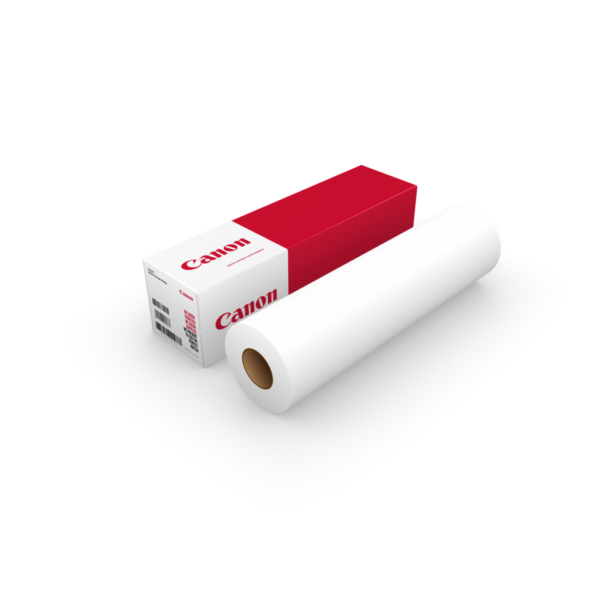
- Load the Paper:
- Insert the 24-inch roll into the designated roll holder of your compatible printer, ensuring proper alignment.
- Adjust Printer Settings:
- Select “Canon Pro Platinum 300” as the media type in your printer settings for optimal output.
- Configure the desired print resolution and size.
- Print Your Content:
- Use high-resolution images to achieve the best quality results.
- Allow the prints to dry instantly for safe handling.
- Cut to Desired Size:
- Trim the paper roll to the required dimensions using a paper cutter or trimmer.


There are no reviews yet.