

-4%

canon, Canon Accessories, Canon Catridge, Canon Ink & Toner
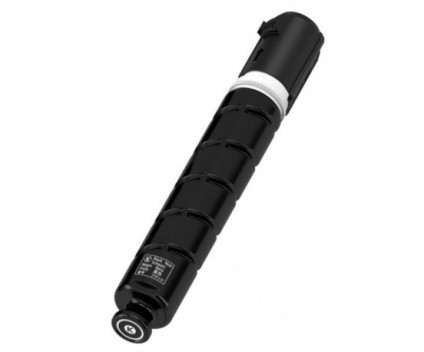
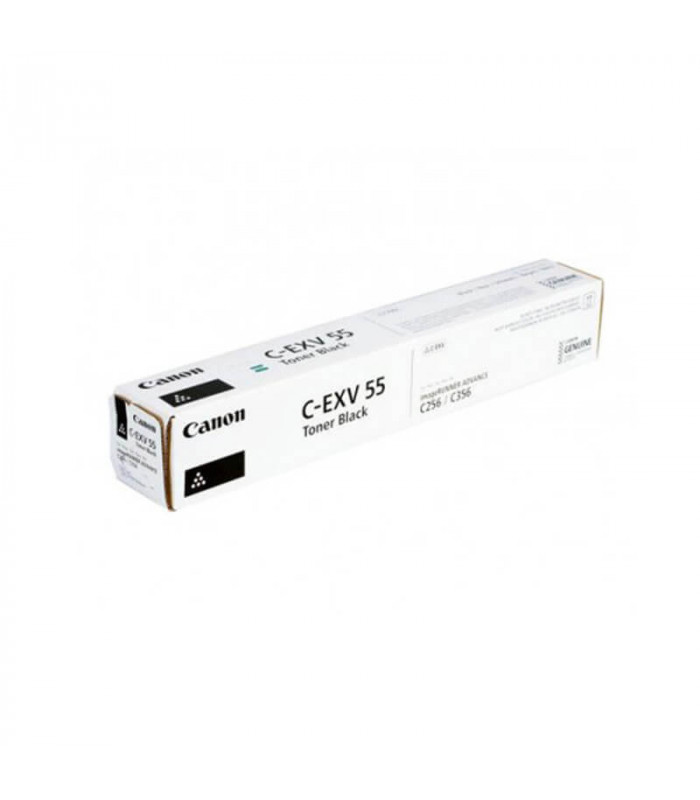
Canon Toner C-EXV 55 Black | Reliable and High-Yield Printing
USD
$59.59 $62.00
Canon Toner C-EXV 55 Black
The Canon Toner C-EXV 55 Black is a high-performance toner cartridge designed for consistent, sharp, and professional-quality prints. It is an excellent choice for businesses and organizations requiring reliable and efficient monochrome printing for documents, reports, and other essential materials.
Key Features:
- High Yield Performance:
- Offers a large page yield, ideal for high-volume printing environments.
- Superior Print Quality:
- Produces crisp, clear text and graphics with excellent black density.
- Easy Maintenance:
- Simple installation and replacement process minimize printer downtime.
- Eco-Friendly Recycling:
- Supports Canon’s recycling program for sustainable and responsible use.
- Optimal Compatibility:
- Specifically designed for Canon multifunction and laser printers to ensure seamless operation.
Specifications Canon Toner C-EXV 55 Black
- Color: Black
- Print Yield: Approximately 42,100 pages (based on 5% coverage on A4/letter-sized paper).
- Weight: Approximately 2.5–3.0 kg (including packaging).
- Compatible Devices:
- Canon imageRUNNER ADVANCE DX C3720i
- Canon imageRUNNER ADVANCE DX C3725i
- Canon imageRUNNER ADVANCE DX C3730i
- Other models in the Canon imageRUNNER series (refer to printer documentation for the full list).
- Technology: Laser printing with precision toner formulation.
Benefits: Canon Toner C-EXV 55 Black
- Consistent Performance:
- Delivers reliable, high-quality prints from the first to the last page.
- Cost-Effective Solution:
- High yield reduces frequent replacements, lowering overall printing costs.
- Professional-Grade Output:
- Ensures bold and sharp black prints, perfect for business documents.
- Eco-Conscious Design:
- Recyclable toner cartridge supports environmentally friendly practices.
- Trusted Compatibility:
- Engineered for Canon printers, guaranteeing hassle-free use and reduced maintenance.
How to Install Canon Toner C-EXV 55 Black
- Prepare the Printer:
- Turn off and unplug the printer to ensure safety.
- Access the Toner Compartment:
- Open the toner access panel following the instructions in your printer’s manual.
- Remove the Empty Cartridge:
- Gently pull out the used toner cartridge.
- Unpack the New Cartridge:
- Remove the new C-EXV 55 cartridge from its packaging and shake it gently to distribute the toner evenly.
- Insert the New Cartridge:
- Align it with the toner slot and push it in until it clicks into place.
- Close the Panel:
- Securely close the toner compartment.
- Test the Installation:
- Power on the printer and run a test print to ensure proper installation.
| Weight | 3 kg |
|---|
Based on 0 reviews
Be the first to review “Canon Toner C-EXV 55 Black | Reliable and High-Yield Printing”
Related products
-
canon, Canon Printers, Inkjet, Inkjet Printer, Printers
Canon PIXMA G3430 All-in-One Multi-function Printer
-22% canon, Canon Printers, Inkjet, Inkjet Printer, Printers
Canon PIXMA G3430 All-in-One Multi-function Printer
- High quality printing
- Print, scan and copy with a single device
- Large-capacity rear tray for volume printing
- Connect wirelessly to your computer or smart device
- Mac, Windows and Chrome
SKU: n/a


There are no reviews yet.