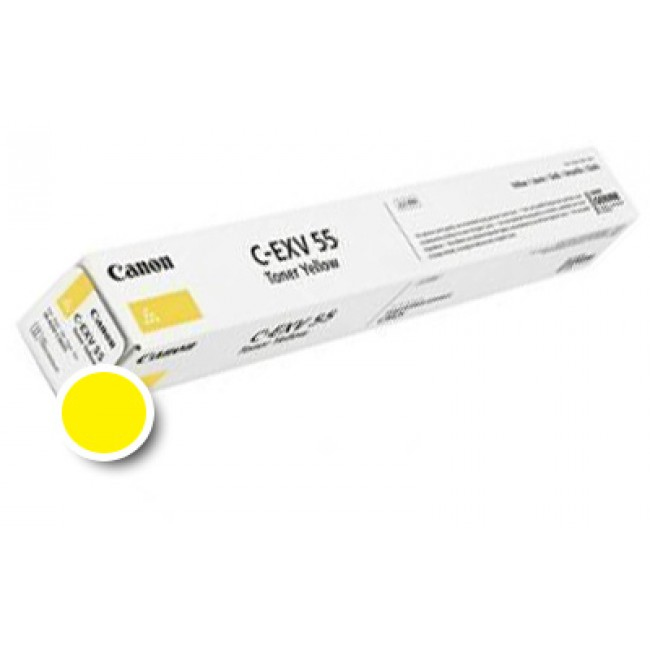
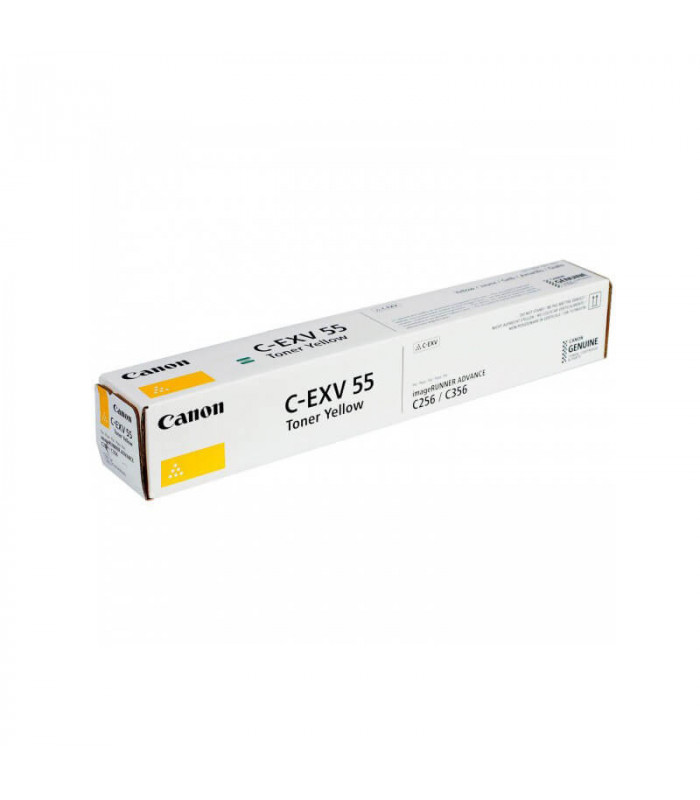
The Canon Toner C-EXV 55 Yellow is a premium-quality toner cartridge designed to deliver vibrant and accurate yellow tones for high-quality color printing. It is ideal for professional documents, marketing materials, and detailed graphics, ensuring consistent and reliable performance in Canon imageRUNNER multifunction devices.
Key Features:
Vibrant Color Performance:
Produces vivid, rich yellow tones for stunning color prints.
High Yield Capacity:
Capable of producing a large number of pages, reducing replacement frequency.
Eco-Friendly Design:
Fully recyclable as part of Canon’s sustainability initiatives.
Precision Compatibility:
Designed specifically for Canon devices, ensuring flawless integration.
Easy Installation:
Simple and user-friendly replacement process minimizes downtime.
Specifications Canon Toner C-EXV 55 Yellow
Color: Yellow
Print Yield: Approximately 19,000 pages (based on 5% coverage on A4/letter-sized paper).
Weight: Approximately 2.5–3.0 kg (including packaging).
Compatible Devices:
Canon imageRUNNER ADVANCE DX C3720i
Canon imageRUNNER ADVANCE DX C3725i
Canon imageRUNNER ADVANCE DX C3730i
Other Canon imageRUNNER series devices (refer to your printer’s manual for a full list).
Technology: Laser printing with advanced toner formulation for vivid and durable color output.
Benefits: Canon Toner C-EXV 55 Yellow
Professional Print Quality:
Delivers sharp and vibrant yellow tones for high-quality marketing and presentation materials.
Cost-Effective Solution:
High yield reduces operational costs and the need for frequent replacements.
Consistent and Reliable:
Ensures smooth and uninterrupted performance, print after print.
Environmentally Conscious:
Part of Canon’s toner recycling program, supporting sustainable practices.
Hassle-Free Compatibility:
Specifically engineered for Canon devices, ensuring optimal performance and ease of use.
How to Install Canon Toner C-EXV 55 Yellow
Turn Off the Printer:
Switch off and unplug the printer to ensure safety during the installation process.
Access the Toner Compartment:
Open the designated panel to access the toner cartridges, following your printer’s user guide.
Remove the Old Cartridge:
Carefully release and pull out the used C-EXV 55 Yellow cartridge.
Unpack the New Cartridge:
Remove the new toner cartridge from its packaging, peel off the protective seals, and gently shake it to distribute the toner evenly.
Insert the New Cartridge:
Align the cartridge with the yellow slot and push it in until it clicks securely into place.
Close the Toner Compartment:
Ensure the panel is securely closed before proceeding.
Test the Printer:
Power on the printer and run a test print to confirm proper installation.




There are no reviews yet.