Pigment-based Ink: The PFI-1000 PC uses a pigment-based ink formula, which ensures long-lasting, smudge-resistant prints. This makes it ideal for professional photographers and artists who need their prints to last and retain their vibrant colors over time.
Photo Quality Printing: This cartridge provides optimal color quality, particularly for images that require a delicate balance of blues, greens, and light cyan hues. It enhances the overall tonal range in photo prints.
Durability: The pigment ink formulation resists fading, UV exposure, and water damage. This is especially important for archival-quality prints that need to maintain their integrity over time.
High-Quality Output: Ensures smooth gradients, fine details, and superior color depth, which is essential for high-end photo printing.
Easy Installation: Designed for easy and straightforward installation into compatible Canon printers. The ink cartridge is plug-and-play, with no need for special maintenance or configuration after installation.
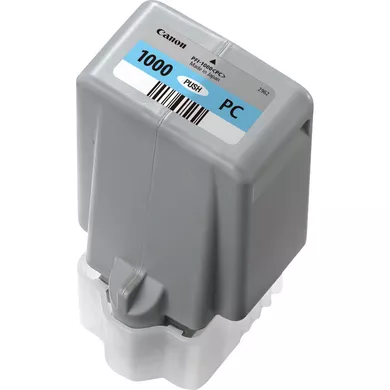
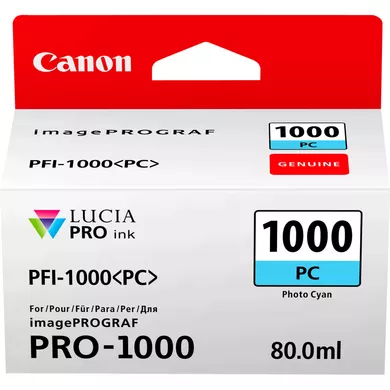
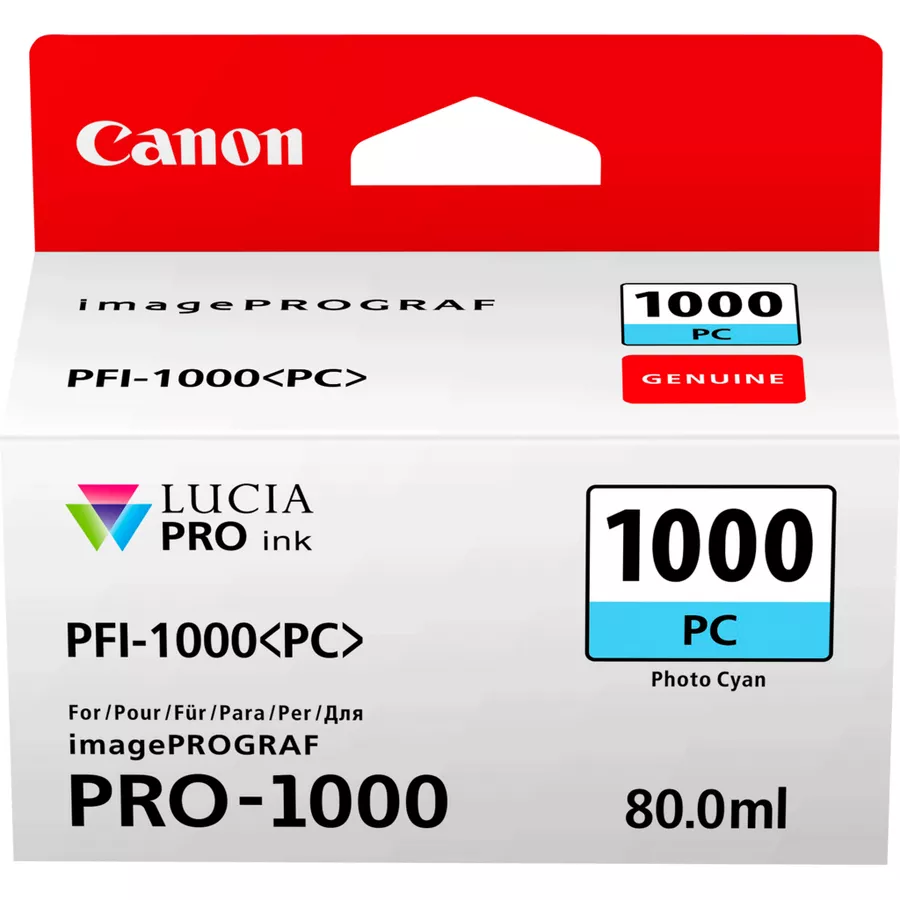
Specifications of INK CARTRIDGE CANON PFI-1000 PC
Ink Type: Pigment-based ink
Color: Photo Cyan
Cartridge Capacity: 80 ml
Ink Formulation: Pigment ink, which provides enhanced durability and resistance to fading.
Ink Use: Designed specifically for high-end photo printing, providing accurate color reproduction, especially for cyan tones, in professional photography, fine art printing, and large-format prints.
Benefits:
Long-lasting Prints: Due to its pigment-based formulation, prints made with the PFI-1000 Photo Cyan ink are more resistant to fading and environmental damage, providing longevity to professional prints.
Vivid and Accurate Colors: The Photo Cyan ink produces smooth color transitions and an accurate reproduction of cyan shades, ensuring your prints match the original image’s colors.
Water and Smudge Resistance: Unlike dye-based inks, pigment inks are more resistant to water and smudging, which is crucial for ensuring the quality of prints that may be exposed to moisture or handled frequently.
Archival-Quality Prints: Ideal for photographers, fine art printing, and other professional print services, where durability and color precision are key.
Ideal for Large-Format Prints: The 80 ml capacity of the PFI-1000 cartridge is well-suited for large-format, high-quality photo prints, reducing the frequency of cartridge changes and providing more prints per cartridge.
How to Install the Canon PFI-1000 Photo Cyan Ink Cartridge:
Prepare the Cartridge:
Unbox the new Canon PFI-1000 PC (Photo Cyan) ink cartridge carefully. Remove any protective seals or tape from the cartridge.
Turn on the Printer:
Ensure the printer is powered on and that the printer’s ink compartment is accessible. If the compartment is not open, use the printer’s control panel to open it.
Open the Ink Compartment:
Open the printer’s ink compartment. On Canon imagePROGRAF printers, this is typically located at the front or side of the printer.
Remove the Old Ink Cartridge (if replacing):
If you are replacing an existing ink cartridge, gently press the release button or lever near the cartridge slot to eject it.
Remove the old cartridge carefully.
Install the New Ink Cartridge:
Take the Canon PFI-1000 PC (Photo Cyan) cartridge and align it with the corresponding slot, typically marked or color-coded for Photo Cyan.
Insert the cartridge into the slot until it clicks into place. Ensure that the cartridge is securely seated.
Close the Ink Compartment:
After the cartridge is properly installed, close the ink compartment cover.
Prime and Initialize the Cartridge:
The printer will likely prompt you to confirm the new ink installation. Follow any on-screen instructions.
The printer will likely perform an automatic priming process to ensure the ink flows correctly into the printhead.
Run a Test Print:
After installation, run a test print or calibration to ensure that the ink cartridge is working properly and the printer is correctly recognizing the new ink.






There are no reviews yet.