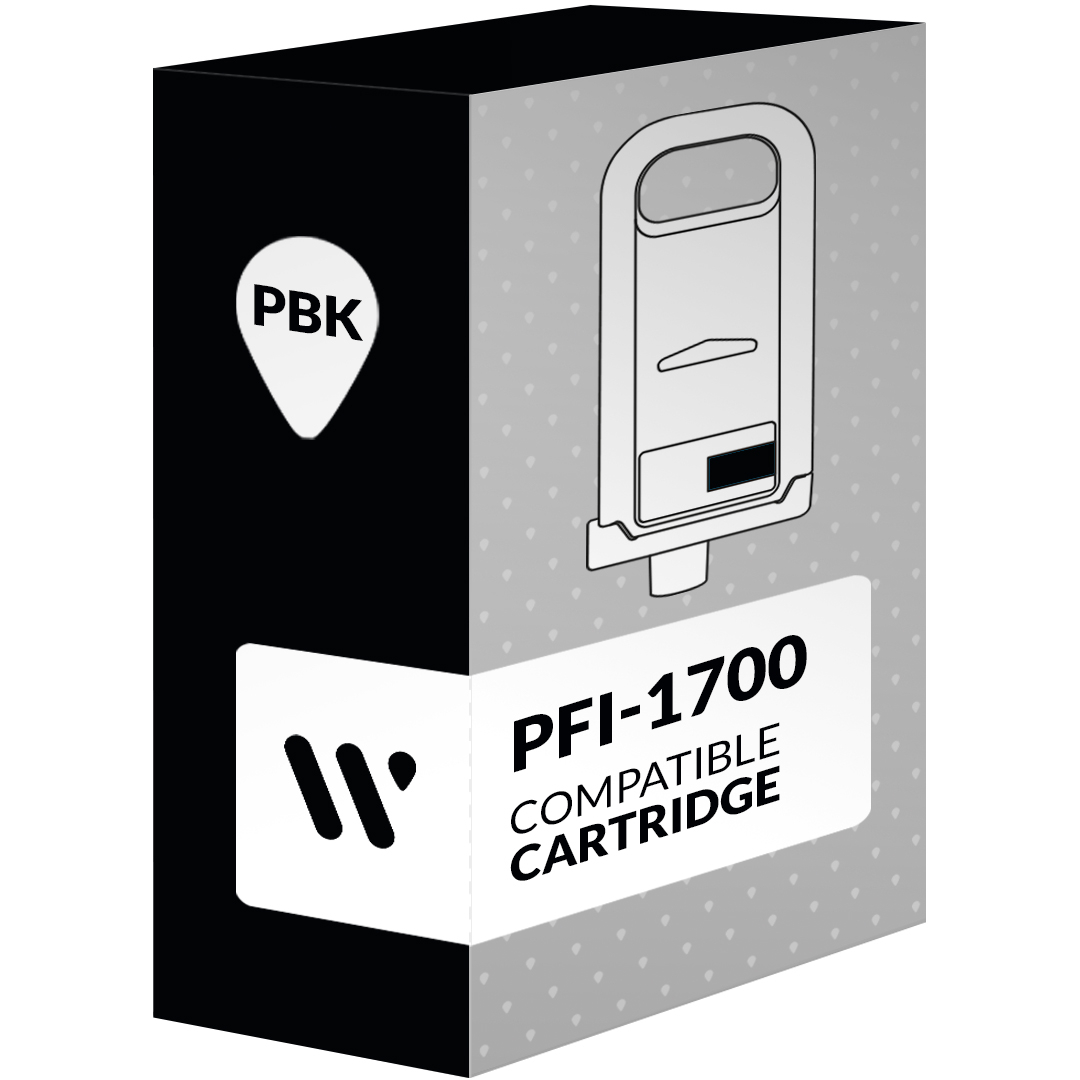
The Canon PFI-1700 Photo Black Toner is a high-capacity ink cartridge designed for Canon’s imagePROGRAF PRO series large-format printers. Ittilizes Canon’s LUCIA PRO ink technology to deliver exceptional print quality with deep blacks, rich colors, and fine detail.
Key Features and Specifications: Canon PFI-1700 Photo Black Toner
Ink Type: Pigment-based LUCIA PRO ink
Capacity: 700ml
Color: Photo Black
Compatible Printers: Canon imagePROGRAF PRO-2000, PRO-2100, PRO-4000, and PRO-4100
Superior Print Quality:The PFI-1700 Photo Black ink produces deep, rich blacks and sharp details, resulting in stunning photo prints and fine art reproductions.
Long-Lasting Prints: Pigment-based inks are known for their excellent lightfastness and water resistance, ensuring your prints will last for years.
High Capacity:The 700ml capacity allows for a large number of prints without frequent ink changes, saving you time and money.
Easy Installation: The PFI-1700 ink tank is designed for easy installation and removal.
How to Install Canon PFI-1700 Photo Black Toner
Turn off the printer: Make sure your printer is powered off.
Open the ink tank cover: Locate the ink tank cover on the front of the printer and open it.
Remove the old ink tank: Carefully remove the empty Photo Black ink tank from the printer.
Insert the new ink tank: Take the new PFI-1700 Photo Black ink tank and insert it into the designated slot.
Close the ink tank cover: Gently close the ink tank cover.
Turn on the printer: Power on your printer and wait for it to initialize the new ink tank.
Additional Tips:
Always use genuine Canon ink cartridges to ensure optimal print quality and printer performance.
Store ink cartridges in a cool, dry place to prevent ink degradation.
Clean the printheads regularly to maintain print quality and prevent clogging.
By following these instructions and using genuine Canon PFI-1700 Photo Black ink, you can achieve professional-quality prints with your Canon imagePROGRAF PRO series printer.






There are no reviews yet.